Soooo, with all the discussions here about cockpits and rigs and so on, it got me thinking. 'How cool would it be if I could set my Galaxy S3 up as a touchbuddy screen and then I could use that instead of my switchbox. And guess what? After some googling and a lot of trial and error I've got it working! Now all I need to do it figure out how to build a profile for it - SNACKO!!! HELP!!!!
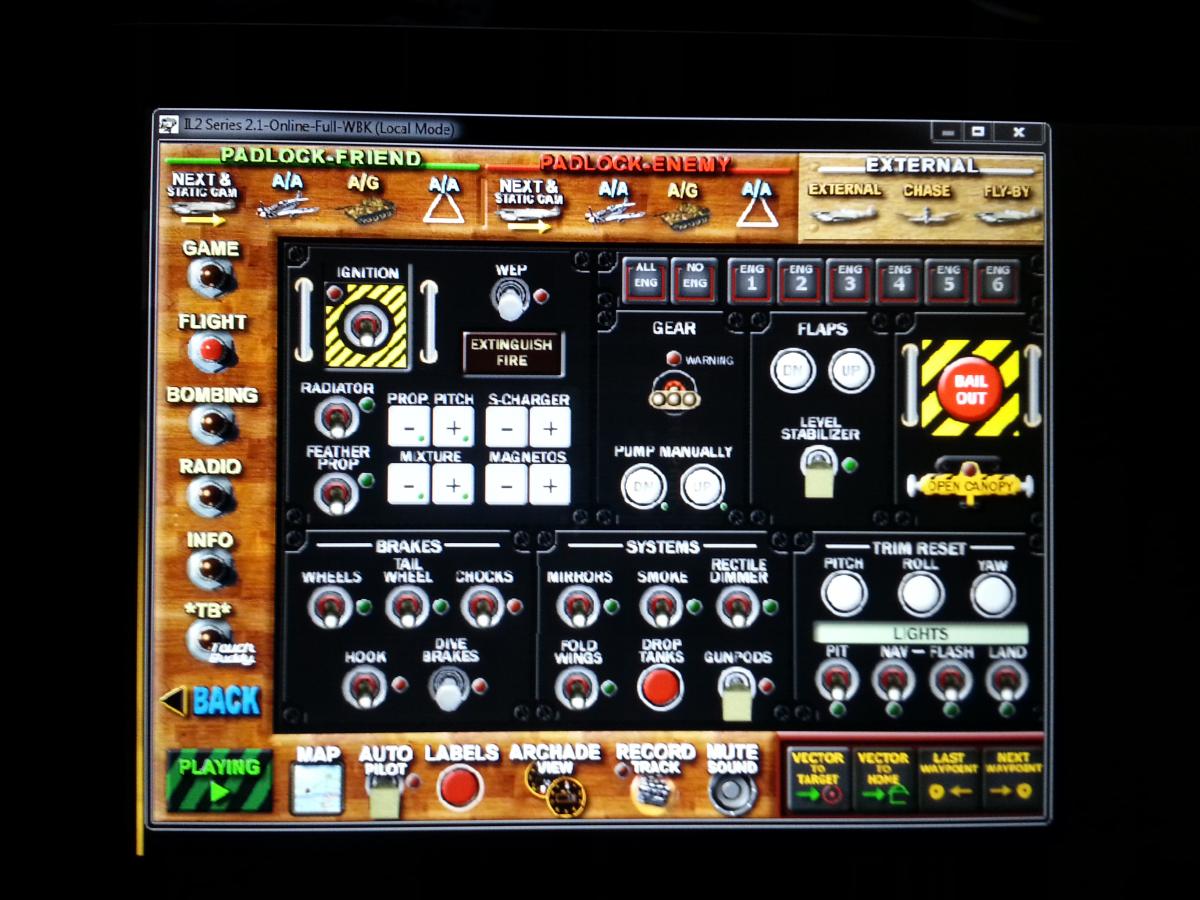
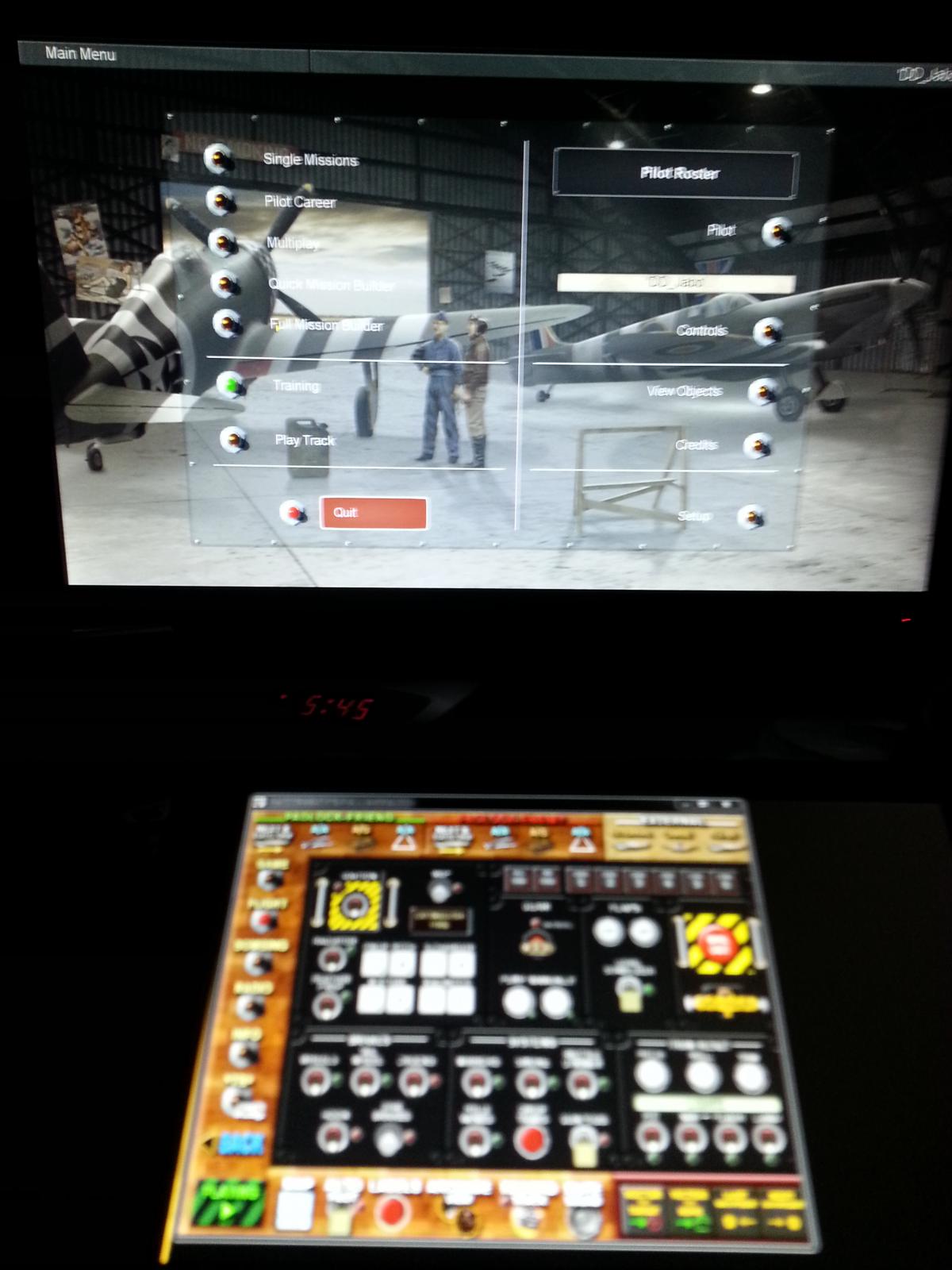
Simples really Gec, all I did was to install VNC on my desktop and a free VNC app on the Galaxy (all password protected) and then shared my second monitor output with the Galaxy with Touchbuddy running in a window on that second monitor. Then just enable mouse control on the Galaxy (via VNC) and hey presto! the Galaxy touchscreen allows me to click on buttons on the touchbuddy application! It's all pretty slick but so far I don't have any buttons mapped to IL-2 - That's the next step.
The only downside is that my second monitor cannot be used for anything else while running TB but it's no real problem.
I'm thinking that this may be the answer to my switchbox problems on RoF and BoS but I'll keep you posted
I'm also considering a cheap android tablet so I get a bigger screen and it frees up my phone at the same time.
B-52 Electronic Warfare Officer (EWO) veteran Jack Donovan’s natural response, when he was introduced to the tactics and mission details. His exact reply was: “you want me to fly in the back of a little tiny fighter aircraft with a crazy fighter pilot who thinks he’s invincible, home in on a SAM site in North Vietnam, and shoot it before it shoots me, you gotta be shitting me!
I think you are the very first DD to ever really try TB! Very strange to me.. But I just guessed with these old props they didn't need help with the switches..
What questions do you have Nick? Your touchscreen is small, so how many buttons do you want to make? Should be pretty easy.
@ Snacko - Well, I think the main question is 'how' as in how do I do this? I've got an idea that I want something that looks like an annunciator panel, but rather than just being warning lights they're actually toggle buttons. and on a screen this size probably a grid 5 x 3 would give a sensible button size.
B-52 Electronic Warfare Officer (EWO) veteran Jack Donovan’s natural response, when he was introduced to the tactics and mission details. His exact reply was: “you want me to fly in the back of a little tiny fighter aircraft with a crazy fighter pilot who thinks he’s invincible, home in on a SAM site in North Vietnam, and shoot it before it shoots me, you gotta be shitting me!
I used to have 2 videos on Google Video showing how to make a simple profile. But they are gone. Probably lost when Google merged with Youtube?
I can get online with you anytime and show you how to make a simple profile with TB Toolkit. It just consists of setting the window size, adding a background graphic, and dragging and dropping button images onto the listbox. Then you drag them to the screen and edit the button, give it the macro to send the keystrokes. Save it and test it with Notepad or the game.
Slight change of plan required. As of last night I will be using a Galaxy Tab 3 (bought cheap on ebay lol) so will be able to have a bigger screen - same principle applies though. Using the TB toolkit, I have set up a suitable size window and added a background graphic. Now for the buttons and the macros.







 1



