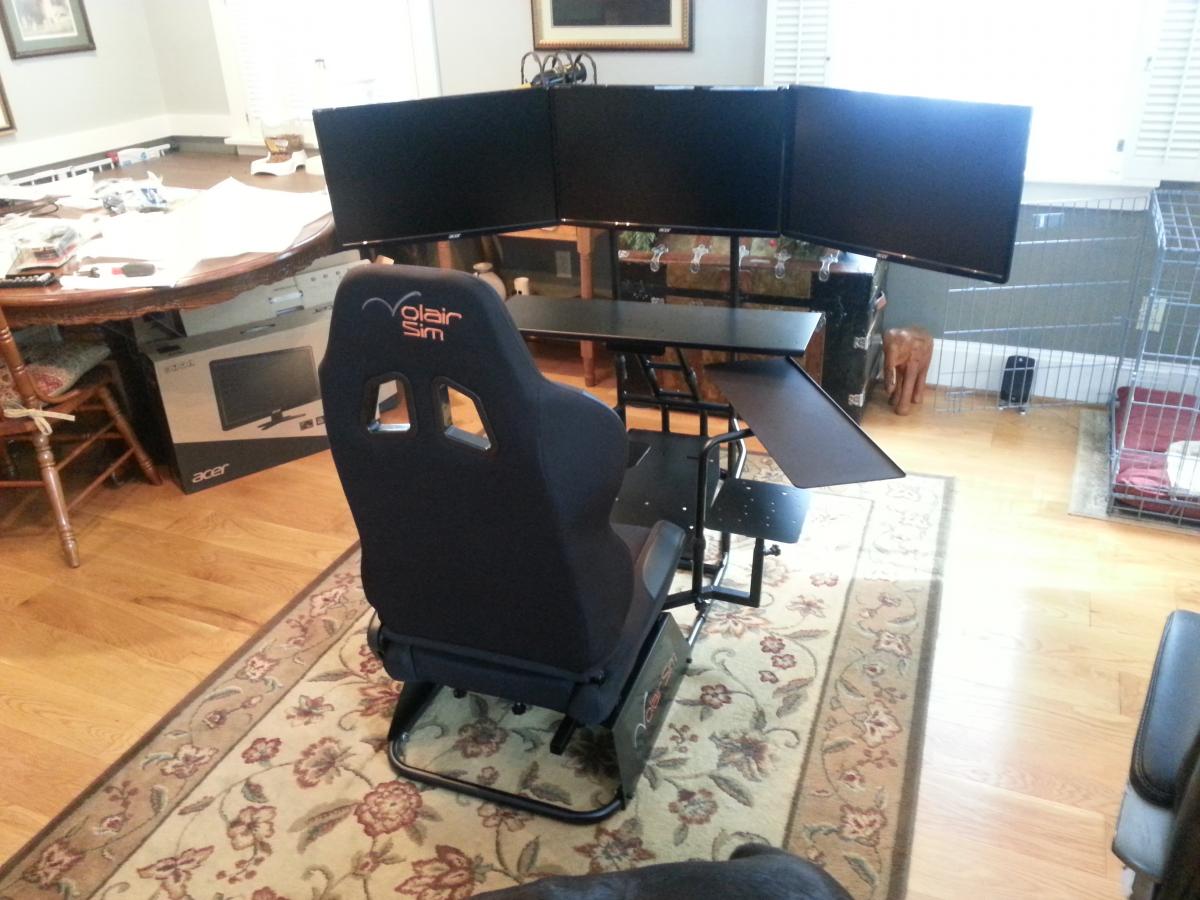
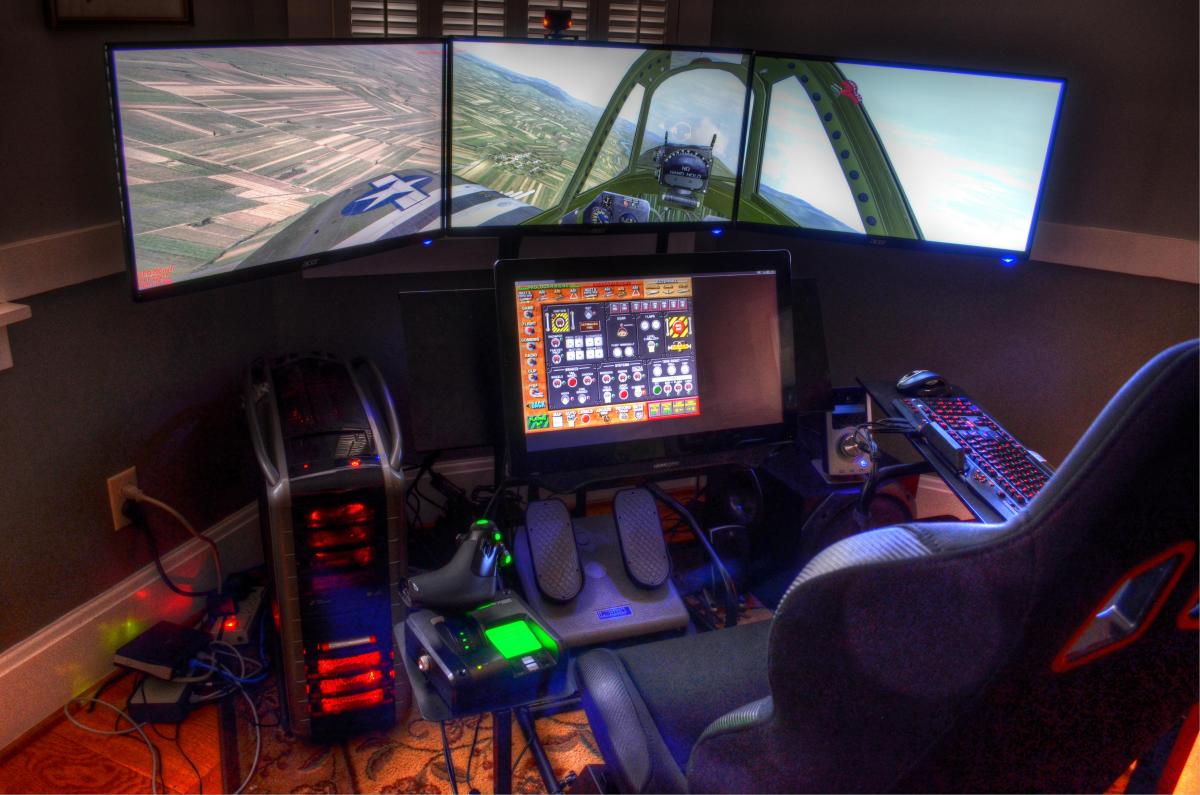
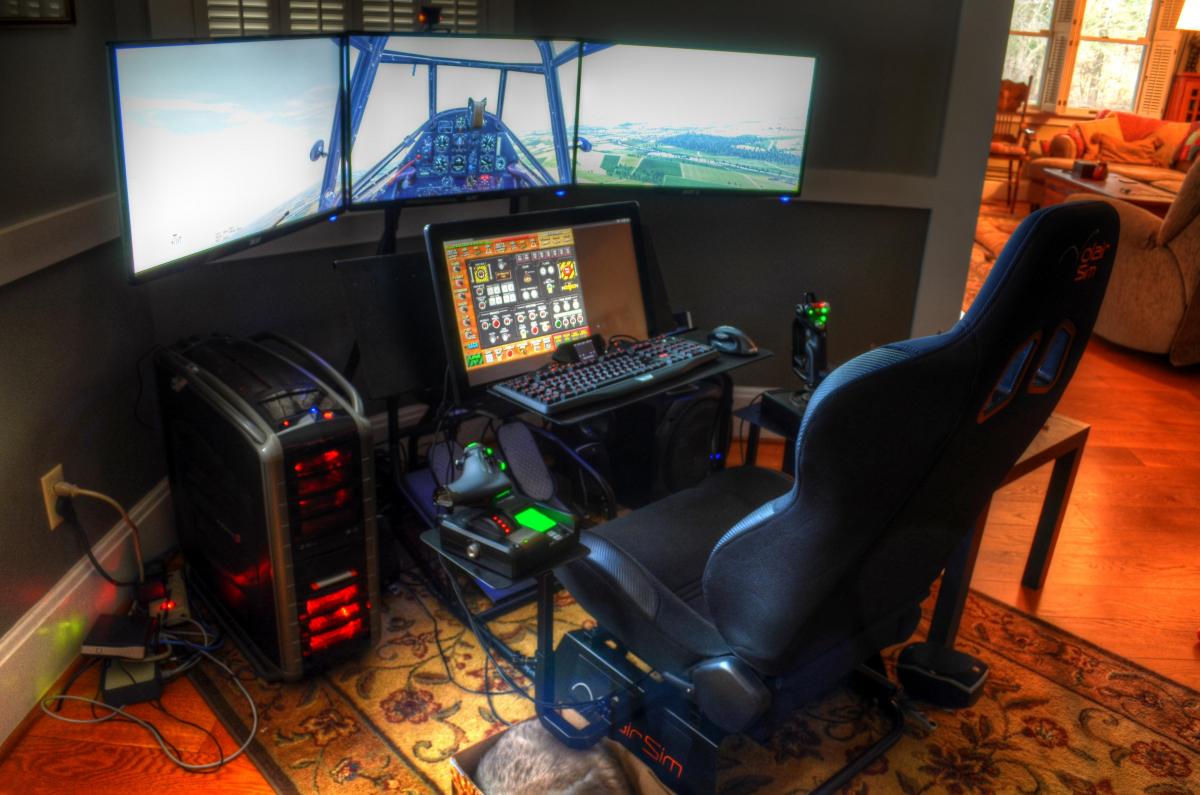
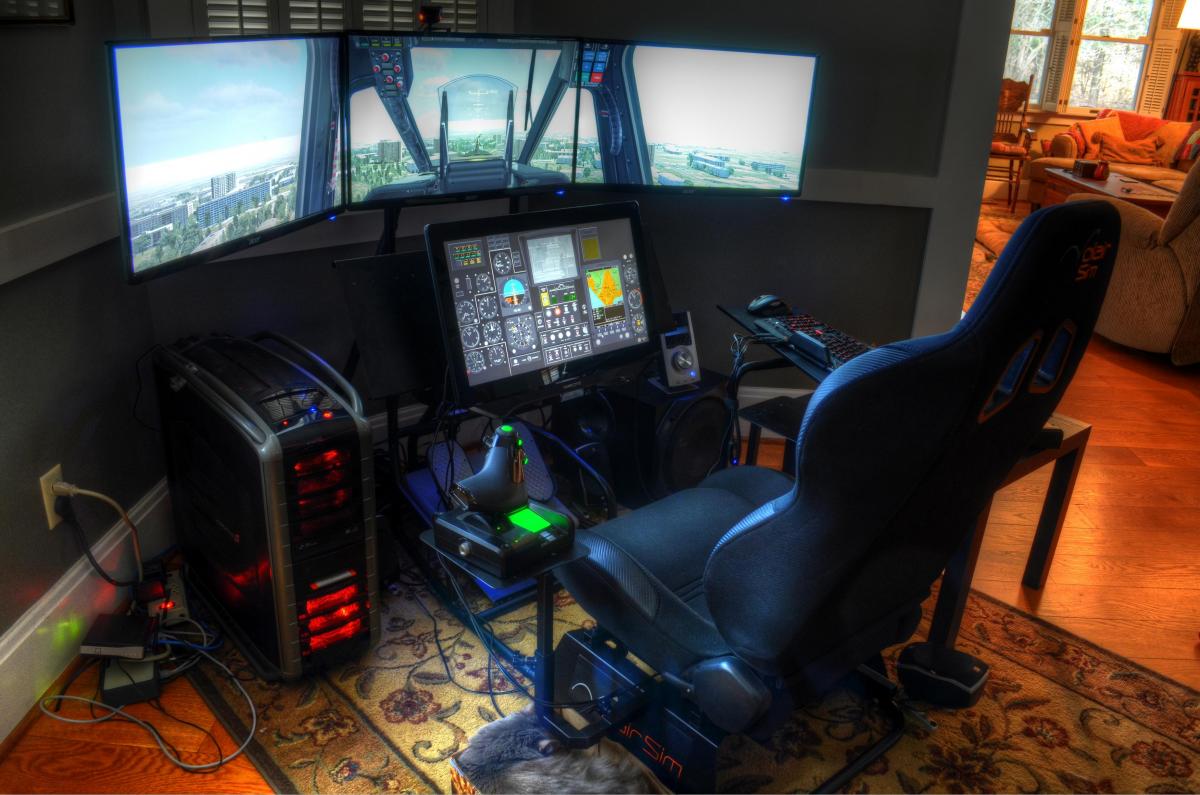
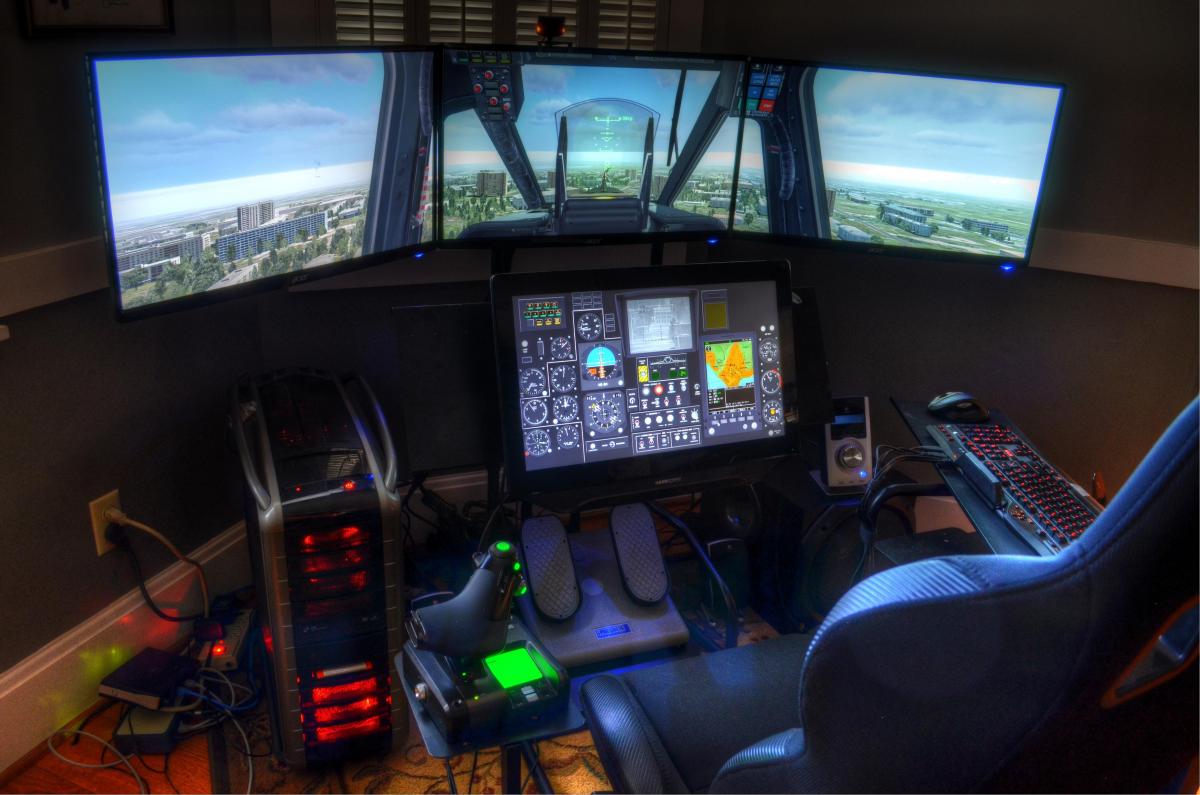
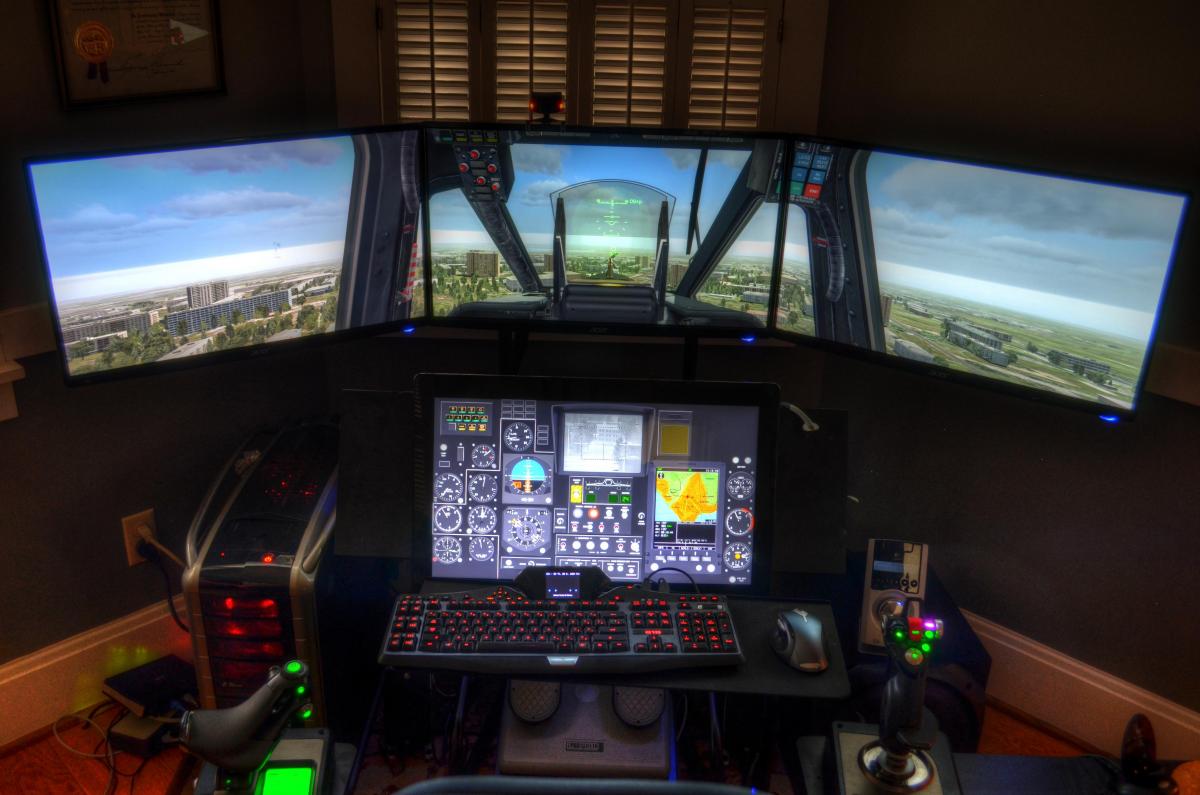
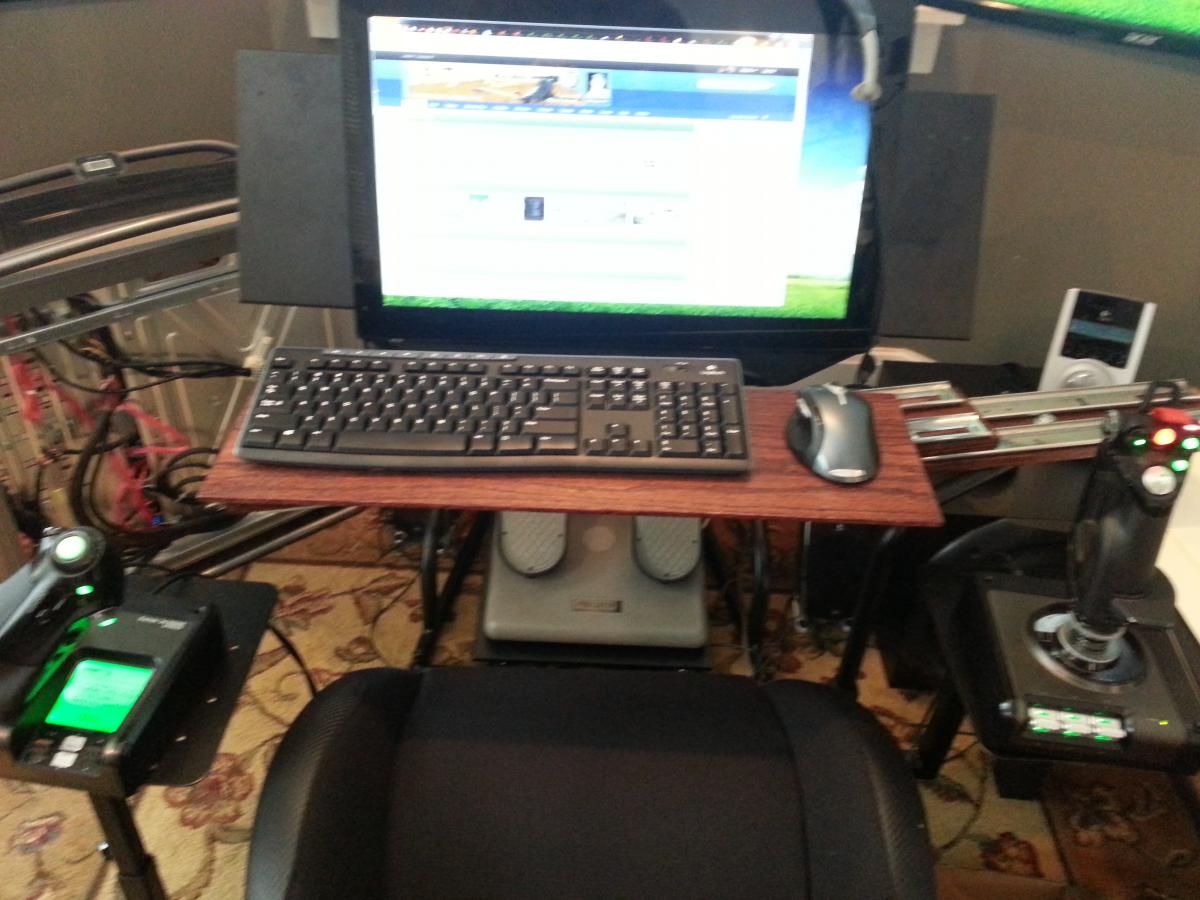
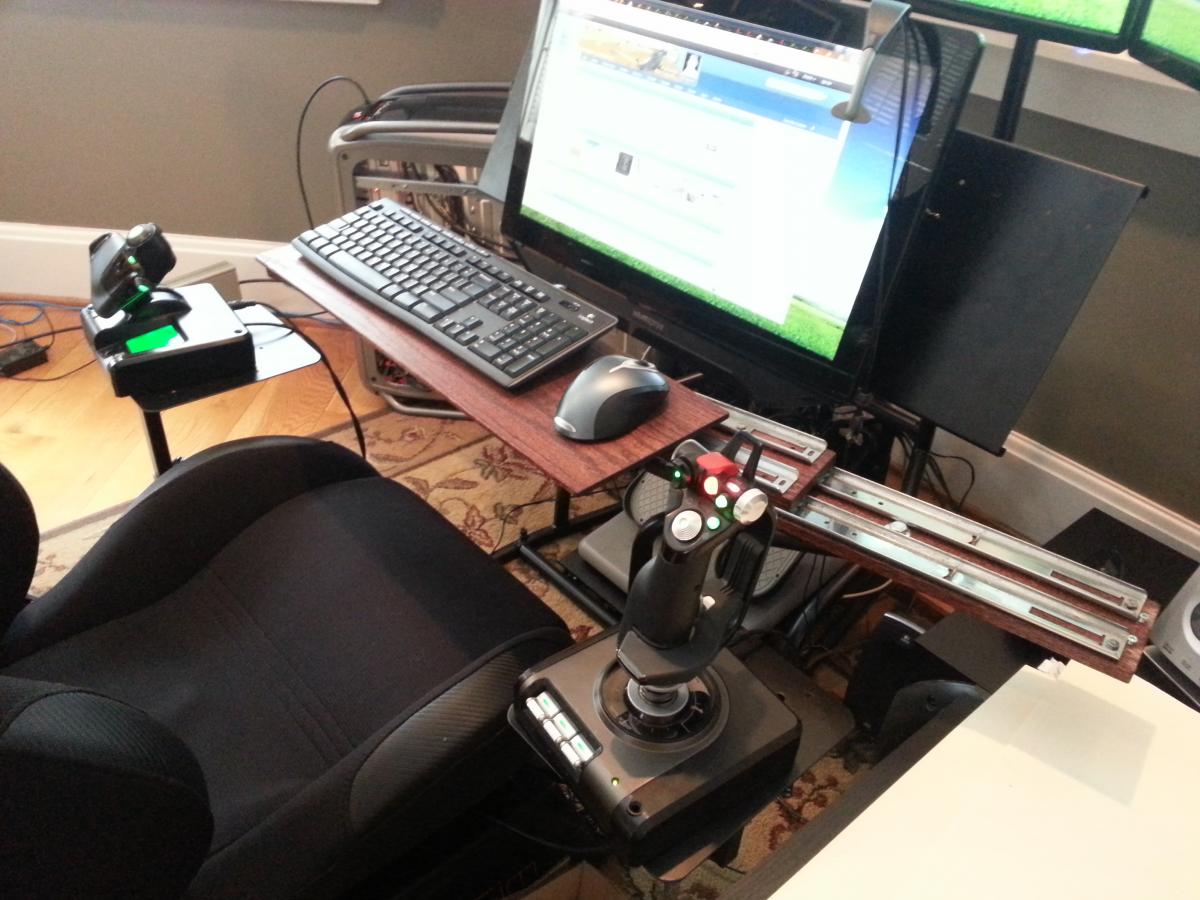
I received my new Volair Sim Cockpit a few days ago. 
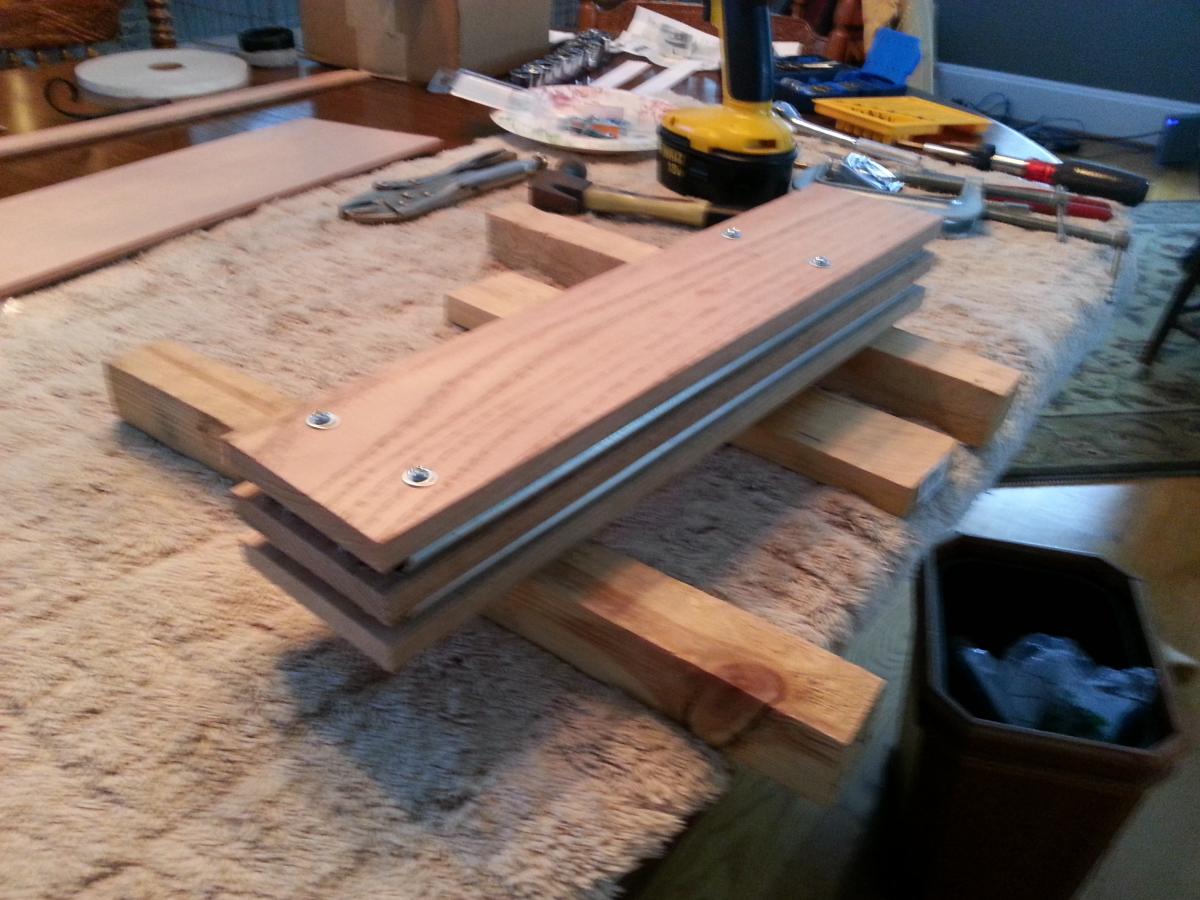
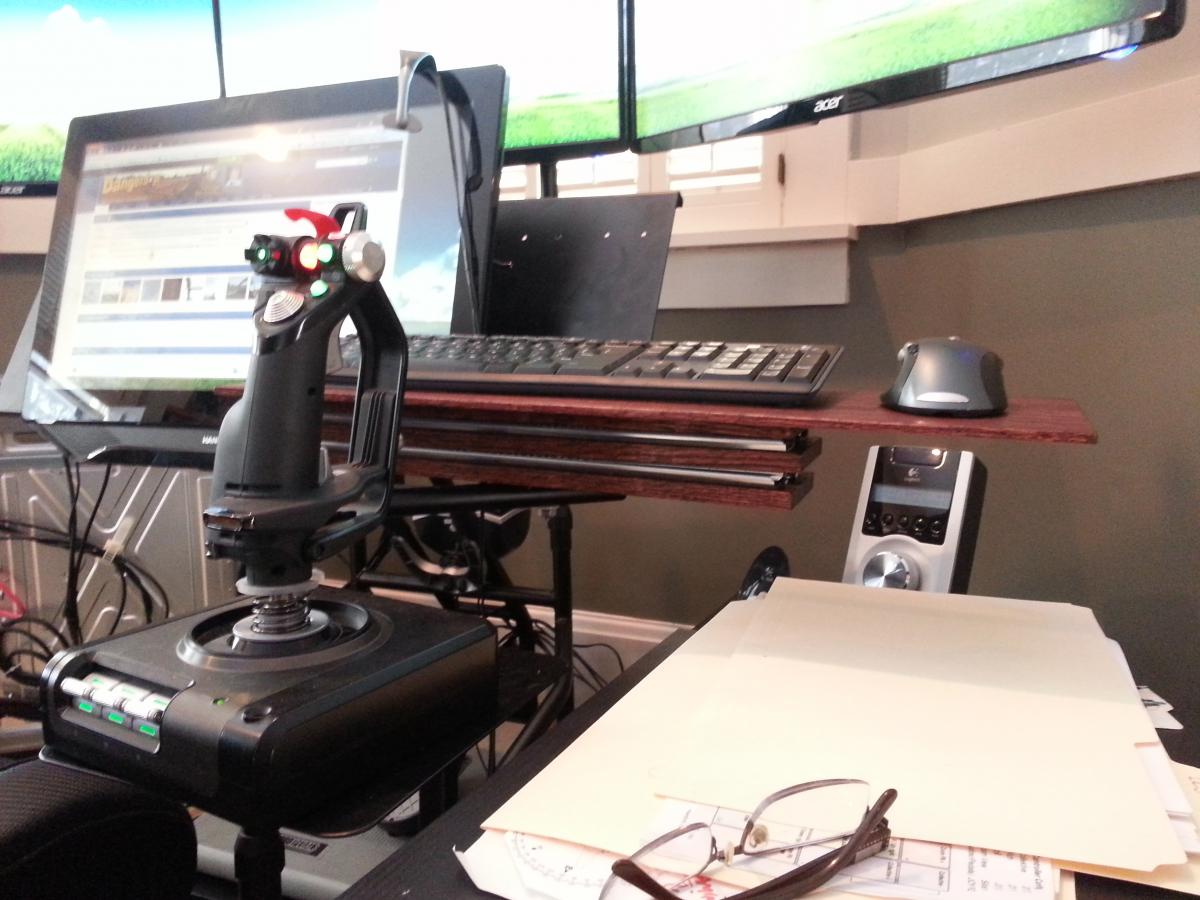
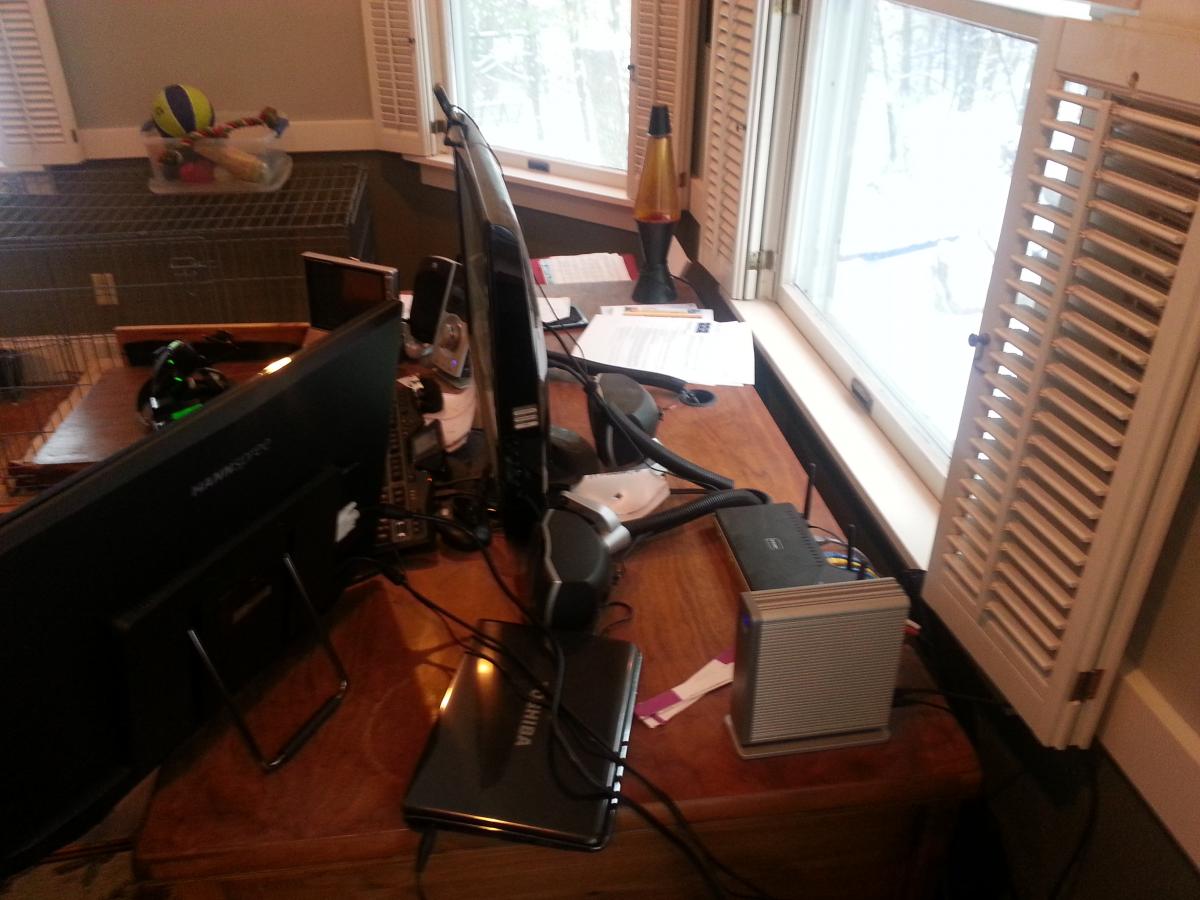
Here is my gigantic old desk. I got this from an friend about 25 years ago.. It's an old secretary's desk with a spring-loaded typewriter platform that pops out of a door on the left. I use that for my throttle, and the slide out writing platform on the right for my joystick. It has a lot of wasted space behind my monitor since it's about 3.5 feet deep. The top is a 2 inch thick piece of solid wood that weights a ton. As a cockpit setup it's not the best. My joystick (on the right) has always been about 3 inches higher on than the throttle. So, now it's time to go..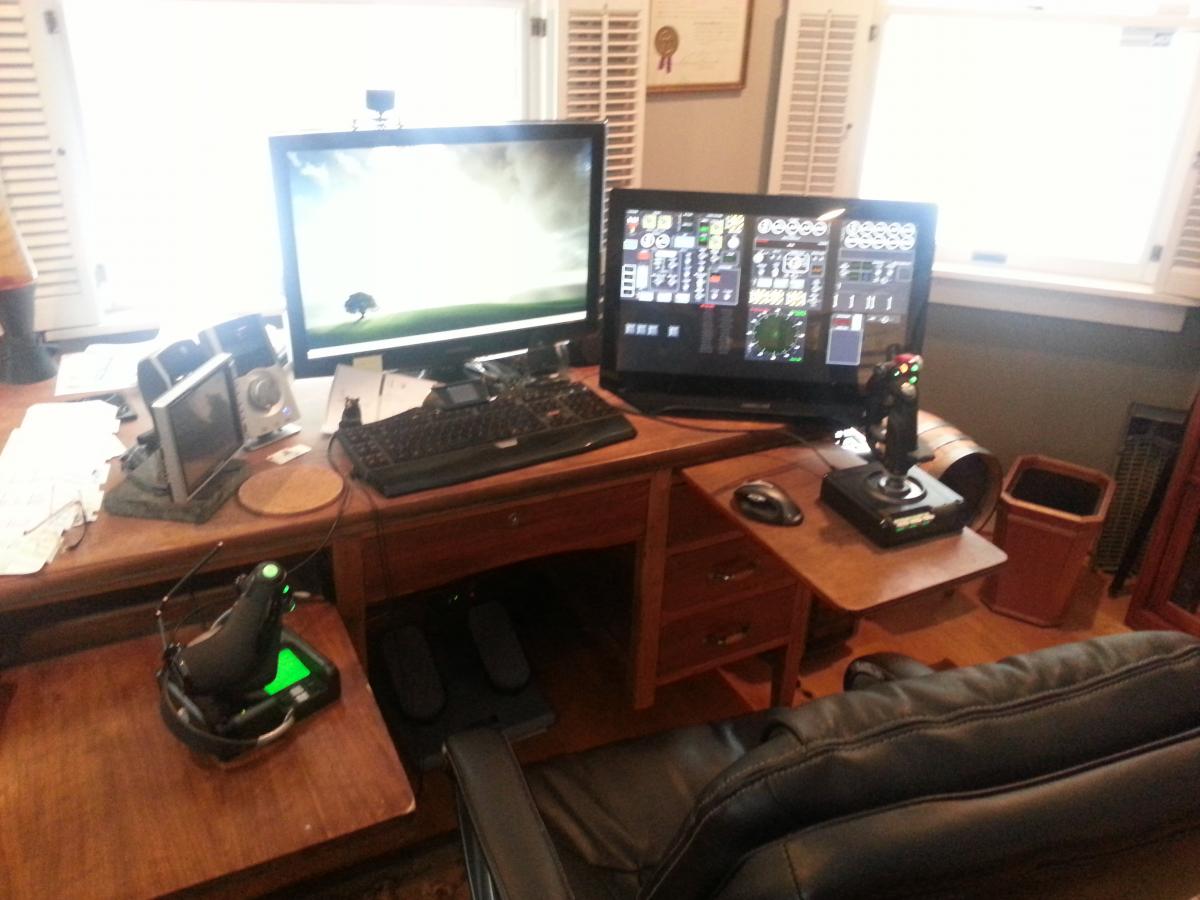
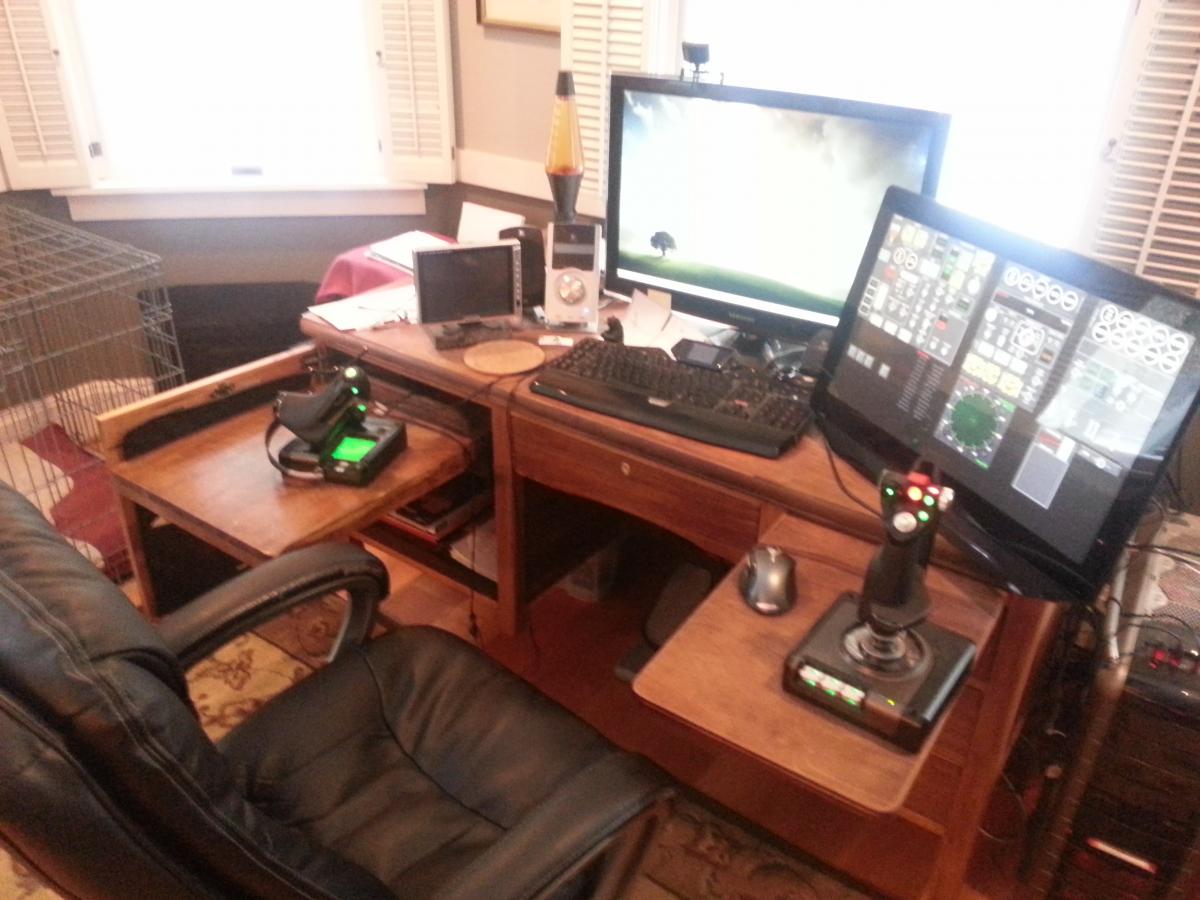
Scout is ready to open these boxes..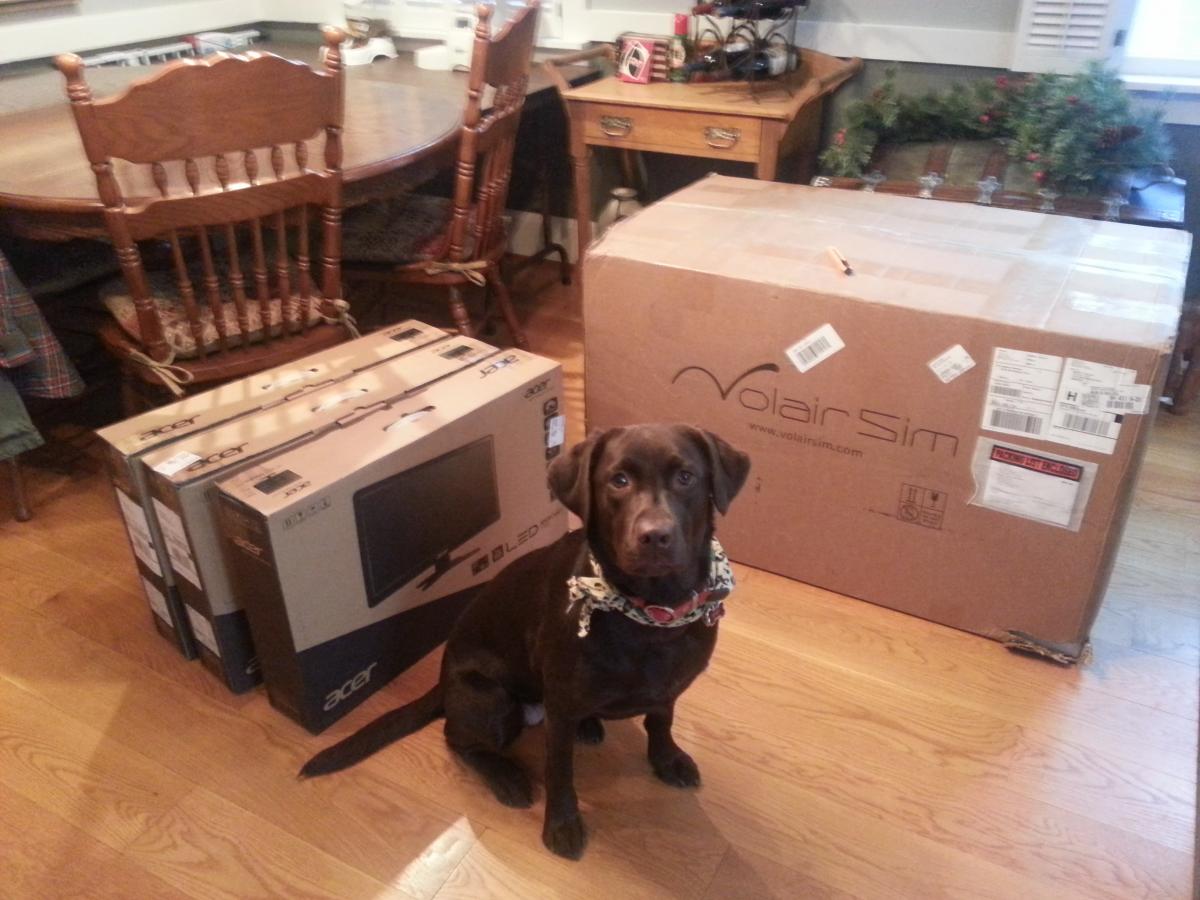
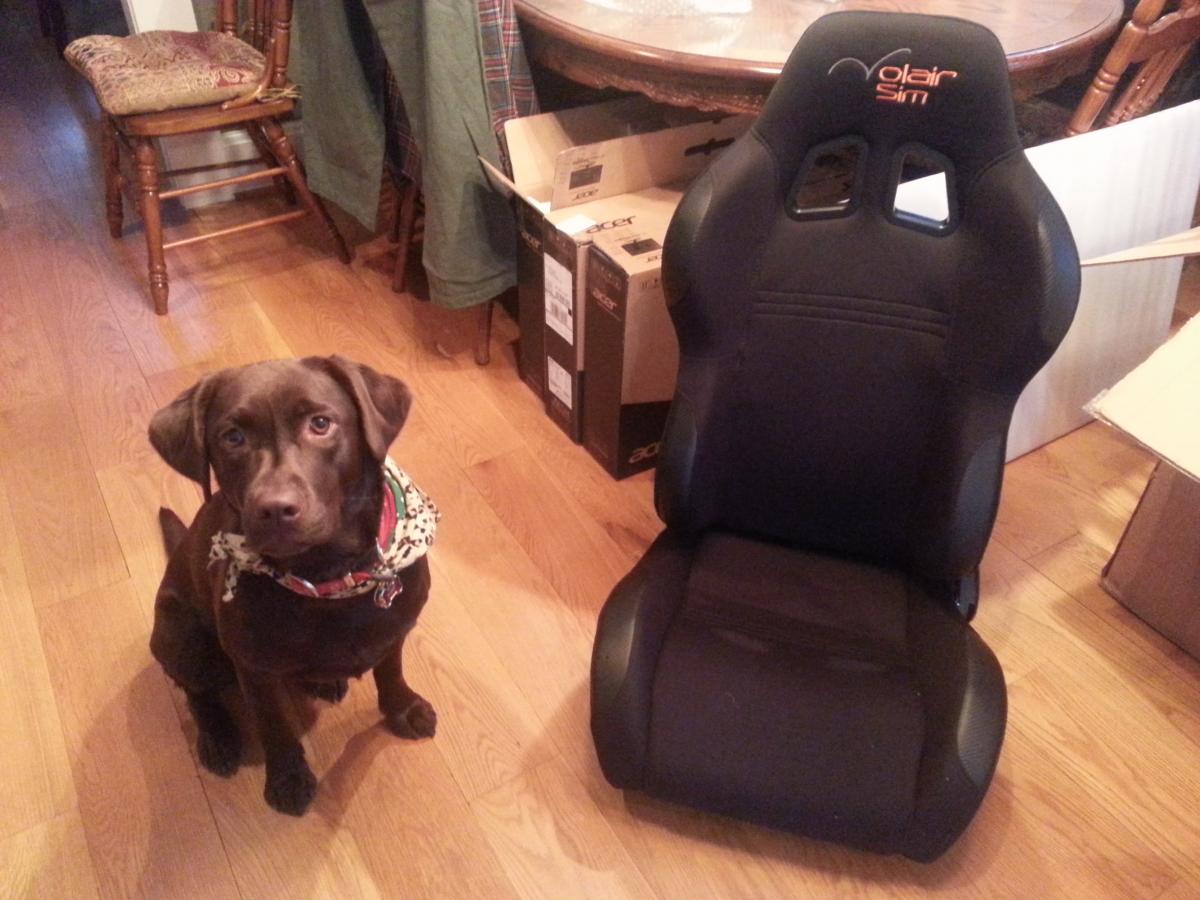
The box came UPS and was lined with over 1 inch of solid foam board all the way around. The first think you see is the seat for the Pit, which I was very impressed with. The materials used seemed good quality and stitched together very well. The material looks like it will take a lot of wear and tear, and has a nice Volair Sim logo embroidered on the top. And it's comfortable too, which is very important. It is mounted with runners on the bottom so you can slide it forward and backward like a car seat.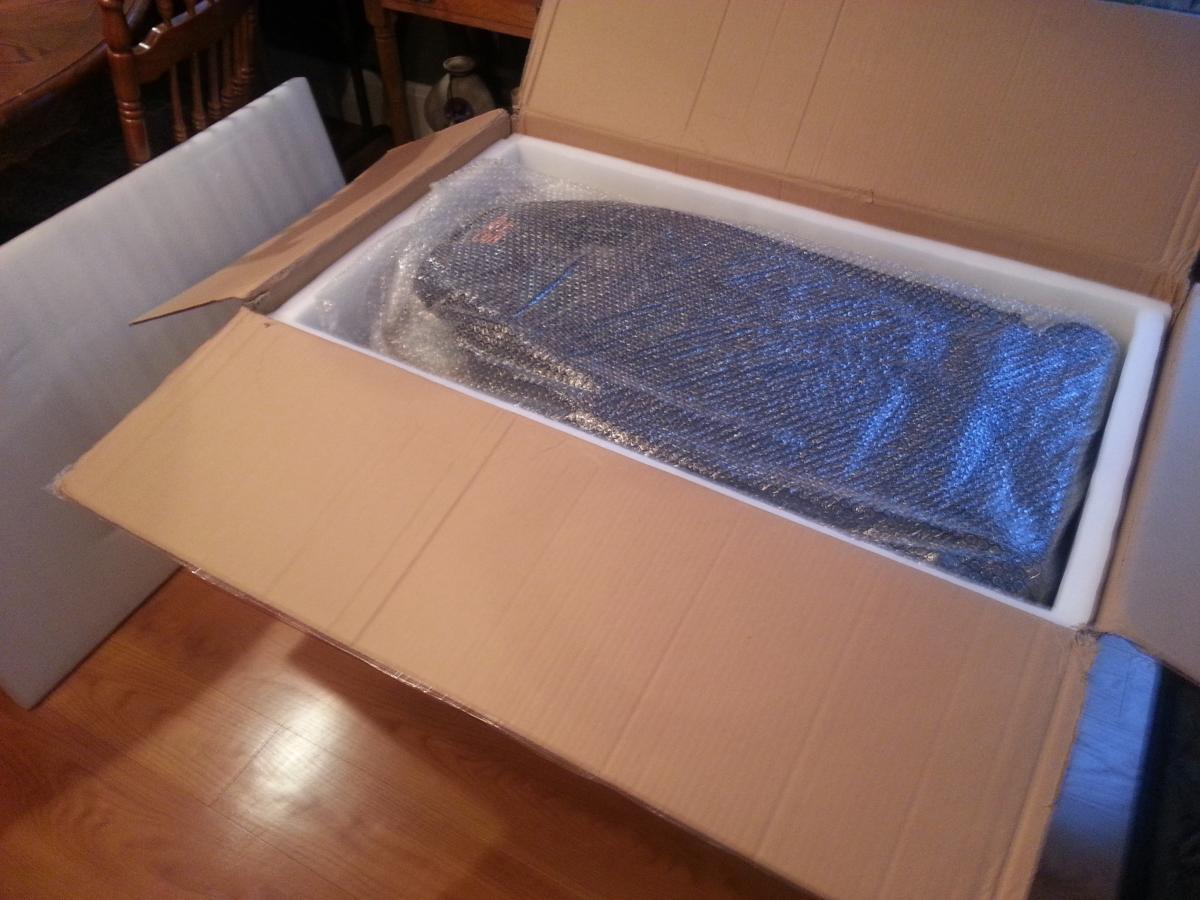
The platform that sits in front of the monitors was packed under the seat. Then all of the other parts were packed in a separate box.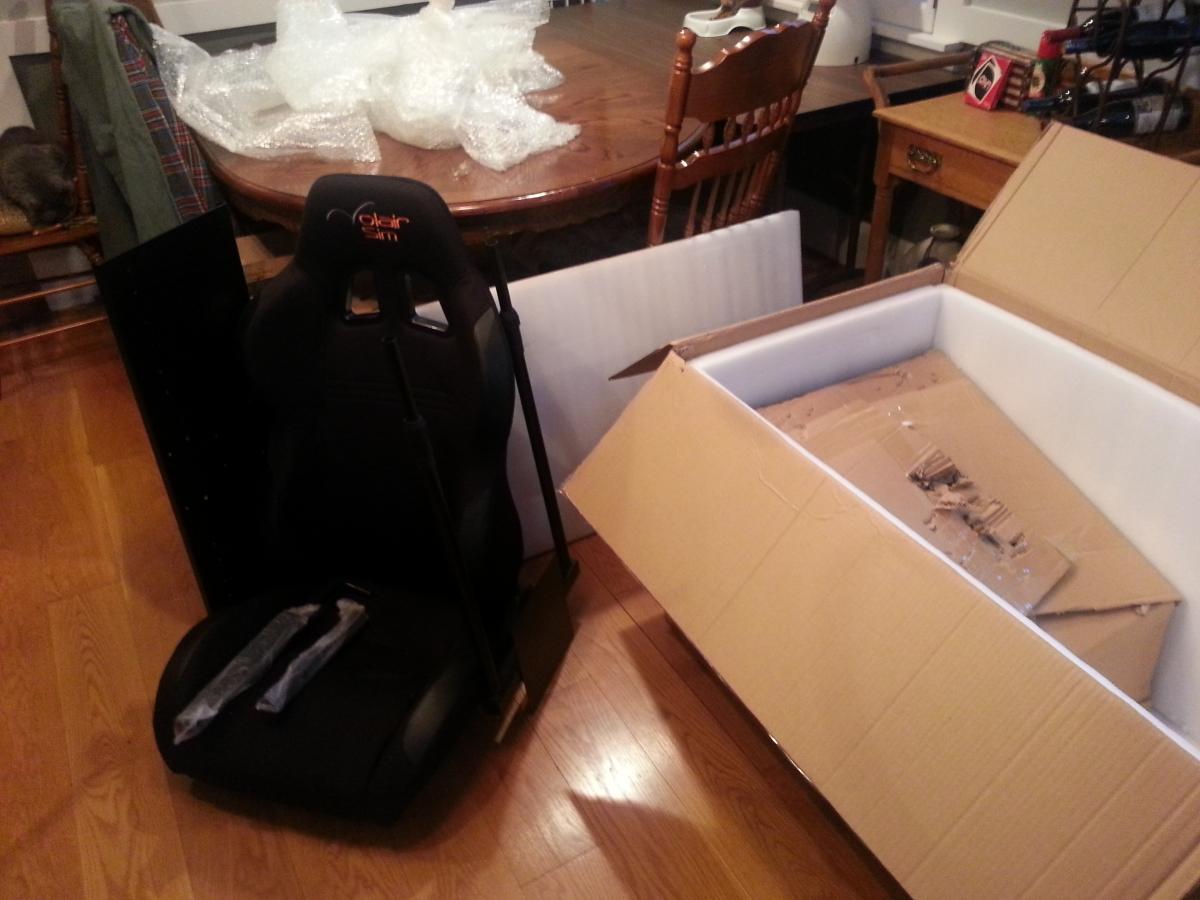
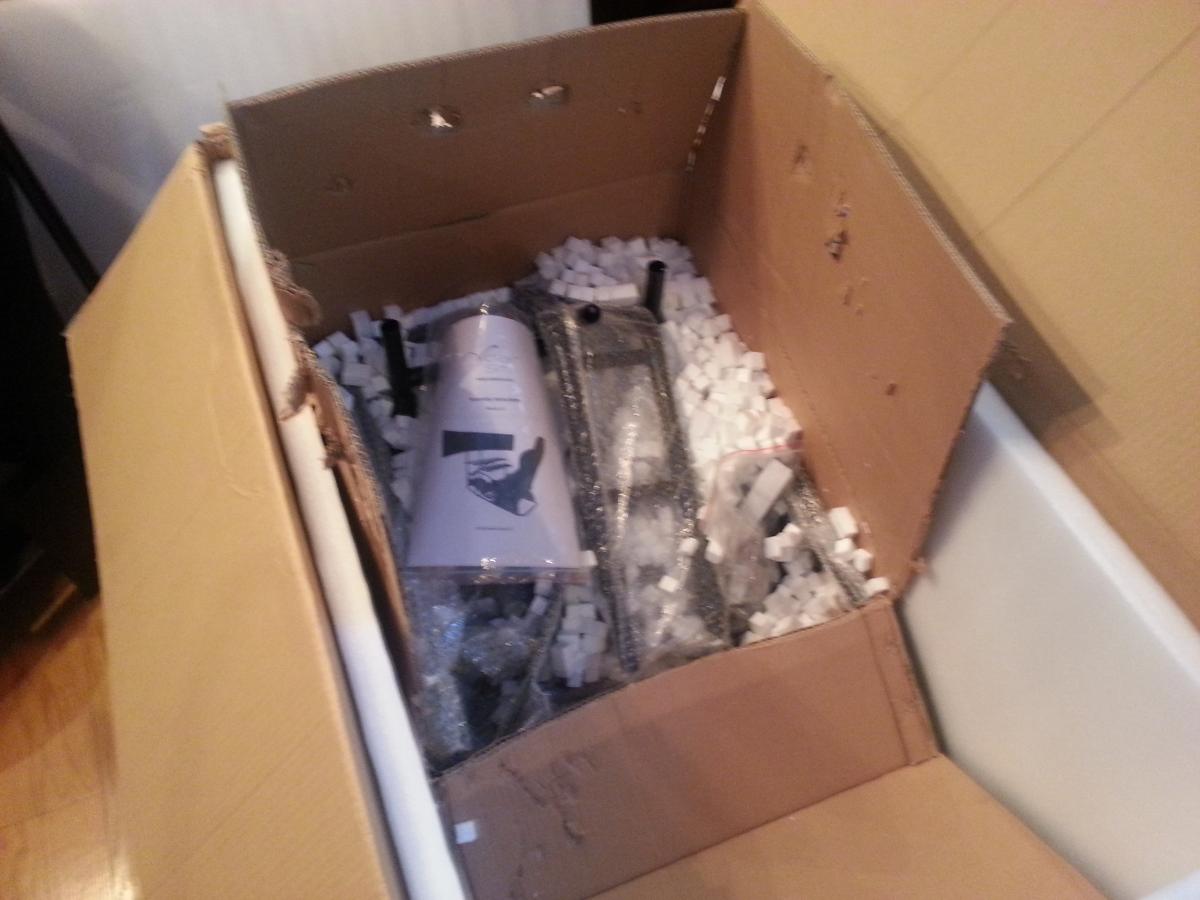
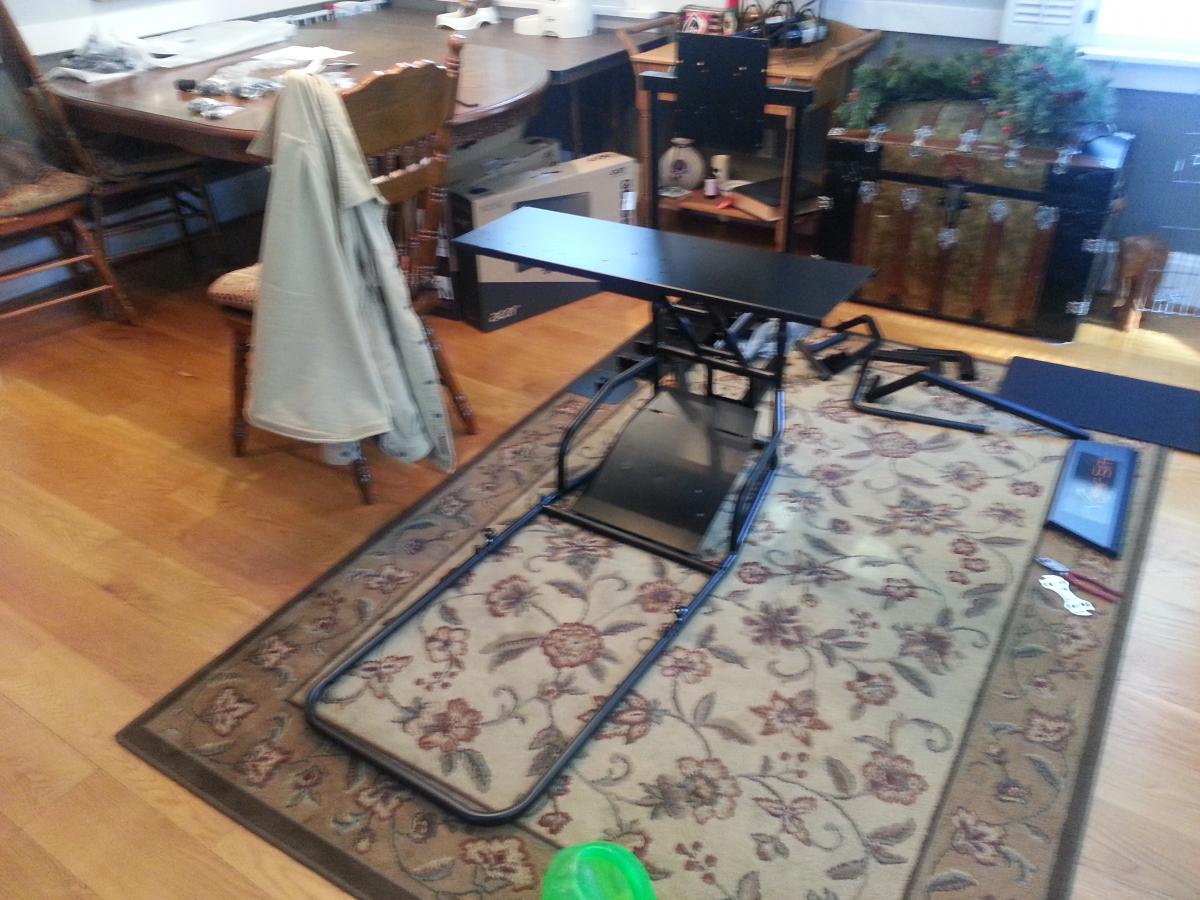
The instructions were pretty good, but you also need to watch the video instructions online to get everything figured out. Once you get all the parts laid out, you realize there really are not that many parts. And it's pretty easy to put together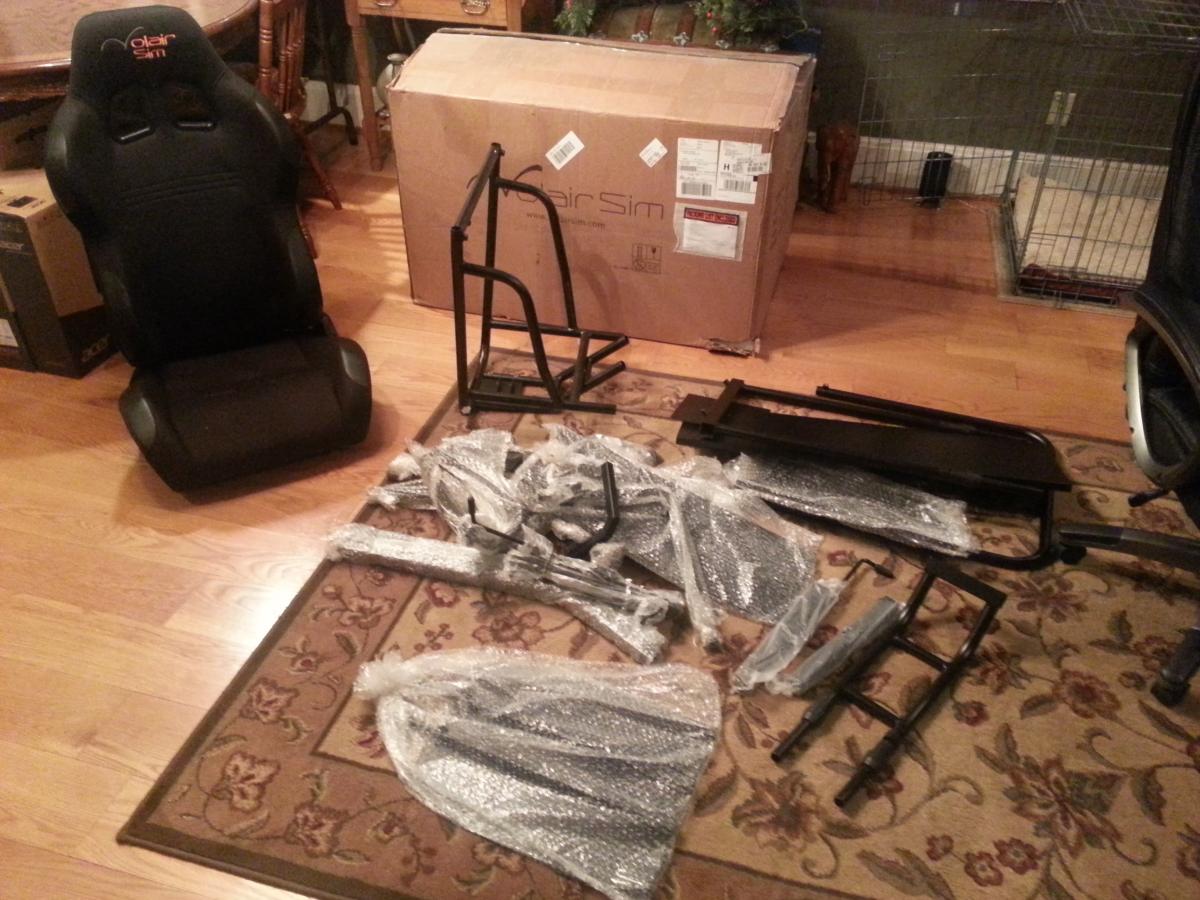
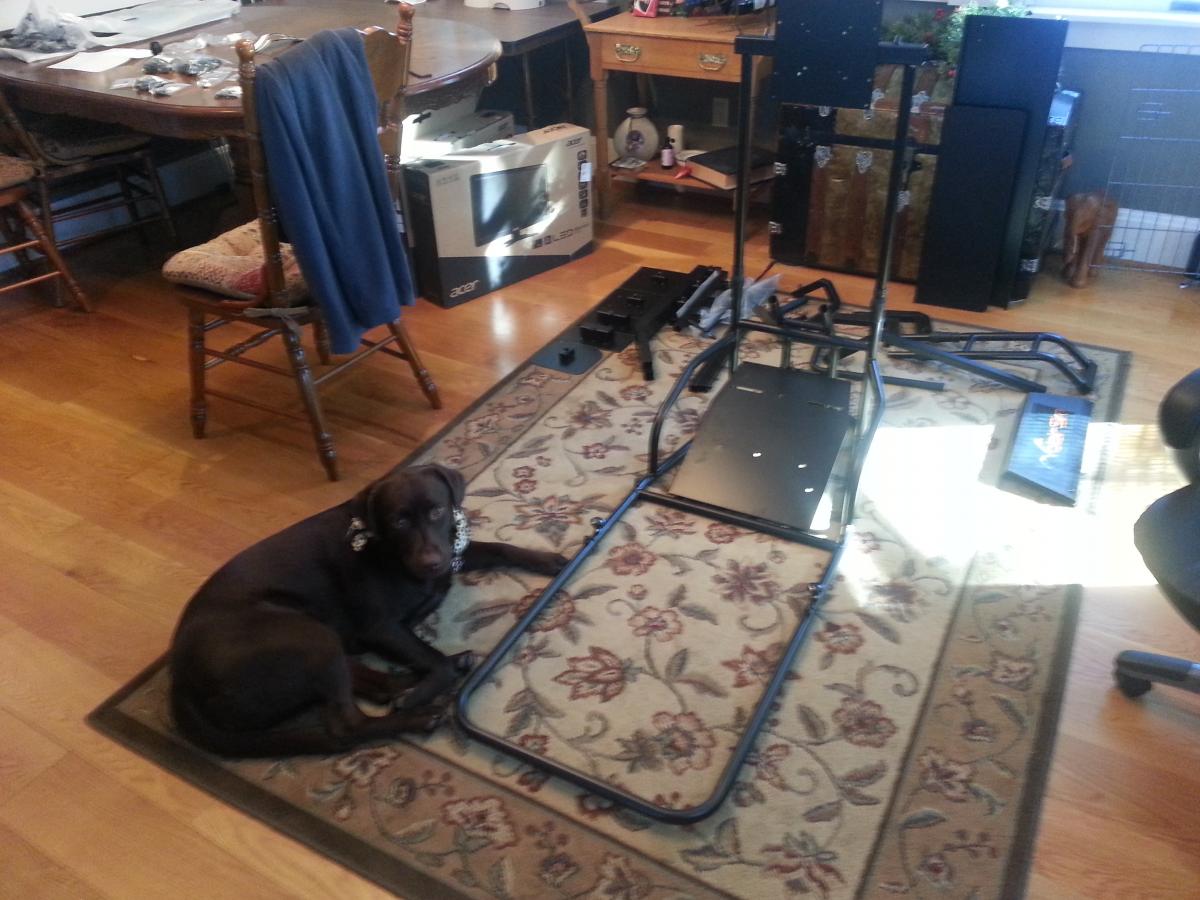
Sitting in the pit is great. Every control is adjustable, so you can move it where ever you need to make it comfortable. I'll know more once I get all my controls in there and report more then. But my first impression was awesome!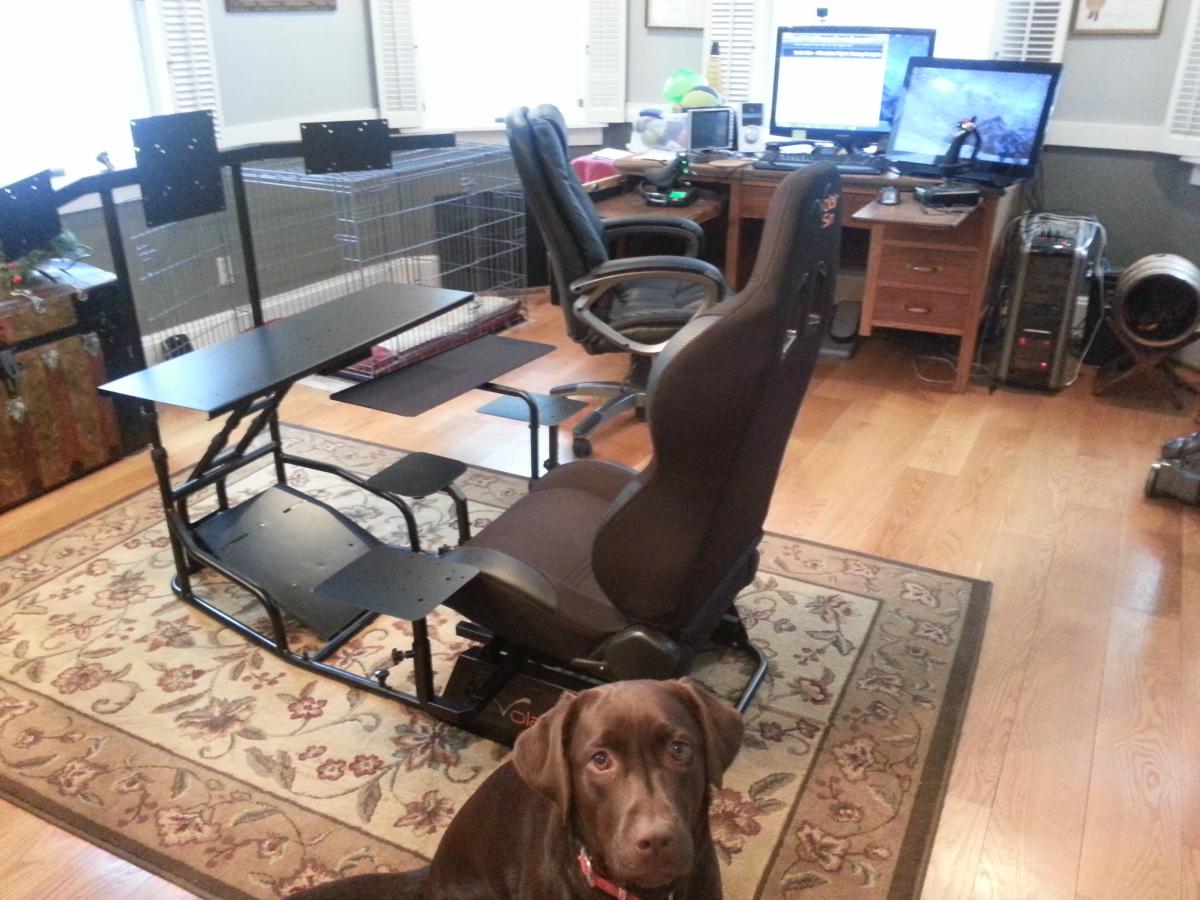
The only problem that I encountered was mounting the center monitor. The monitors that I bought stick out 20mm at the bottom of the back. This is not a problem for the two side mounts. But the center mount is taller (to allow for one large monitor if you like) and hits this bottom, causing the center monitor to push out at the bottom. Hence the mounting screws will not reach and it will be at an angle. The manufacture suggested longer mounting screws and washers for spacers. I bought those today and that worked fine.
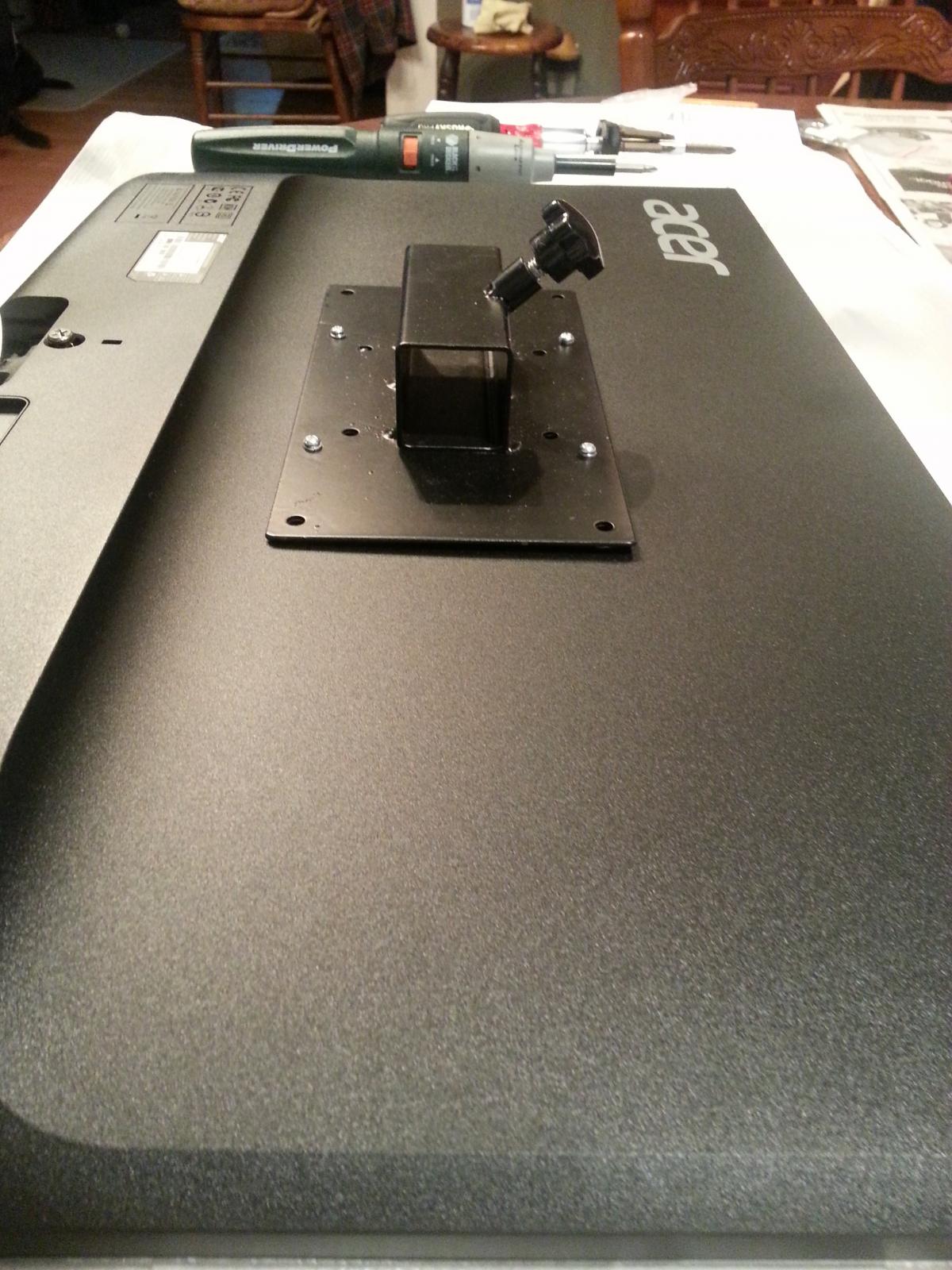
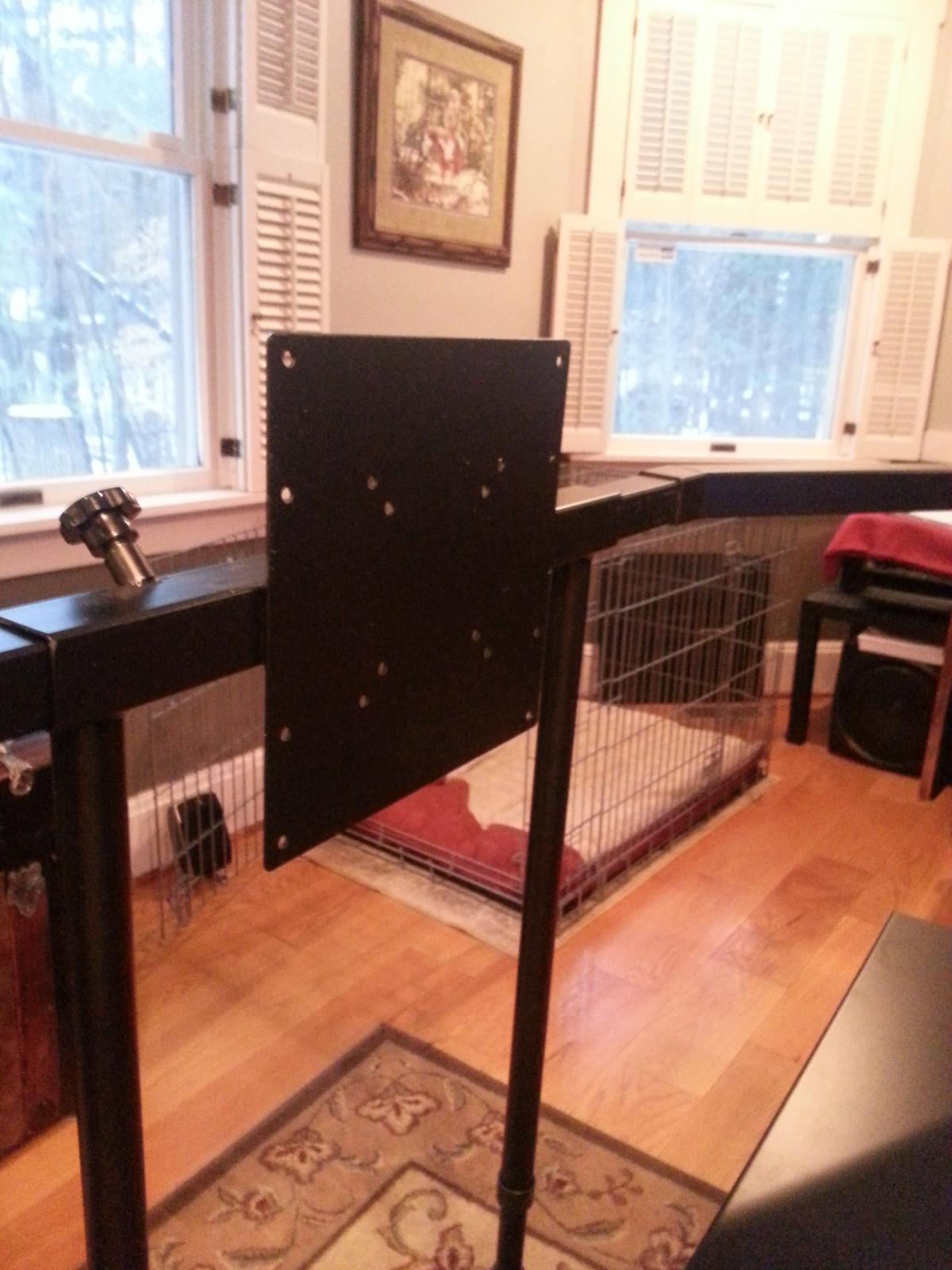
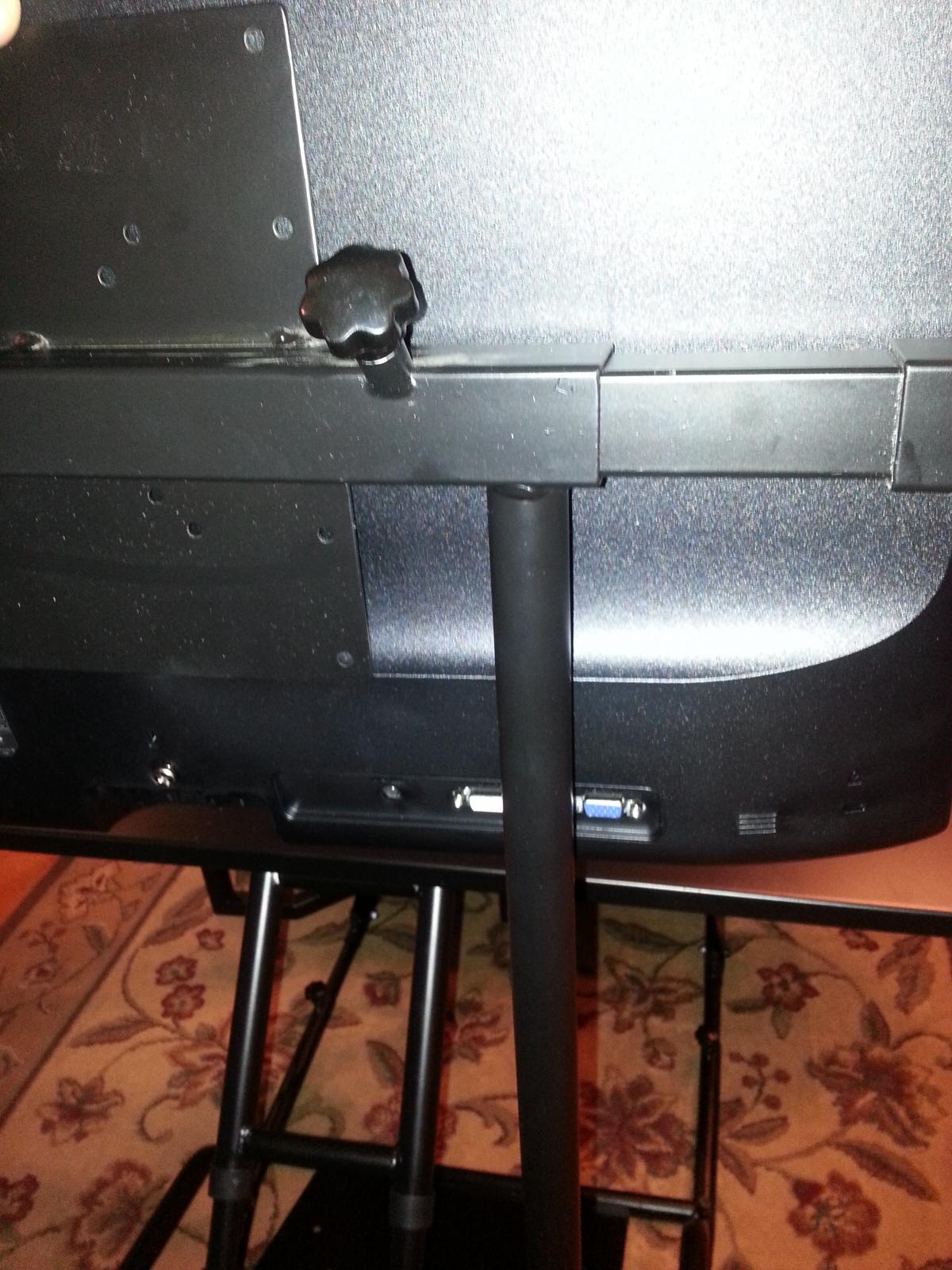
One thing to keep in mind when buying monitors is where the plugs are on the back. On my center monitor, the VGA plug is blocked by the support post. The DVI is very close too. I think I can get the DVI plug in, but I might have to cut off one of it bolts to get past the support.
The next step is to take apart my current rig and put it together on the new one. So, I'm logging off for now.. Wish me luck.