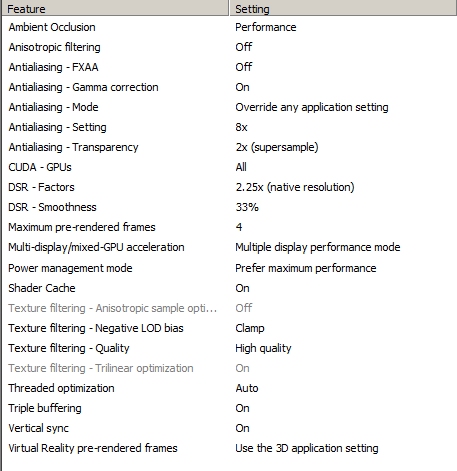
I am setting up the game on my new PC I have it patched up to the last mod version and need to get video and controls set up so need a bit of help please
Hello Dave. Where is Jedi when you really need him eh? My alcohol befuddled brain tells me you're looking for the "confUser" file which you will find in My Documents>1CSoftclub>IL2CliffsofDoverMod.
Hic!
Settings? Start low, go high and see what happens.
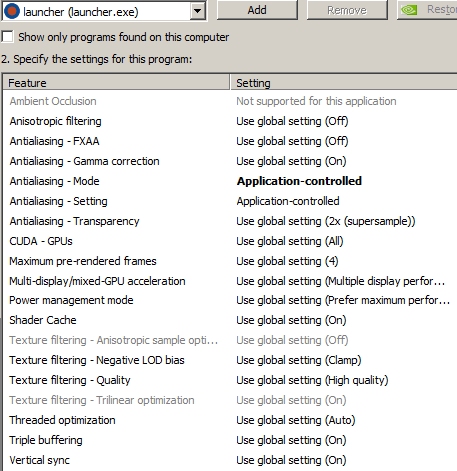
I don't have a launcher (launcher.exe) in my list of programs as displayed in your post, I show a Valve Steam (steam.exe)
Is this the same thing, just called by a different name for some reason on my computer? I have the Show only programs found on this computer checked off and I don't show any launcher.exe or any CloD specific program other than the one I mentioned above.
If it is the proper selection I will try the above settings. I am not trying to have better landscape or better ability to spot the "dot" at a distance but I am trying to improve aircraft ID at medium ranges. The way it is they are pretty nondescript until they are fairly close. IL2 displays aircraft shapes and colors better at greater distances for me.
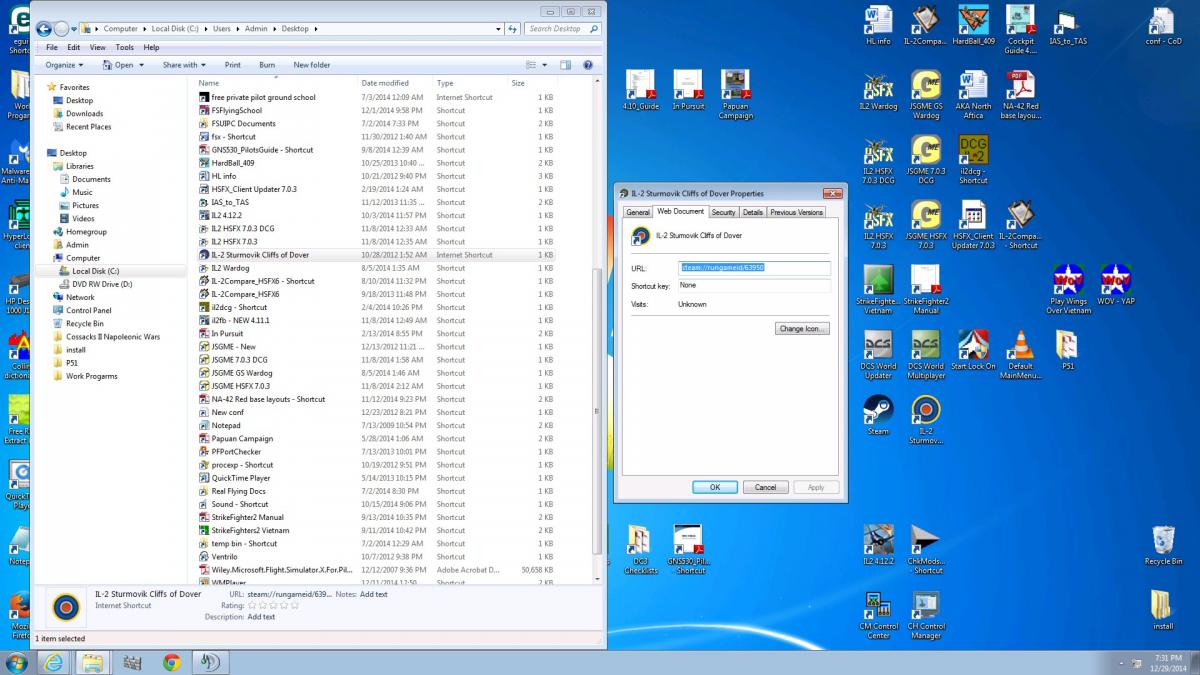
Hi Goth, no it's not, steam.exe is a different application. Launcher.exe is the one you need. If you have a clod icon on your desktop try right-clicking it and select 'properties' - that should tell you the location of launcher.exe. You could then add the program manually to the list in the nvidia manager.
Thank you. Have all that sorted out now and applied the settings. Have to admit that the changes are not dramatic. I think I can see aircraft at a distance a little better, I think. If nothing else, the launcher is now in my NVIDIA program list.