When I'm customizing my plane I can see the "Official" skins but not the custom ones. All I see is the name. I am using BoX skins in .dds format.
46 lets you see all the skins. Is there a way to make the custom skins show on the Settings page? Of do I have to remember what each custom skin looks like from memory?
Flying is simple. You just throw yourself at the ground and miss.
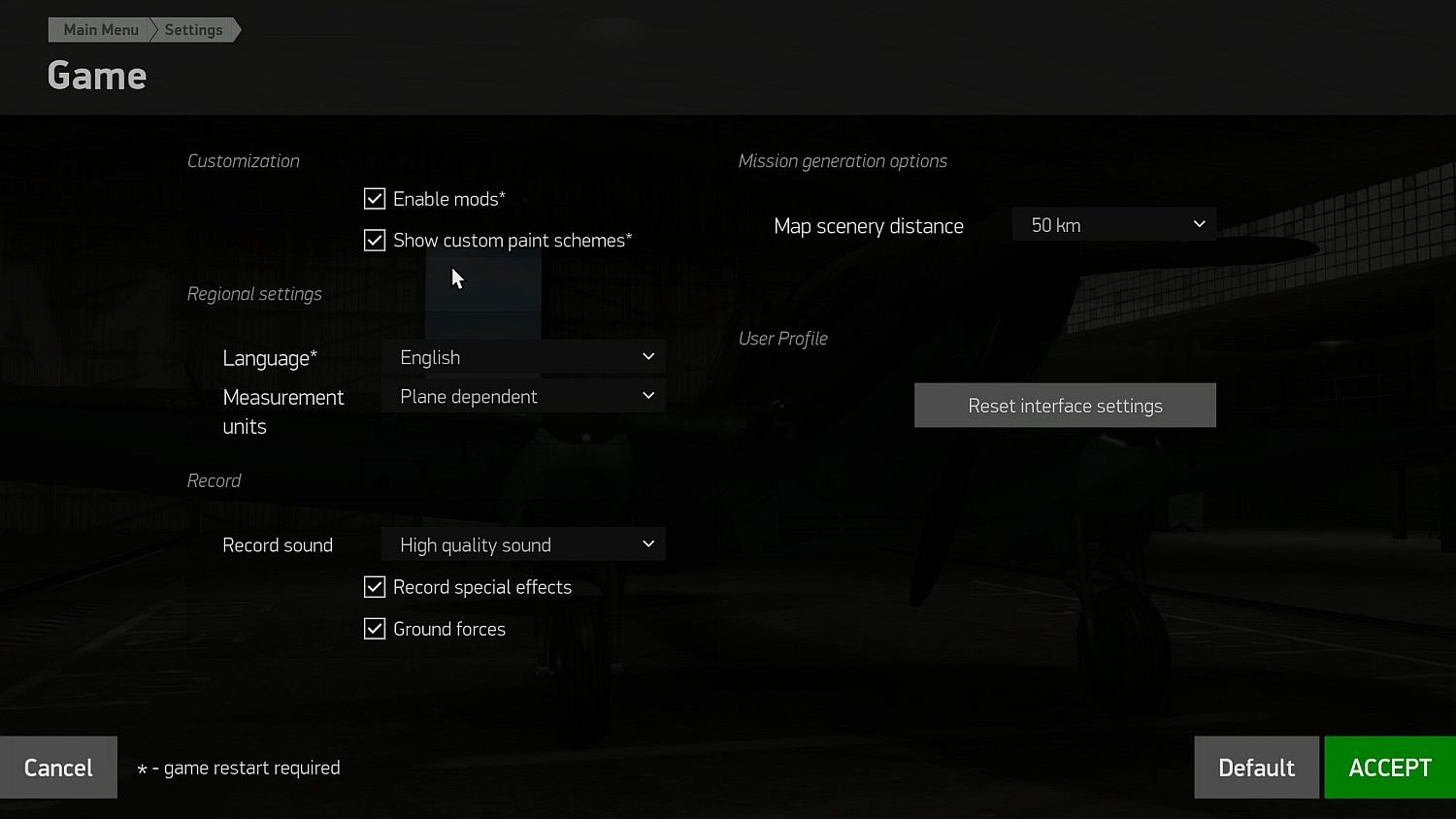
First thing to check, from the hangar screen go into the 'Settings' screen. Select 'Game'. ensure 'Enable mods' and 'Show custom paint schemes' are checked. The mods needs to be on so that you can fly with the Dogz because we fly with mods on and the custom paint schemes need to be turned on here to be able to see them.
Secondly, if you already have the above checked have you installed the custom skins into the right folder? The path is '1C Game Studios/IL-2 Battle of Moscow/data/graphics/skins/.....
1st are my "enablements": Enable Mods and Custom Skins checked.
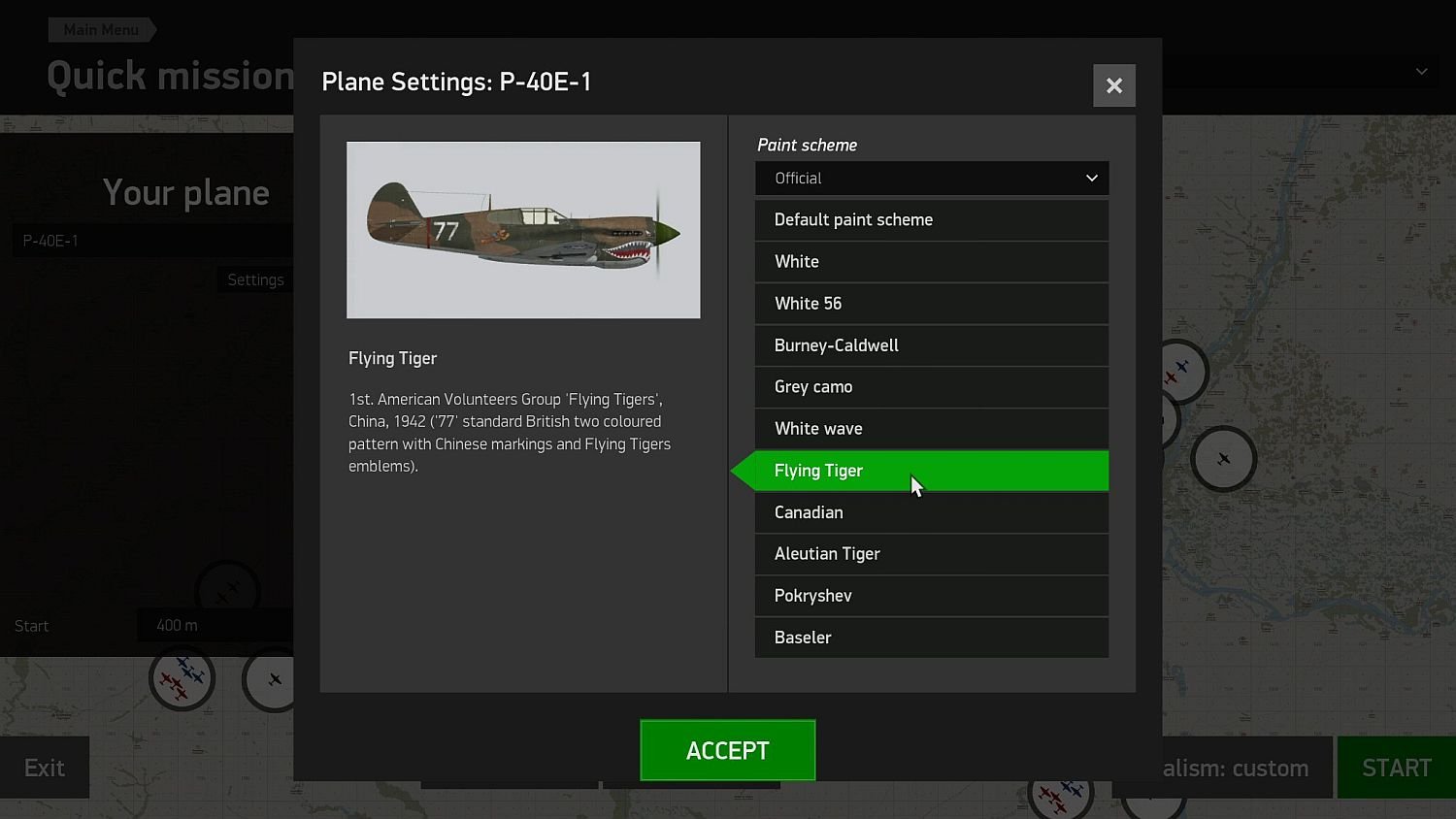
2nd how the Official skins show. I get a visualization of the skin.
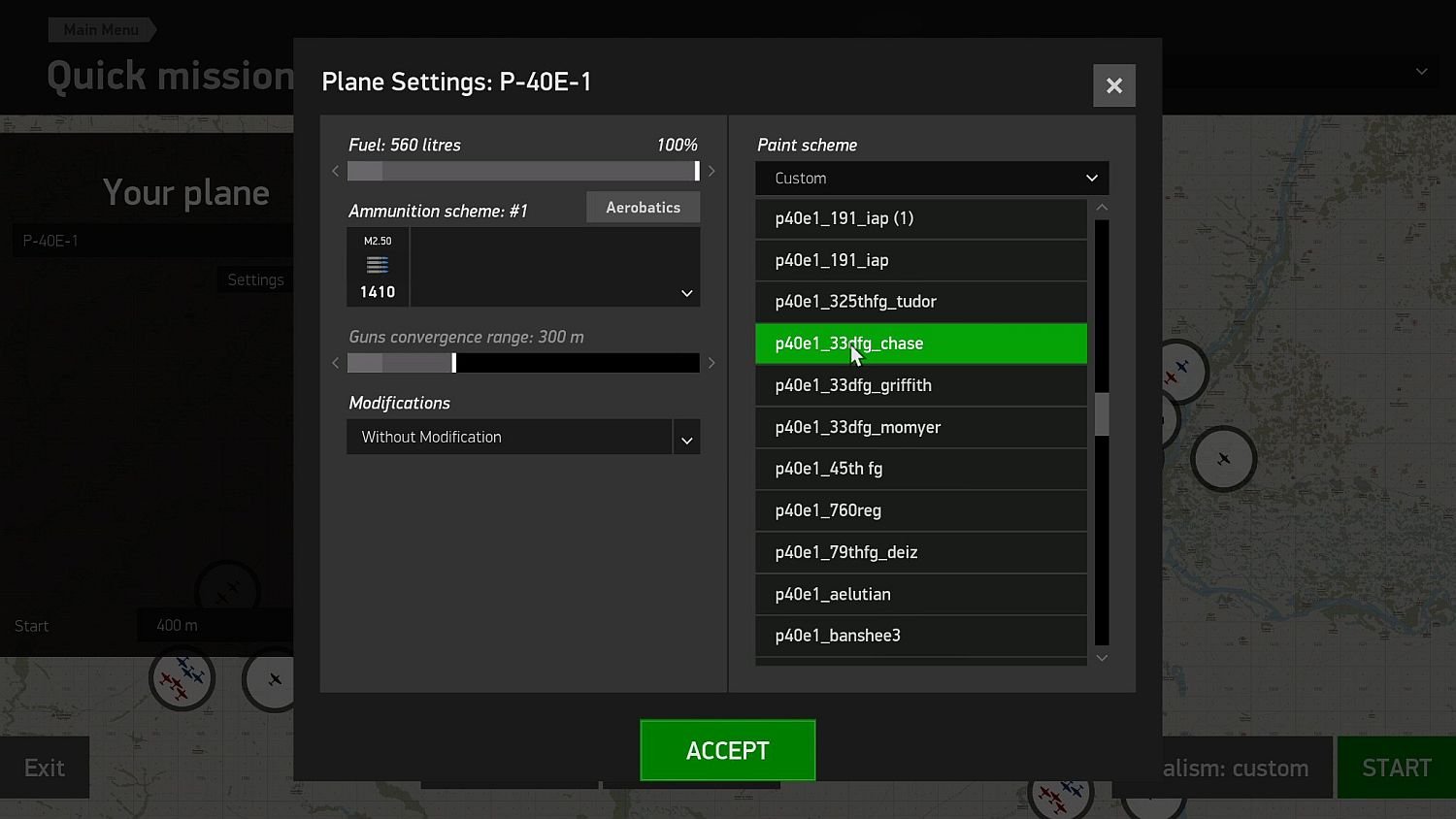
3rd how the Custom skins (don't) show. I have to remember what this skin will look like on the plane.
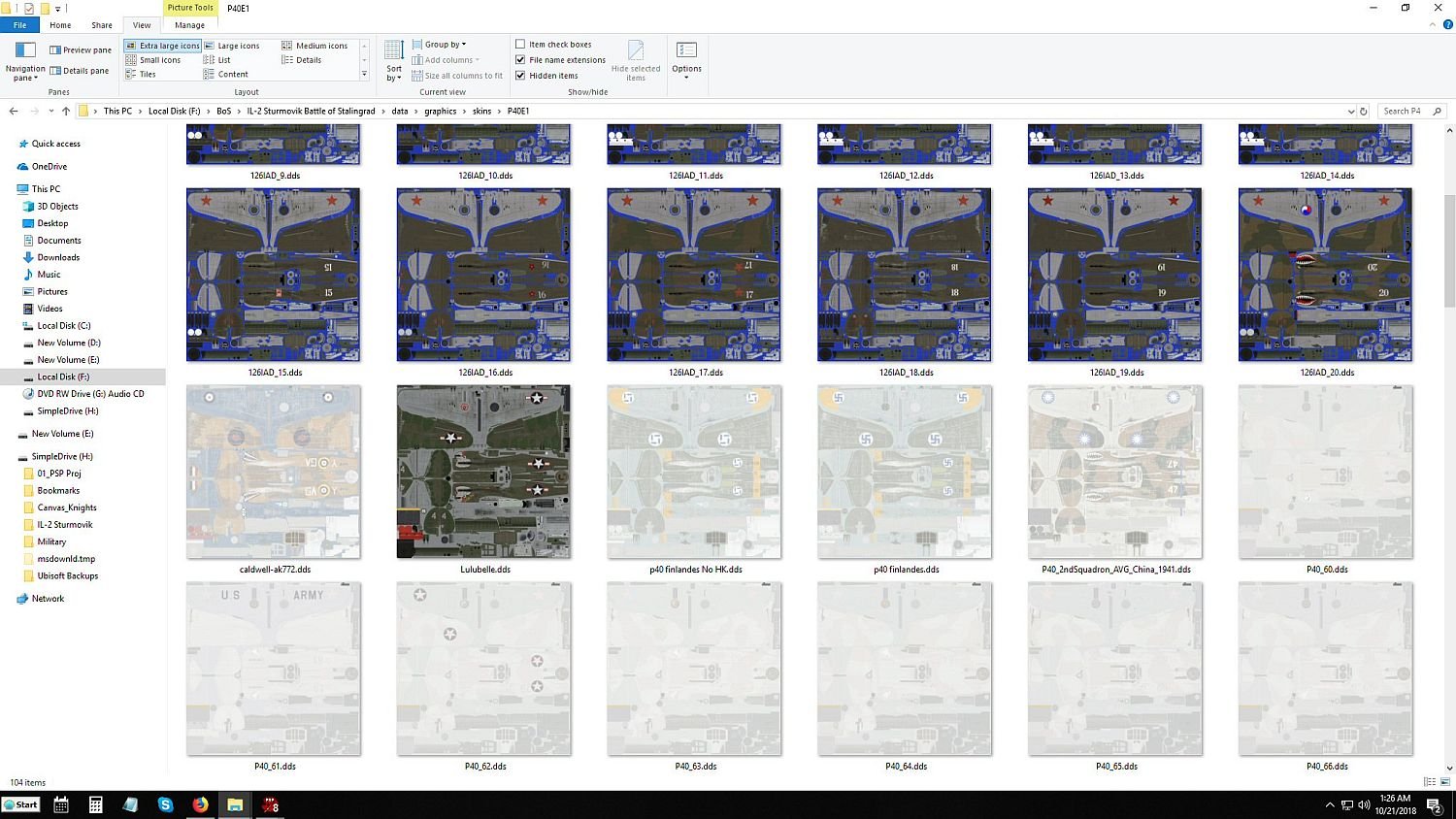
4th where my skins are located. Note that some are "hazy". When clicked they are very dark. They are 5.33Mb. The oOthers as you can see look "normal" and are 4Mb. I downloaded all from IL-2 Surmovik links.
Flying is simple. You just throw yourself at the ground and miss.
And another question, when I make my flight 2 -4 planes it looks like all planes get the skin I chose. Is there a way to give each plane in the flight it's own skin? I'm think of a squadron where each plane has different codes even if the basic scheme is similar.
Flying is simple. You just throw yourself at the ground and miss.