Hi Chaps,
Any help on this issue would be gratefully recieved.
Got this warning after an attempted update:
So hit the Intel driver link at the bottom:
However I've no idea which applies to my hardware. Any ideas?


Hi Chaps,
Any help on this issue would be gratefully recieved.
Got this warning after an attempted update:
So hit the Intel driver link at the bottom:
However I've no idea which applies to my hardware. Any ideas?
You probably do have that IRST driver installed on your system.
The question is, does your system need it?
I do have an M2 SSD on a slot on the motherboard, and Asus does list an Intel-RST driver package for my motherboard... but I do not have it installed anymore. Looks like it does not need it... I uninstalled it, after it made my traditional disks go make a tick-tock sound... so I removed it. 
Yeah, this all may not help you at all... what make/model is your motherboard? I can try and do some google-stuff...
Also, do you use an Intel SSD drive?

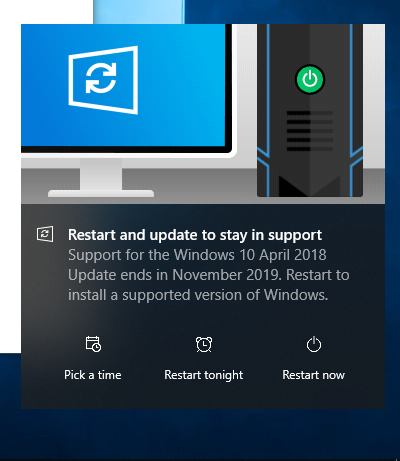
Is this popup, that I just received tied into this that you speak of?
I haven't had this PC up much in the last year, due to home projects, and no Broadband, but recently got 5G out here so am farting around with the notion to try and get online and try to fly.
But so far for two days, I've had no luck updating BOX, deleted entire update folder, its downloading again, we will see,

My Track Ir Fix 
In the heat of battle you will not rise to the occasion
You will shrink to the level of your training
Hey Todd, no, that's just the way windows 10 does things now. You probably need to re-enable the update function now you've got a faster broadband link.

Thanks Jabo
 1
My Track Ir Fix
In the heat of battle you will not rise to the occasion
You will shrink to the level of your training
Sign in to reply.



