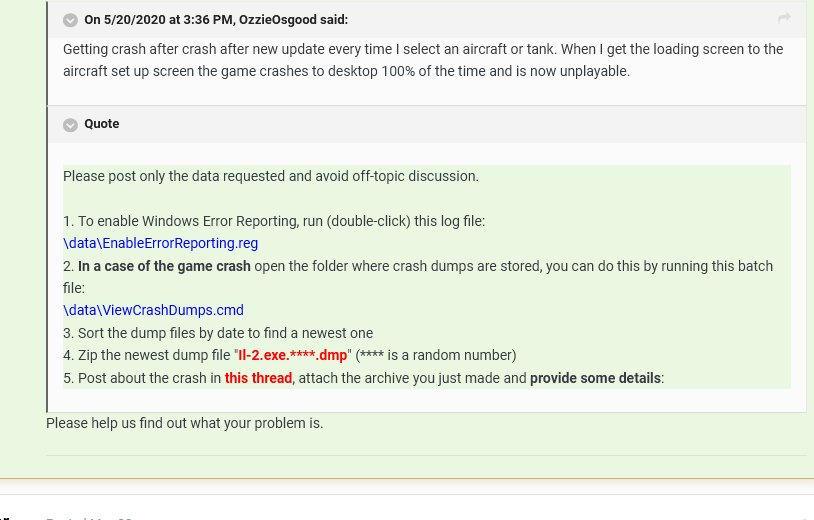
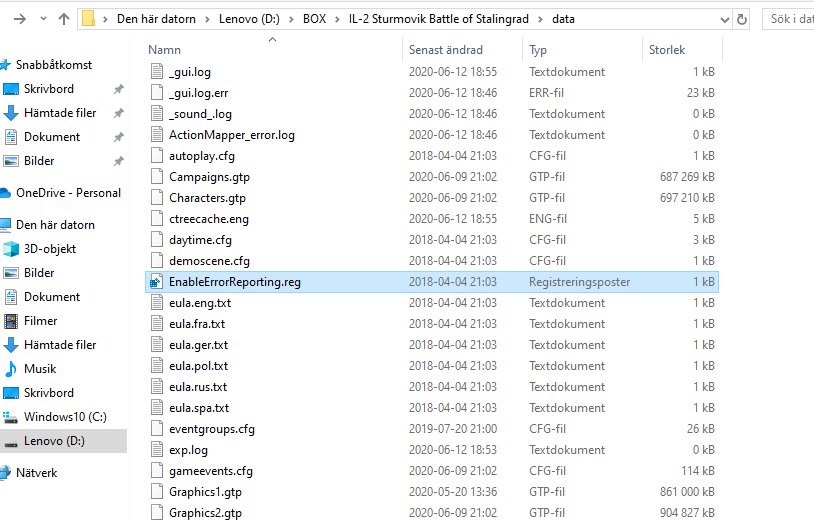
Recently I have had problems with BOX where I am thrown out of the game in the middle of a coop, where BOX is completely shut down and I end up on the Windows screen. It has happened 3 times so far. Also checked if BOX still is running in the background, but it isn't
My computer is a Lenovo PC, processor: Intel Core i7-4790 CPU 3.60 Ghz, RAM: 8.0 Gb,
64-bit operating system. PhysX GeForce GTX 970 graphics card
SSD: 120Gb HD: 120Tb I am running BOX on my D drive
I have looked online quickly but can't find any references to the game crashing to desktop whilst in game. There are plenty of references to it crashing while starting the game or when trying to join a server but none that describe what happens to you. Your computer specs meet the requirements but possibly won't give you much headroom for additional loads.
I think you may have some software issues. Few things:
1. Are your nvidia drivers up to date?
2. What antivirus software are you running?
3. Is your game installed in Windows Program files? Windows 10 can cause some reading/writing issues whilst the game is playing if it is, I believe that the advice is to install it on a separate ssd/hard drive.
If your game is installed within Windows you can move it to another drive without reinstalling by cutting and pasting or dragging and dropping and then creating a new desktop shortcut to start the game.
1. I opened checked Nvidia and it updated it self to version 3.20.3.63 If it is the software itself or and also the drivers?
I don't know what nvidia software version that is or how you get it to update itself. The current drivers for your 970 are version 446.14 and can be found here
Me thinks there's a chance the #C Libraries have some corruptions.
How to fix?
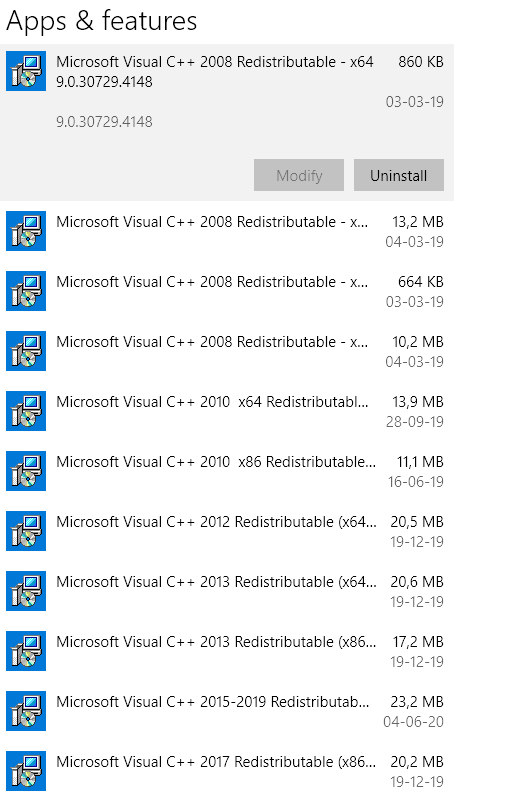
Goto Apps and Features, and scroll the list, for all the Microsoft Visual C++ items:
- Select it, it will show a 'Modify' button. If it's greyed out, ignore and move to next one. If Modify button is not greyed out, click it, and choose 'Repair'
Do so for all of them listed, there can be a few... it could be a long shot, but ...
Here's the list of my PC, and as example a greyed out Modify button...
I don't know what nvidia software version that is or how you get it to update itself. The current drivers for your 970 are version 446.14 and can be found here
Sounds reasonable. Checked my current version and it is version 441.12
Me thinks there's a chance the #C Libraries have some corruptions.
How to fix?
Goto Apps and Features, and scroll the list, for all the Microsoft Visual C++ items:
- Select it, it will show a 'Modify' button. If it's greyed out, ignore and move to next one. If Modify button is not greyed out, click it, and choose 'Repair'
Do so for all of them listed, there can be a few... it could be a long shot, but ...
Here's the list of my PC, and as example a greyed out Modify button...
Only tested a Qick Mission. P-38 on the ground, started the engines, moved around external and inside the cockpit a couple of minutes. Works so far.
Last time game crashed was during 109E vs MIG dogfight, about 5 -10 minutes into the mission. No messages, game just shut down and I was back at the Windows screen.
Seems some people still have crash promlems what I read in TOADs second link.








 1
 1