Any of you guys using these apps to control things via a phone or tablet in your aircraft?

My Track Ir Fix 
In the heat of battle you will not rise to the occasion
You will shrink to the level of your training

By T_O_A_D, Jun 18, 2020 in Gamers Hell
Any of you guys using these apps to control things via a phone or tablet in your aircraft?
My Track Ir Fix
In the heat of battle you will not rise to the occasion
You will shrink to the level of your training
Not any more, but I used to use TouchBuddy - there's posts here on the forum about it. I might look into this though, seems interesting.
 1

okay looked at both, downloaded touch portal as wanted to use an ipad (matricapp only android at the moment). Looks great, but there are no dedicated IL2 decks (the is one in Matric). There are flight sim icon avalaible and DIscord pages avaialble for both portals, looks great and will start to make a basic functioning screen for IL2 .
Good explanation https://forums.flightsimulator.com/t/touch-portal-for-dummies-a-simple-approach/350264
1
Toch portal seems a little glitchy, struggle to reconnect ipad. Decided to to try matricapp, breeze to install and £5 cheaper. just downloaded the IL2 deck and will give it a go. wish my german was better, but screens look intuative.
Good for Android users, I hate Apples anyway LOL
Back when I posted this I had a couple extra android phones laying around, if you get to liking it BOB I may go get a used one and dedicate it to just this.
My Track Ir Fix
In the heat of battle you will not rise to the occasion
You will shrink to the level of your training
its definately work in progress, but worth the few pounds for a go with. Editing an existing users deck as easier tan working from scratch (there is only one IL2 deck I could find, loads for DCS jet hots shots, but I guess they are needed more for the hundreds of buttons it takes to do something in the more modern aircraft. Screen shot below of what I'm up to. Buttons down the right are quick access to the different screens, highlight shows which screen you're on.
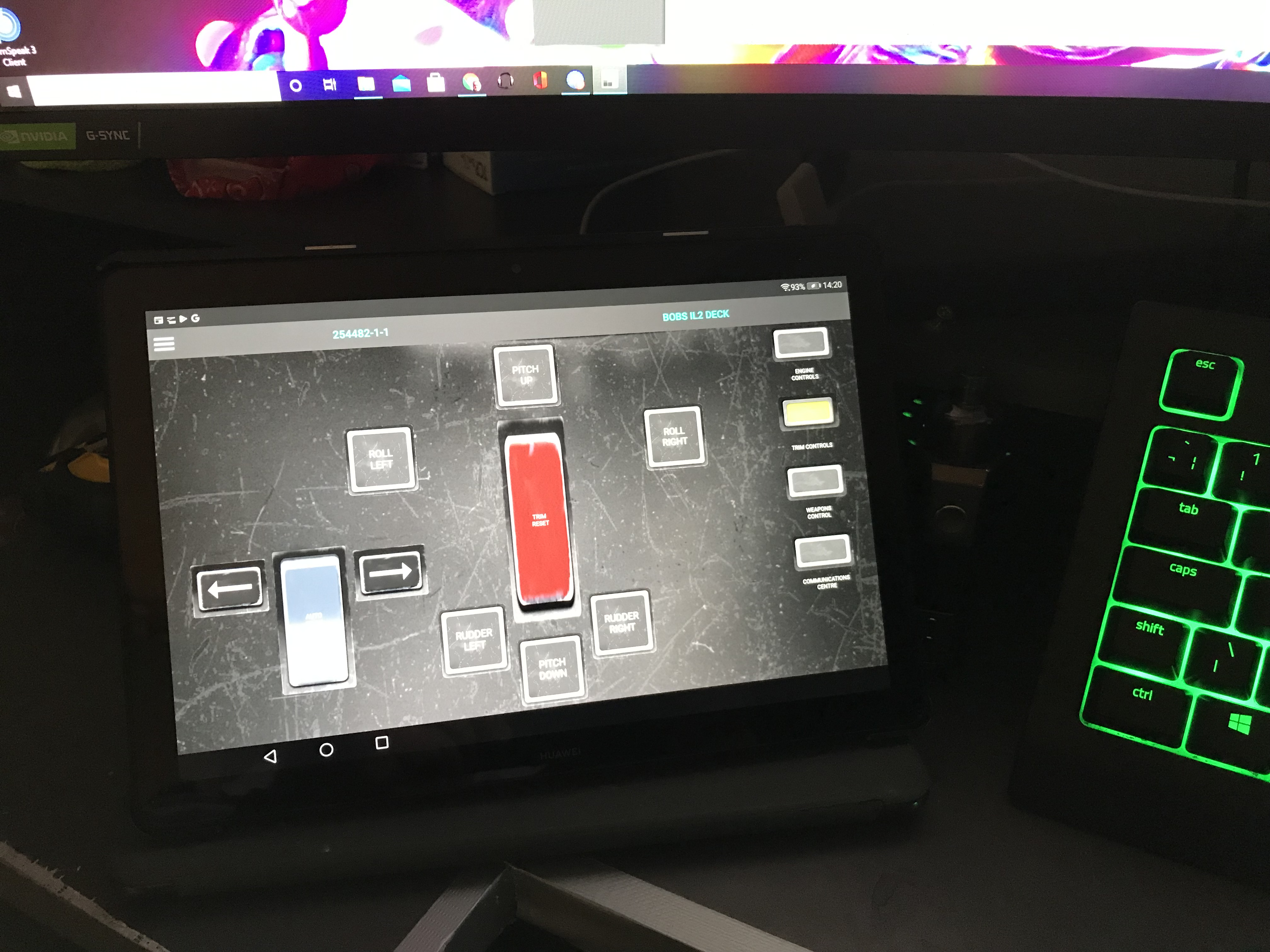
2
making progress with the app and deck, some points:
althought technically only a wirelees keyboard (no issues with lag that are perceptable) app does not like multiple binds with joystick/throttle
PC editor works great with app, just hit save on any changes and they immediately can be seen on app.
some images from editor below, layout is my best guess and would be great to heart what more experiences fliers think. Its easy too change and add functionality, next upgrade planning to include sliders for trim wheels, but buttons just as goods as main keyboard
Added a Tank Command page as can never remember which controls are bound to my throttle, will find out tonight if they work.
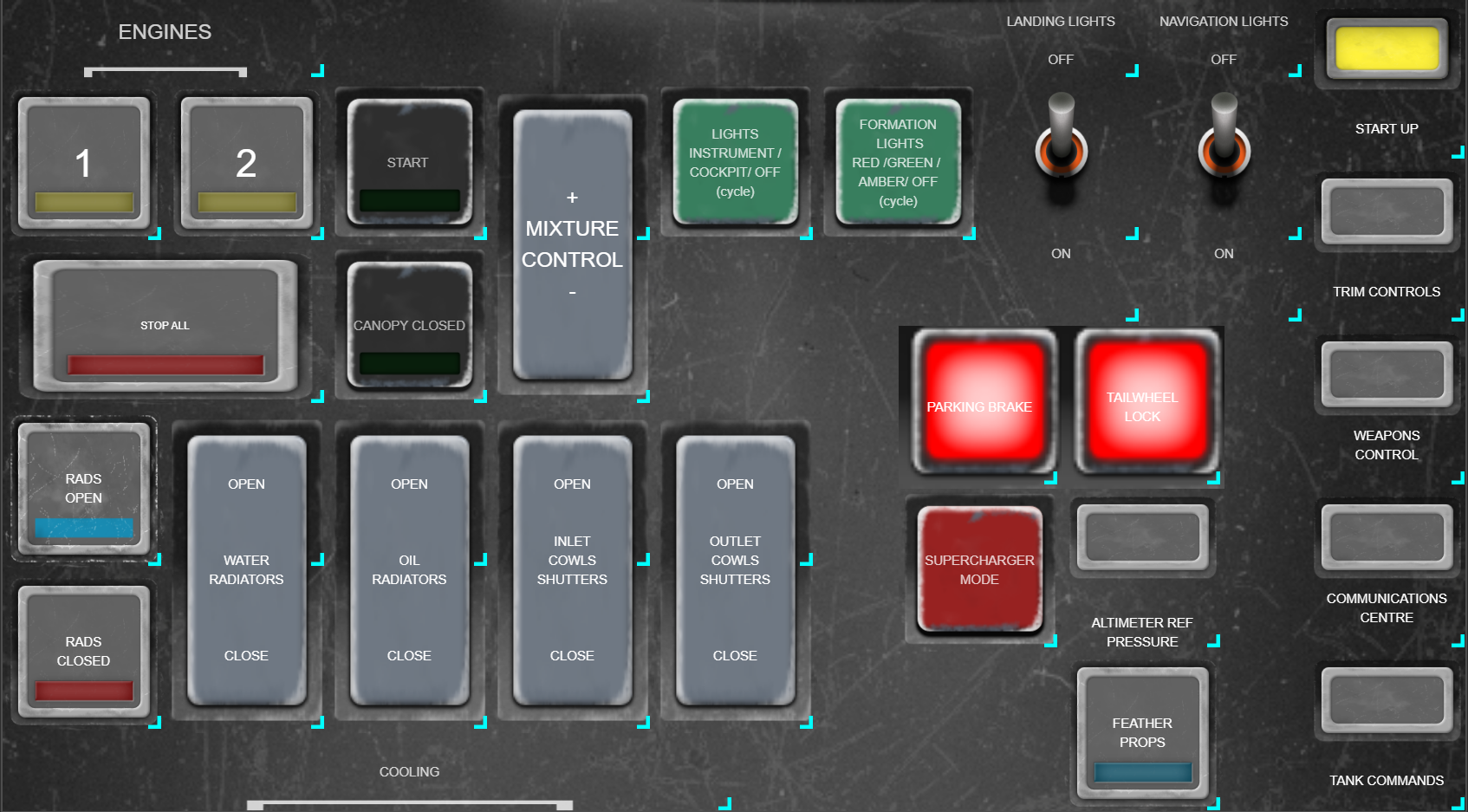
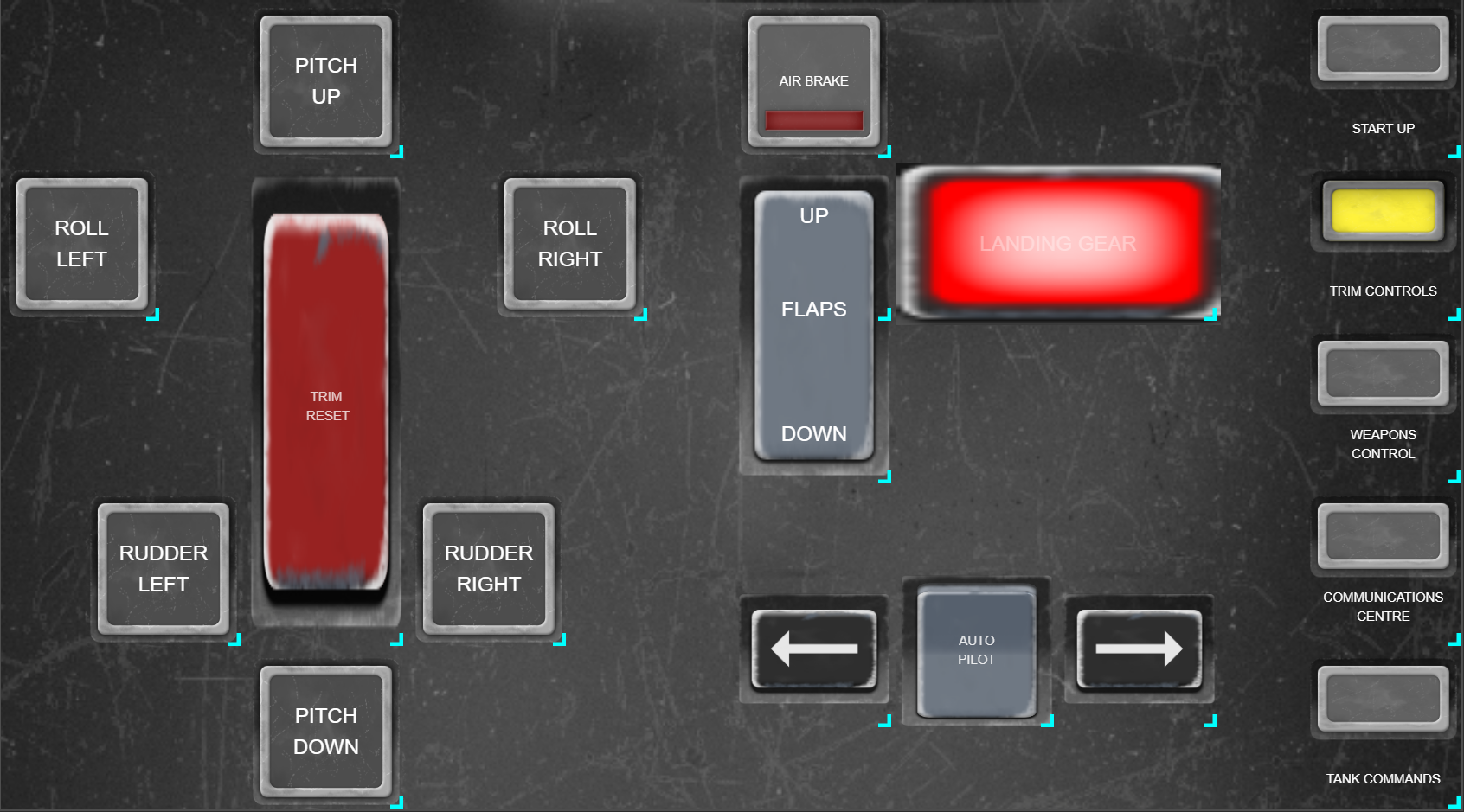
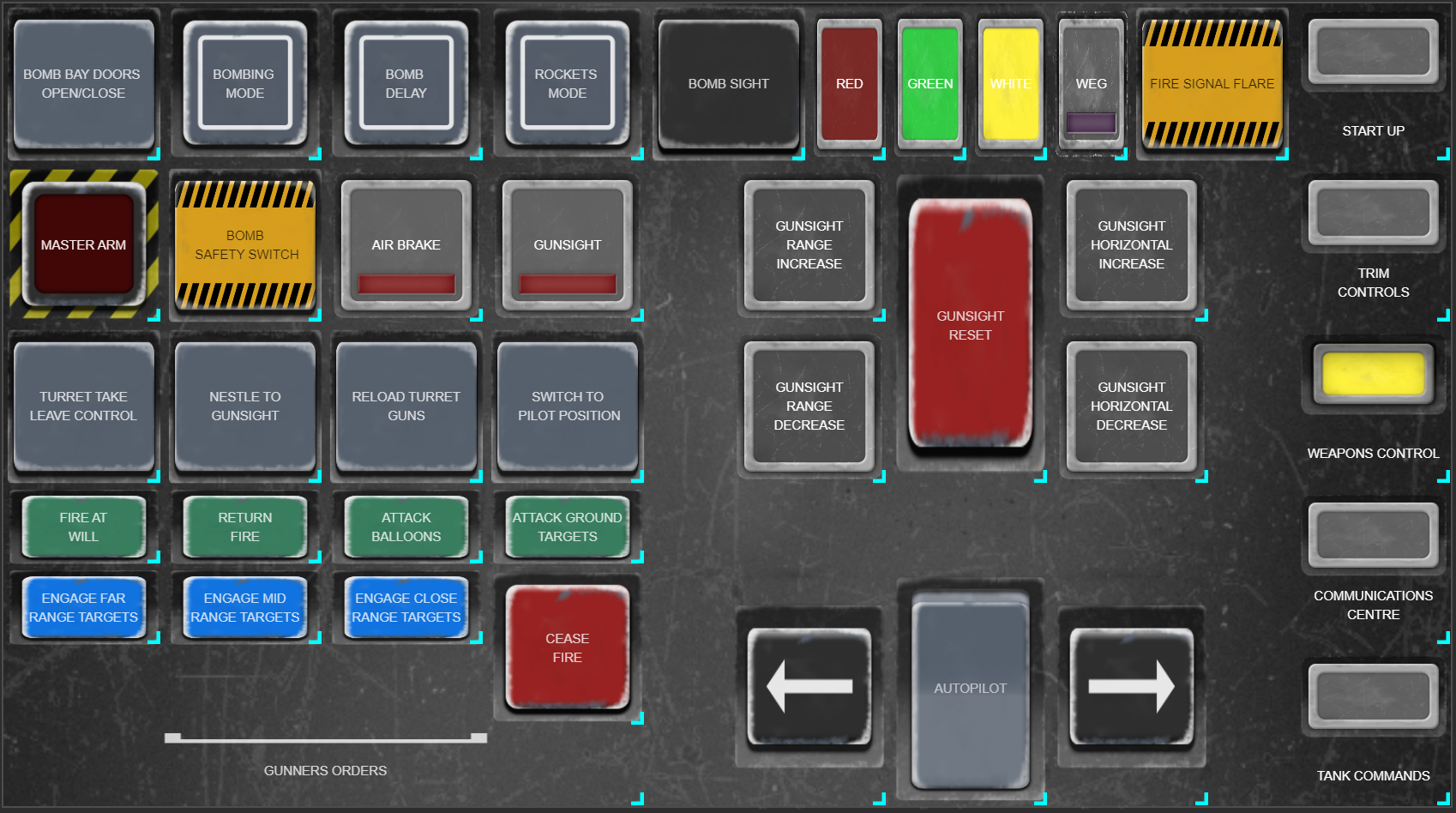
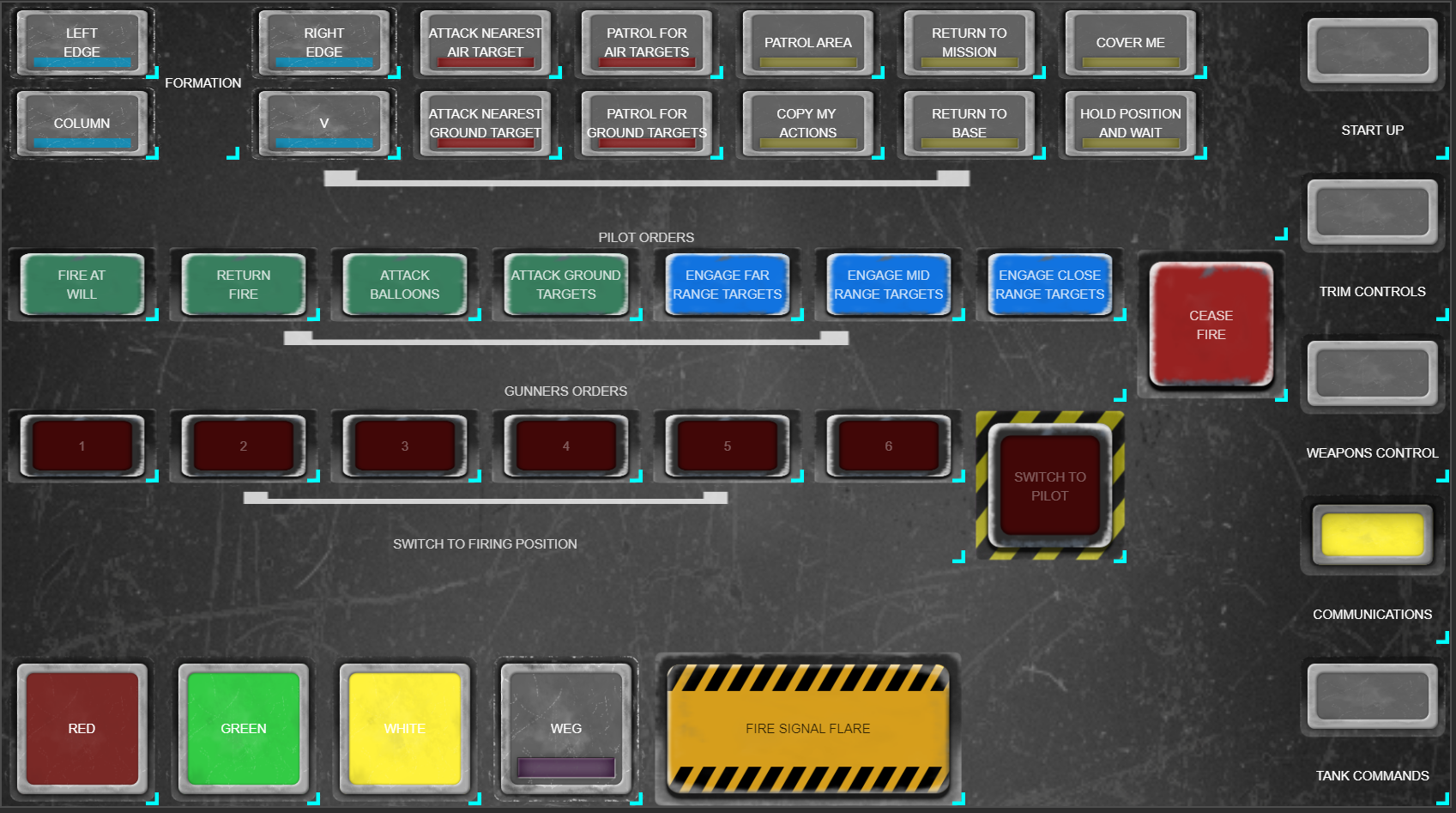
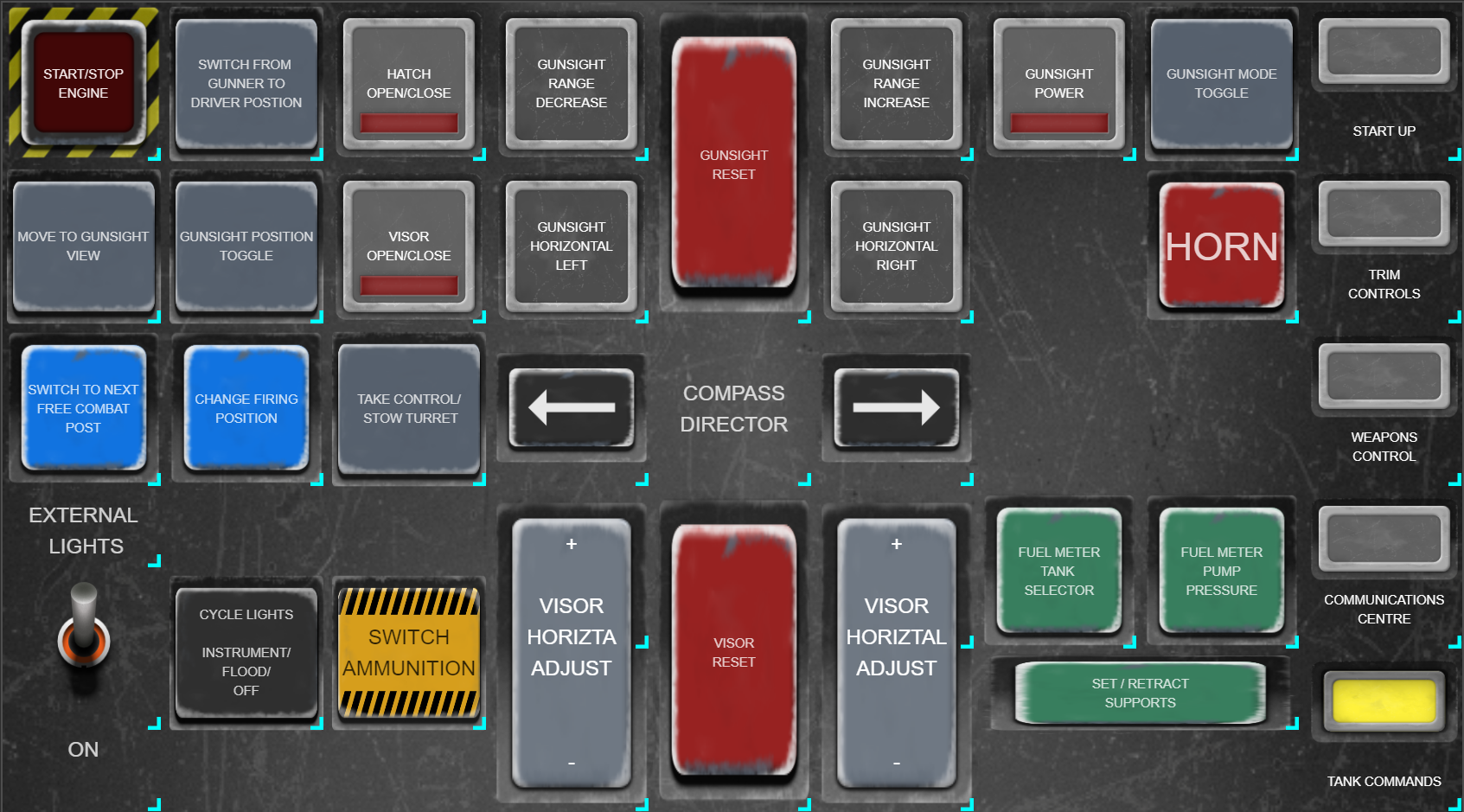
If anyone also has the Matricapp have attached the file I'm working on, currently set up for a 10 inch tablet so might be a bit small on a phone
Anyone wanting a to give the app a go ; the editor is free download from their website https://matricapp.com/, the app is on googleplay https://play.google.com/store/apps/details?id=tbm.matric.client&hl=en-GB its free version will let you play around with some basic buttons, but the deck version is £5.99
Bob
1
Hmm...me to I have an old Ipad knocking around that could be pressed into use, only problem might be required version of IOS.

Hi gents
you need to use the touch portal app for iOS, which for me the connection was a little flakey.
used for the tanks and found it useful, for planes the light up functionality looks great, but you have to remember to reset them to their start position when you re enter as they might be the wrong way round.
as a replacement for keyboard entry it’s brilliant, for replacing throttle or stick not so sure, certainly allows you to free up places on your hotas when lots of bindings required
 1
I like this....especially for AI comms. Thanks for putting yours up Bob
1


You have two applications, one is the app on your tablet or phone, and the other is the desktop program for editing, generating and downloading decks. The decks are files in the C flolder of the application
Thanks for putting your deck up Bob, it works a treat for controlling the AI. I flew a flight of 4 A20s and they did as they were told every time. This has given me another level of control that doesn't need mapping on my controls  I only have an Android phone but it works a treat.
+1 from me.
1
1
Sign in to reply.
 1

