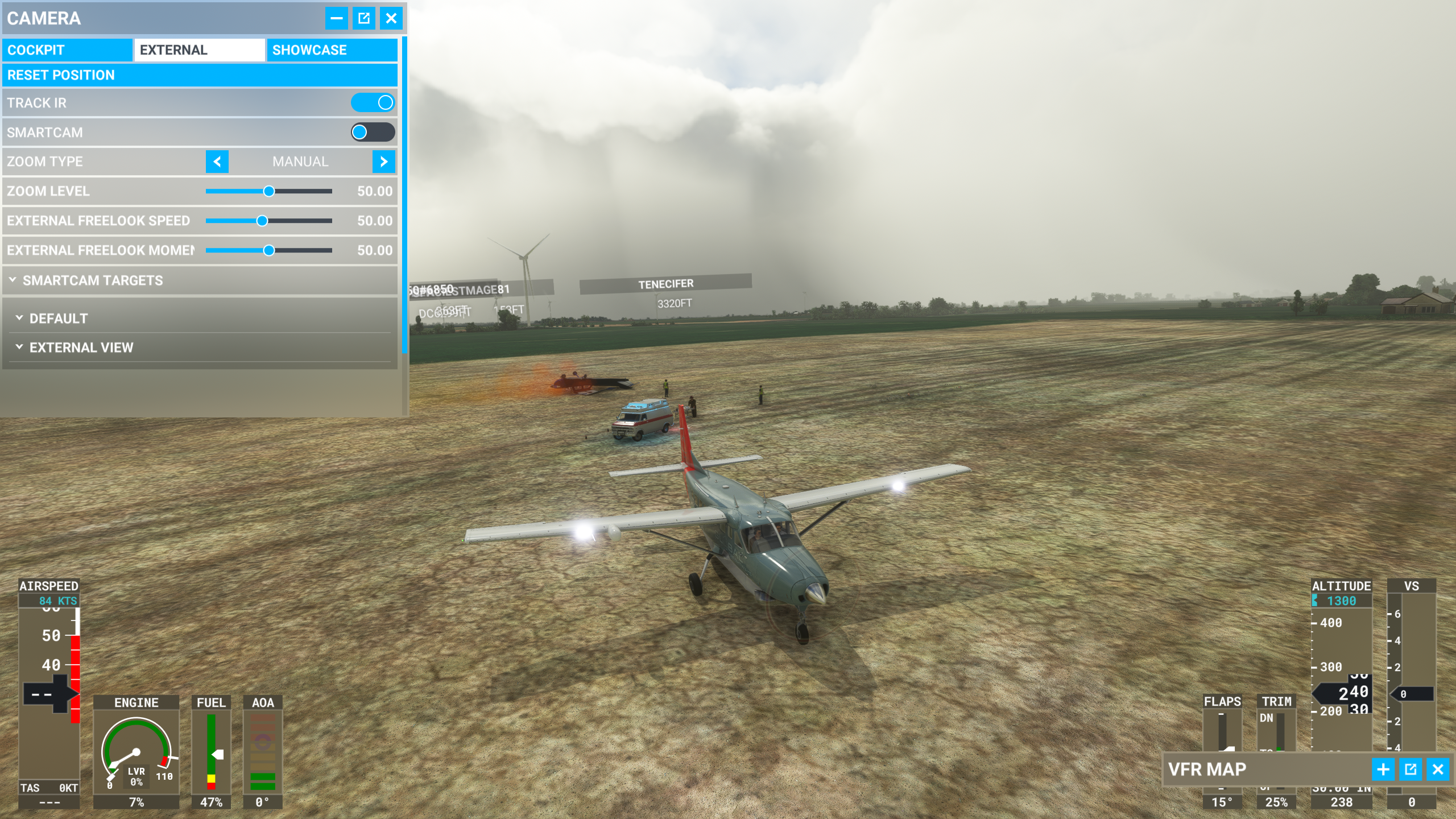
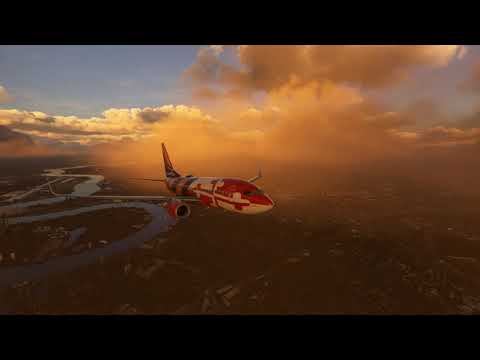
I've not experimented too much, but the few addons I've installed (Duxford being one) are from here Nick: https://flightsim.to/



By DD_Arthur, Jul 18, 2020 in Microsoft Flight Simulator 2020
I've not experimented too much, but the few addons I've installed (Duxford being one) are from here Nick: https://flightsim.to/
Watch it guys, Arthur is offering you sweets to get into his MSFS van, come back to GBS...you are much safer there.....

1 hour ago, BluBear said:P-12E?
Where?
Where? Where?
Where? Where? Where? Where? Where? Where?
Where? Where?
Where?
 1

On 4/12/2022 at 11:11 AM, RoyalFosse said:Arthur, is it complicated to make the videos?
Hello Fosse My sincere apologies for replying so late - was on hols 'til late last week - but the short answer is no, it's not complicated. At least not the ones that I make.

I use something called ShadowPlay and it comes with Geforce Experience - as long as you have an Nvidia graphics card. It's very simple to set up, has very little impact on frame rates whilst it's running and produces a nice video that is easily uploaded to YouTube without any loss of quality. Since I'm running a 1080p screen I can't really afford much of a loss in quality so this is important.
ShadowPlay basically records whatever is on the screen at the screen resolution. There are lots of other programmes around to record stuff but in my experience they all have a bigger systems footprint which has a negative impact on fps. i should add that FruitBat makes some very splendid videos of DCS on his lovely big 4k screen using something that comes with Windows.
The other thing about the stuff I make is that it's all one take; all I'm doing is pressing the record button and then changing views in the sim from cockpit to external, etc. To cut between scenes properly you need to use an external video editing tool to edit and join different sections together. This obviously gives the chance to make some really beautiful, epic stuff if your so inclined but takes a great deal of time to do it properly and when it comes to MSFS2020 there is one major problem with this: Unlike IL2 or DCS, at present the sim does not have a decent, built in track recorder.
It does have a bit of an under-developed, crappy one and third party apps are also available too but at present they have quite a lot of limitations and for one reason or another are not quite up to snuff yet in my opinion. Here's a link to the best one available on Flightsim to.
https://flightsim.to/file/8163/flight-recorder
Also, I've seen some of Blubear's vids of IL2 and he's really rather good I think so I'd like to know what he uses for editing.
Anyway, despite the limitations, I have a few handy things I can use to try and make things interesting. I use TrackIr which allows me to not only look around the cockpit but also 'extend' my view when I'm recording externally. Also, I have a wireless XBox controller that I use for external views and panning around which is very handy.
One thing that MSFS does have that the others don't is a drone cam option and it's here that my XBox controller comes into it's own. With it you can;

This means you can do some pretty stuff with careful use of the sun, the scenery, the weather and the auto pilot!

Autopilot in MSFS becomes pretty important when all the recordings you make are one-take and you're juggling joystick and XBox. Infact I've discovered that the autopilot in my lovely little Kodiak is good enough to navigate the Mach Loop!
Perhaps I'll try and make a movie of that soon. Hope this helps. S!
 1

On 4/27/2022 at 6:51 PM, DD_Arthur said:Hello Fosse
I use something called ShadowPlay and it comes with Geforce Experience - as long as you have an Nvidia graphics card. It's very simple to set up, has very little impact on frame rates whilst it's running and produces a nice video that is easily uploaded to YouTube without any loss of quality. Since I'm running a 1080p screen I can't really afford much of a loss in quality so this is important.
ShadowPlay basically records whatever is on the screen at the screen resolution. There are lots of other programmes around to record stuff but in my experience they all have a bigger systems footprint which has a negative impact on fps. i should add that FruitBat makes some very splendid videos of DCS on his lovely big 4k screen using something that comes with Windows.
The other thing about the stuff I make is that it's all one take; all I'm doing is pressing the record button and then changing views in the sim from cockpit to external, etc. To cut between scenes properly you need to use an external video editing tool to edit and join different sections together. This obviously gives the chance to make some really beautiful, epic stuff if your so inclined but takes a great deal of time to do it properly and when it comes to MSFS2020 there is one major problem with this: Unlike IL2 or DCS, at present the sim does not have a decent, built in track recorder.
It does have a bit of an under-developed, crappy one and third party apps are also available too but at present they have quite a lot of limitations and for one reason or another are not quite up to snuff yet in my opinion. Here's a link to the best one available on Flightsim to.
https://flightsim.to/file/8163/flight-recorder
Also, I've seen some of Blubear's vids of IL2 and he's really rather good I think so I'd like to know what he uses for editing.
Anyway, despite the limitations, I have a few handy things I can use to try and make things interesting. I use TrackIr which allows me to not only look around the cockpit but also 'extend' my view when I'm recording externally. Also, I have a wireless XBox controller that I use for external views and panning around which is very handy.
One thing that MSFS does have that the others don't is a drone cam option and it's here that my XBox controller comes into it's own. With it you can;
This means you can do some pretty stuff with careful use of the sun, the scenery, the weather and the auto pilot!
Autopilot in MSFS becomes pretty important when all the recordings you make are one-take and you're juggling joystick and XBox. Infact I've discovered that the autopilot in my lovely little Kodiak is good enough to navigate the Mach Loop!
Perhaps I'll try and make a movie of that soon. Hope this helps. S!
Arthur,
thank you ever so much, i will ponder over this properly when i return from my holidays too!
Royal

Take off from Exeter bound for East Midlands airport. It took me nearly 3 hours to set up the flight management computer to do this, lol.
After I hit nav I had to go and have a restorative cup of tea as my tiny brain was hurting so much🙃
 1
After I hit nav I had to go and have a restorative cup of tea as my tiny brain was hurting so much🙃
Should have gone to GBS 
1


I can have a game pass free for 3 months so I was thinking of giving this a try. How big is the installed basic program?
Difficult to say as the only figure found is 83GB, doesn't say which package. The premium has a few more aircraft and airfields so I don't think it will be that much bigger.


Sign in to reply.
 You are weird!