Controlling Sound Devices-Want USB headset for TS and speakers for game?

By Friar, Mar 10, 2022 in Jim's Place

Posted March 10, 2022

Salute Chaps

How do I configure my computer to have Teamspeak using a USB headset and the game coming from my speakers?

I have gone into the sound settings and set output as the default sound and microphone as the logitech headset, but what about TeamSpeak output?

I know some of you do this, @Sid ?

My Hanger 2026.png

Posted March 10, 2022

In TS: Tools, Options, Playback: Playback Device and Capture: Capture Device - select the proper ones in there... Should work... ?

Like 2

DD-Signature.jpg

Posted March 10, 2022
1 hour ago, FoolTrottel said:

In TS: Tools, Options, Playback: Playback Device and Capture: Capture Device - select the proper ones in there... Should work... ?

This, I've been doing it for ever!!

Like 1

large.DD-Signature.jpg.345348946893195d2fb36046bbc90daa.jpg.0269149e41488d6f21ef7162130cde40.jpg

B-52 Electronic Warfare Officer (EWO) veteran Jack Donovan’s natural response, when he was introduced to the tactics and mission details. His exact reply was: “you want me to fly in the back of a little tiny fighter aircraft with a crazy fighter pilot who thinks he’s invincible, home in on a SAM site in North Vietnam, and shoot it before it shoots me, you gotta be shitting me!

Posted March 10, 2022

What they say :)

large.a_aniahco.GIFbeaufightersig.JPG


Posted March 10, 2022

I can get TS to work no problem, but I still get the game coming through the headset, not the speakers.

I do not see how to split them apart

My Hanger 2026.png

Posted March 10, 2022

Mine is simple my head set is usb, so splitting the two is straight forward.

With a single sound card IIRC you plug the big speakers to the rear jacks, and the headset and mic to the front jacks, manipulate it with the sound card software and then TS.

I can't test it though I no longer have and split cable headset.


Thanks 1
Posted March 10, 2022
1 hour ago, Friar said:

I can get TS to work no problem, but I still get the game coming through the headset, not the speakers.

I do not see how to split them apart

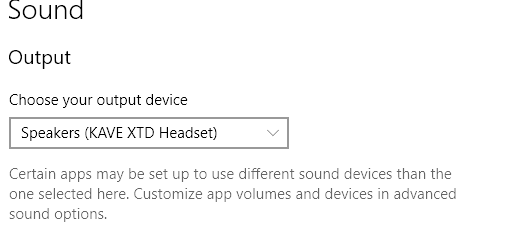
That should be done in Window's sound control panel.

Right click the speaker icon, select 'Open Sound Settings'  - select the speakers/on board sound card.

image.png

Me thinks you must have the USB headset connected first. Chances are, if you set it to the speakers and afterwards connect (Add) the UBS headset, it will probably select it as the default output device...


 

Thanks 1

DD-Signature.jpg

Posted March 11, 2022

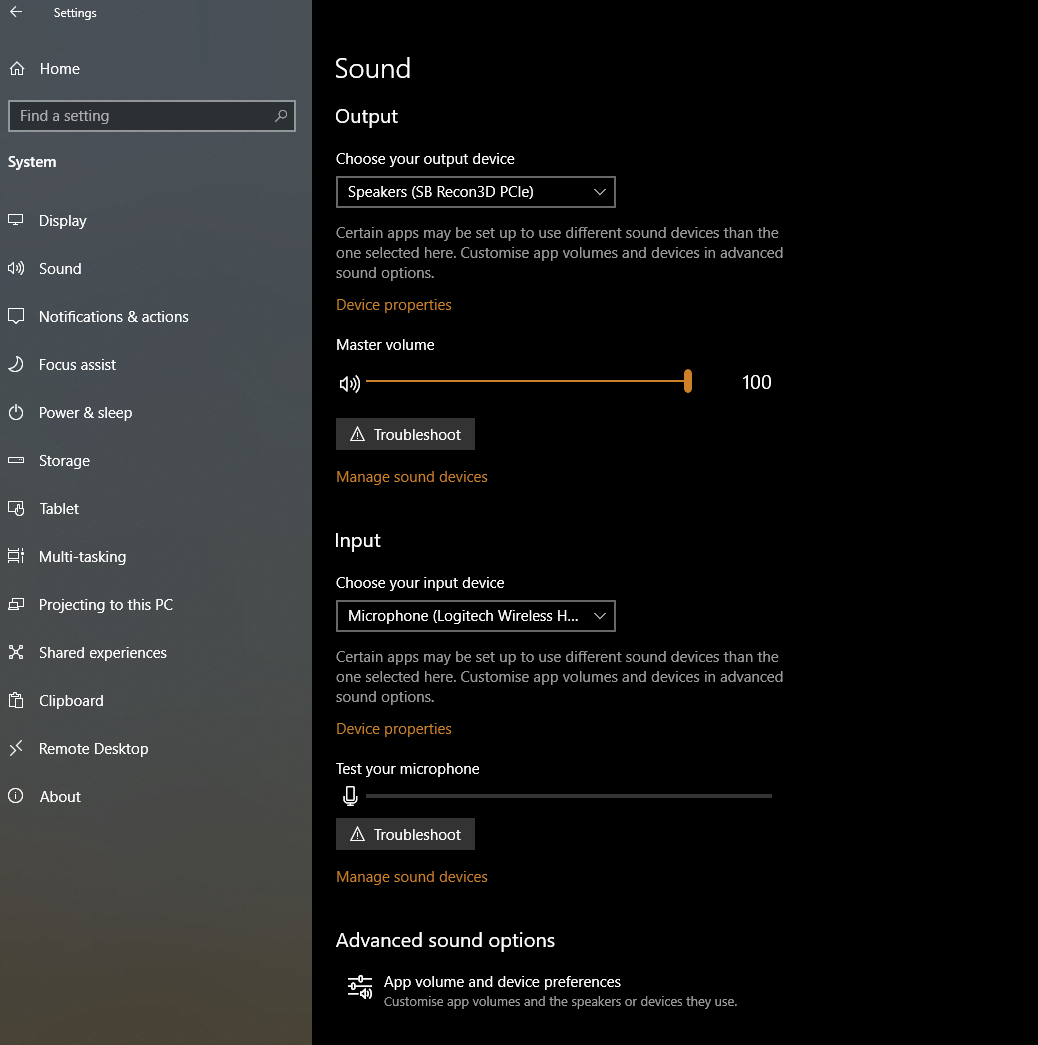
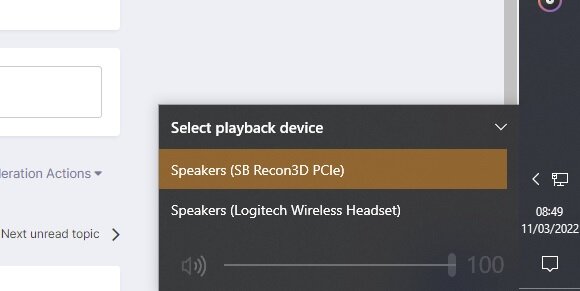
Check windows sound settings and also the sound setting off the taskbar, make sure your speakers are the one selected.

sound settings.png

sound settings 2.jpg

Thanks 1

large.a_aniahco.GIFbeaufightersig.JPG


Posted March 11, 2022

Thanks chaps I will give it a go later.


My Hanger 2026.png

Sign in to reply.