DIY collective

By Crash, Apr 12, 2023 in DCS Series

Posted April 30, 2023 · edited Apr 30, 2023 by wingflyr

Now buttons are assigned as how

many are going to be used, 

how many in a row ,and

how many in a column      Hope that not to confusing.  

first part of the code example

#include <Keypad.h>
#include <Joystick.h>

//DEFINITIONS
#define ENABLE_PULLUPS
#define NUMROTARIES ? //replace "?" with number of rotary encoders you are using
#define NUMBUTTONS ? //replace "?"with number of buttong you are using
#define NUMROWS ? //replace "?" with number of rows you have
#define NUMCOLS ? //replace "?" with number of columns you have

//BUTTON MATRIX
//first change number of rows and columns to match your button matrix, 
//then replace all "?" with numbers (starting from 0)
byte buttons[NUMROWS][NUMCOLS] = {
  {?,?,?,?},
  {?,?,?,?},
  {?,?,?,?},
  {?,?,?,?}


};


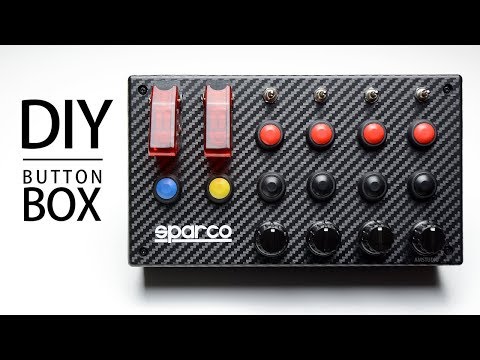
 Here is a video that I followed to run a Arduino Micro Pro for 32 buttons with 4 rotary encoders
 

Posted April 30, 2023

Sorry what type of Arduino are you using again. I will see what info I have on the type.

Posted April 30, 2023

I am not doing the columns and rows stuff. Its a mega plus board https://www.amazon.co.uk/dp/B09C1S4TW8/?coliid=IDE4DQ6ANF77N&colid=3GJ0HH41UWZCS&psc=1&ref_=lv_ov_lig_dp_it

Looks to me like it does 53 buttons

image.png

siggy.jpg

Posted April 30, 2023

Ah yes the Mega

You may already have this info already

you will have to find a Mega sketch for the Arduino software here is some direction 

Sorry Im not that helpful with the MEGA Dave

https://www.javatpoint.com/arduino-mega


Posted May 6, 2023

I am having a nightmare with the project. I cant find a  sketch that will work with my board and the damper set up is far too stiff. Looks like buying a leonardo is the only way forward with this.

image.png

siggy.jpg

Posted May 9, 2023

Slow progress, the Leonardo has just arrived so I will try out the joystick library this weekIMG_0028.JPG

Like 1

image.png

siggy.jpg

Posted May 10, 2023

The Leonardo works. BUT it isnt very obvious how to load a downloaded sketch or even how to download the sketch. After quite a while I have the board set up as a 5 axis controller and it tested OK. Now to find the sketch I need, that is 4 axis, one 4 way hat switch and maybe 10 or so buttons.

image.png

siggy.jpg

Posted May 15, 2023

More progress, I have soldered the 2 pots and have roughly positioned the throttle complete with thumb stick. I will put some photos up soonish in my build thread.

Like 1

image.png

siggy.jpg

Posted May 17, 2023

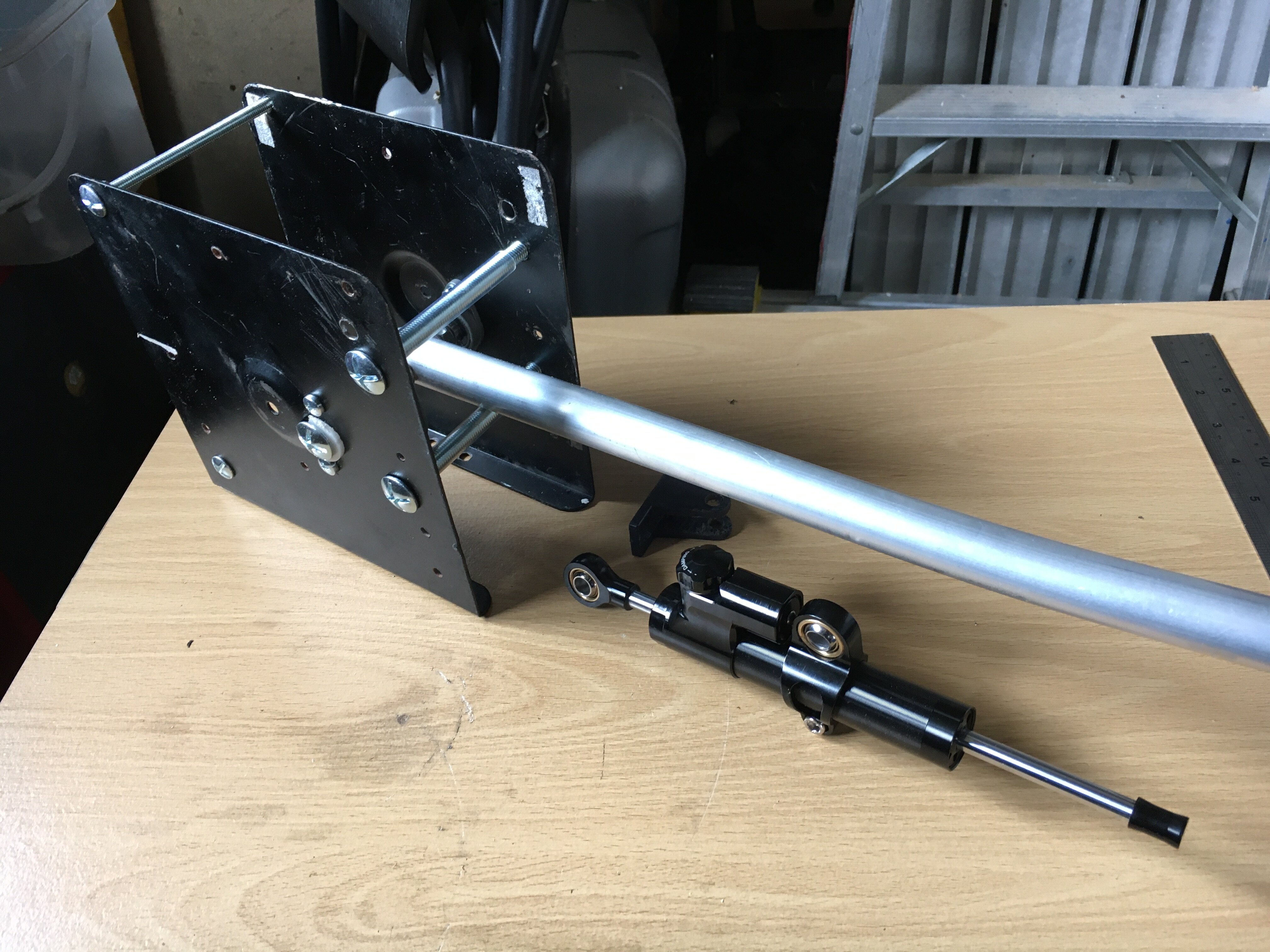
More progress, as I have decided to mount the Leonardo in the button box on the lever I had to feed the wires from the collective pot up the lever along with the USB cable. This meant taking the plate off the side to get access to the collective pot, and taking the lever off the pivot to allow the cables to be fed up the tube. All back together now.

Like 2

image.png

siggy.jpg

Posted May 18, 2023 · edited May 18, 2023 by wingflyr

Looks great Crash

I have one sketch that for my Leonardo.  It obviously will not match your config rig, but your certainty can use it as reference if that helps.  

WINGFLYR_sketch.ino

Posted May 19, 2023

Thanks Dennis I will give that a go.

image.png

siggy.jpg

Posted May 19, 2023

Let me know if you have questions and I will get back to you as quick as possible Dave.

Posted May 20, 2023

Will do Wingy, I have fitted all the switches, so I need to solder the wires and get Leonardo talking to the computer.

Like 1

image.png

siggy.jpg

Posted May 28, 2023

How many buttons and axis are on your sketch Dennis?

image.png

siggy.jpg

Posted May 29, 2023

Base now complete and soldering commenced.

image.png

siggy.jpg

Posted May 29, 2023
On 5/28/2023 at 8:19 AM, Crash said:

How many buttons and axis are on your sketch Dennis?

Will check Dave, I will get back to you ASAP. Last two days of work, then I'm free free free

Like 1
Posted May 29, 2023

I remember the feeling :)

image.png

siggy.jpg

Posted May 30, 2023

OK Dave I use this for my radio buttons and rotary's vol up down, channel selection ect for DCS

//DEFINITIONS
#define ENABLE_PULLUPS
#define NUMROTARIES 4 //replace "?" with number of rotary encoders you are using
#define NUMBUTTONS 6 //replace "?"with number of buttong you are using
#define NUMROWS 1 //replace "?" with number of rows you have
#define NUMCOLS 6 //replace "?" with number of columns you have

as follows 4 rotary encoder switches   push down button 1 rotate 1 left rotate right 

  as in the sketch               

rotariesdef rotaries[NUMROTARIES] {
  {0,1,24,25,0},
  {2,3,26,27,0},
  {4,5,28,29,0},
  {6,7,30,31,0},


and 6 buttons


//BUTTON MATRIX
//first change number of rows and columns to match your button matrix, 
//then replace all "?" with numbers (starting from 0)
byte buttons[NUMROWS][NUMCOLS] = {
  {0,1,2,3,4,5}


5 potentiometers    z axis

                                                   rx axis

                                                   ry axis

                                                   rz axis

                                                   throttle

as you can see in the sketch these equal true

//JOYSTICK SETTINGS
Joystick_ Joystick(JOYSTICK_DEFAULT_REPORT_ID,
  JOYSTICK_TYPE_JOYSTICK,
  32, //number of buttons
  0, //number of hat switches
  //Set as many axis to "true" as you have potentiometers for
  false, // y axis
  false, // x axis
  true, // z axis
  true, // rx axis
  true, // ry axis
  true, // rz axis
  false, // rudder
  true, // throttle
  false, // accelerator
  false, // brake
  false); // steering wheel


 Hope that helps Dave. I know it can be confusing.  By the way, Your collective is starting to look awesome. Nice piece of engineering their Matie. :thumbsup:

Posted May 31, 2023

Thanks Wingy,  most of the soldering is now done. My original rubber band on the throttle has now got a split so I will need to come up with a new cunning plan. Might get some photos up tomorrow.

image.png

siggy.jpg

Posted June 1, 2023

New cunning plan, I have ordered a 3D printer belt and pulley, Hopefully this will work out.

Like 1

image.png

siggy.jpg

Sign in to reply.