Lossless scaling.....

By DD_Arthur, Jun 14, 2024 in Jim's Place

Posted June 14, 2024

Hello lovely people, hope you're all well as can be expected and enjoying, er...dogging...er, as usual.:huh:

Anyway, I thought I'd tell you about this;

https://store.steampowered.com/app/993090/Lossless_Scaling/

Now I don't actually use this myself at the moment. I'm still very much enamoured by MSFS2020 and all that limp-wristed civil aviation stuff. However, I do use frame generation, it's a selectable graphics option within the sim.  This basically doubles my frame rates and it's just....astonishing.  I still use my potato computer with it's ancient CPU and a not-so-state-of-the-art RTX2070 graphics card.

  https://forums.flightsimulator.com/t/adventures-in-msfs2020-with-my-thirteen-year-old-cpu/629757

Now to use frame generation in MSFS you need an Nvidia 40 series card. As you can see, I don't have one of these so I use a mod that fools MSFS into thinking I do have one.  I normally consider all this sort of stuff as a pitch by a snake-oil salesman and ignore it but this works really, really well. You really do go from thirty frames per second to sixty.

So; the link to Steam that I've posted above about lossless scaling is another way of doubling frames. it has certain limits such as only working in windowed mode but it's very much worth reading up about to make sure anyone who wants to use it fully understands what it does. Unlike the mod I use - this thing works with ALL graphics cards and in DX11 or 12 and Vulcan, etc.  So I thought, if you're struggling with an older graphics card in the monster that is DCS and were willing to punt a few of our great British pounds, this then might be worth a try.

Here's a link to it on Avsim too so you can see what the punters there are making of it....

  https://www.avsim.com/forums/topic/645513-a-miracle-lsfg-lossless-scaling-frame-generation/

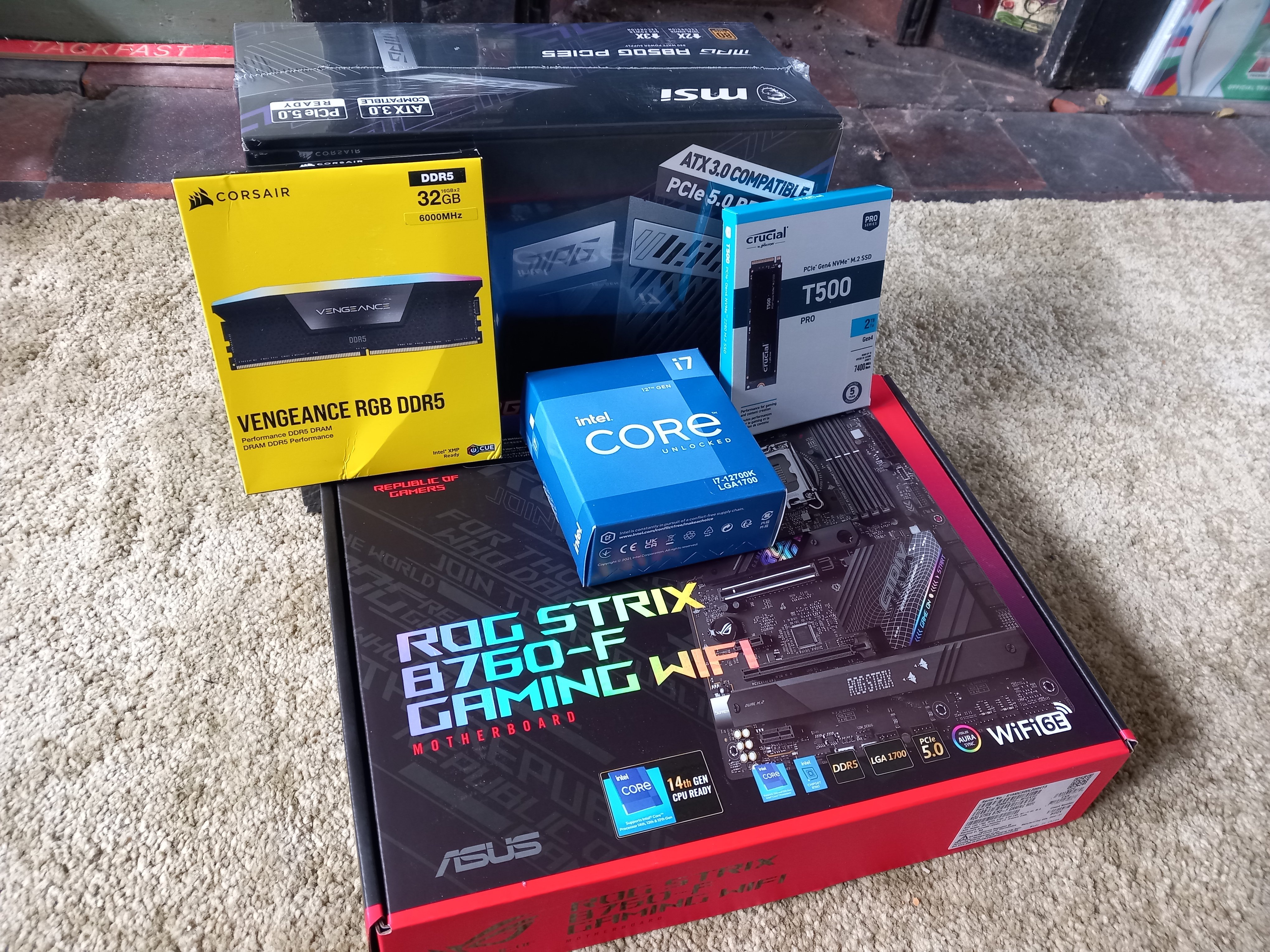
In the meantime, here at chez Arthur all these exciting looking boxes turned up today.....:rocker:

image.jpeg

Like 2
gallery_440_79_39944.png
Posted June 15, 2024

When is the other exciting box arriving?

image.png

siggy.jpg

Posted June 15, 2024
1 hour ago, Crash said:

When is the other exciting box arriving?

That’s a good question. Since I’m actually buying new stuff as opposed to evil baying my hardware, I’m leaning heavily towards an RTX4070ti Super.

From the price/specs it looks like the best bang for buck to go for at the moment. It’s also got the longest name of any graphics card out there so it must be good.🤩

However, at some point soon Nvidia are going to release their 50xx series cards….

My present system - old faithful - is starting to show signs of distress so I need to get something up and running in case it goes ‘phut’ and I lose a lot of stuff I wanna keep.

 Decisions, decisions….but at the moment the 4070 is in pole position.

gallery_440_79_39944.png
Posted June 15, 2024 · edited Jun 15, 2024 by Crash

It might be worth looking at "pre loved" cards from CEX as you get a 2 year gaurentee. I might go down that route next year, trading the 3090 ,as apparently its working fine, for a 4090. As I suspect my issue is PSU related I will probably get one that supports the 40 series. Still using VR?

PS if your old puter does die, put the drives in your new case and you wont loose amything. My old system drive is now my download drive and it works well.

image.png

siggy.jpg

Posted June 15, 2024 · edited Jun 15, 2024 by DD_Arthur

Ahhh…didn’t know that. A decent guarantee is part of the attraction of a new card. Might have to think hard(er) about this. 

At the moment I’ve got a curved 32” g-sync screen running at 1440p. I’m quite happy with it but MSFS is such a visual feast I might go for something ludicrous later on. Space is not a problem.

I’m not using VR in MSFS, it just doesn’t float my boat. There’s too much scenery to look out at and civil flight decks are simply too roomy for my taste in VR….and it’s a bit under developed in MSFS in my opinion.

However, for military sims I still think VR is a must. Small, cramped cockpits, formation flying, gunnery, etc. as you know, all these things are astonishing in VR. I’ve seen a couple of vids of people flying the DCS Phantom with the crystal Pimax…..😲.

I’m willing to wait on developments - both hardware and new sims - though. One things for sure, I’m not strapping anymore scuba diving gear on me head. I’ve been watching Bigscreen Beyond development with some interest….

Oh yeah, none of these frame generation options work in VR.


gallery_440_79_39944.png
Posted June 16, 2024

Could we tempt you into DCS Arthur? There is a very nice free Hercules mod (official version is on the road map). You can load and deliver cargo to impact an airfields viability?

Or is helicopters you could go Blackhawk, another very good free mod?

Anyway nice to see you still around the forums 

Cheers

Friar

My Hanger 2026.png

Posted June 16, 2024

If you do go for a new card Gigabyte has a good returns set up at Milton Keynes, with some other brands you might have to return it to the far east. The Aurus vesion gives 4 years warrenty but are the more expensive varients.

image.png

siggy.jpg

Posted June 16, 2024
5 hours ago, Crash said:

If you do go for a new card Gigabyte has a good returns set up at Milton Keynes, with some other brands you might have to return it to the far east. The Aurus vesion gives 4 years warrenty but are the more expensive varients.

Cheers Crash, that’s the sort of thing that will have a big influence on what and where I buy.

@Colin👋.  Although I haven’t got it installed at the moment I do have quite a few DCS modules….unfortunately many of them seem to be made by Razbam🥲

gallery_440_79_39944.png
Posted June 17, 2024 · edited Jun 17, 2024 by Crash

This might be of some use

warrenty info


Thanks 1

image.png

siggy.jpg

Posted July 25, 2024

Have you bought the card yet Arthur?

image.png

siggy.jpg

Posted July 26, 2024

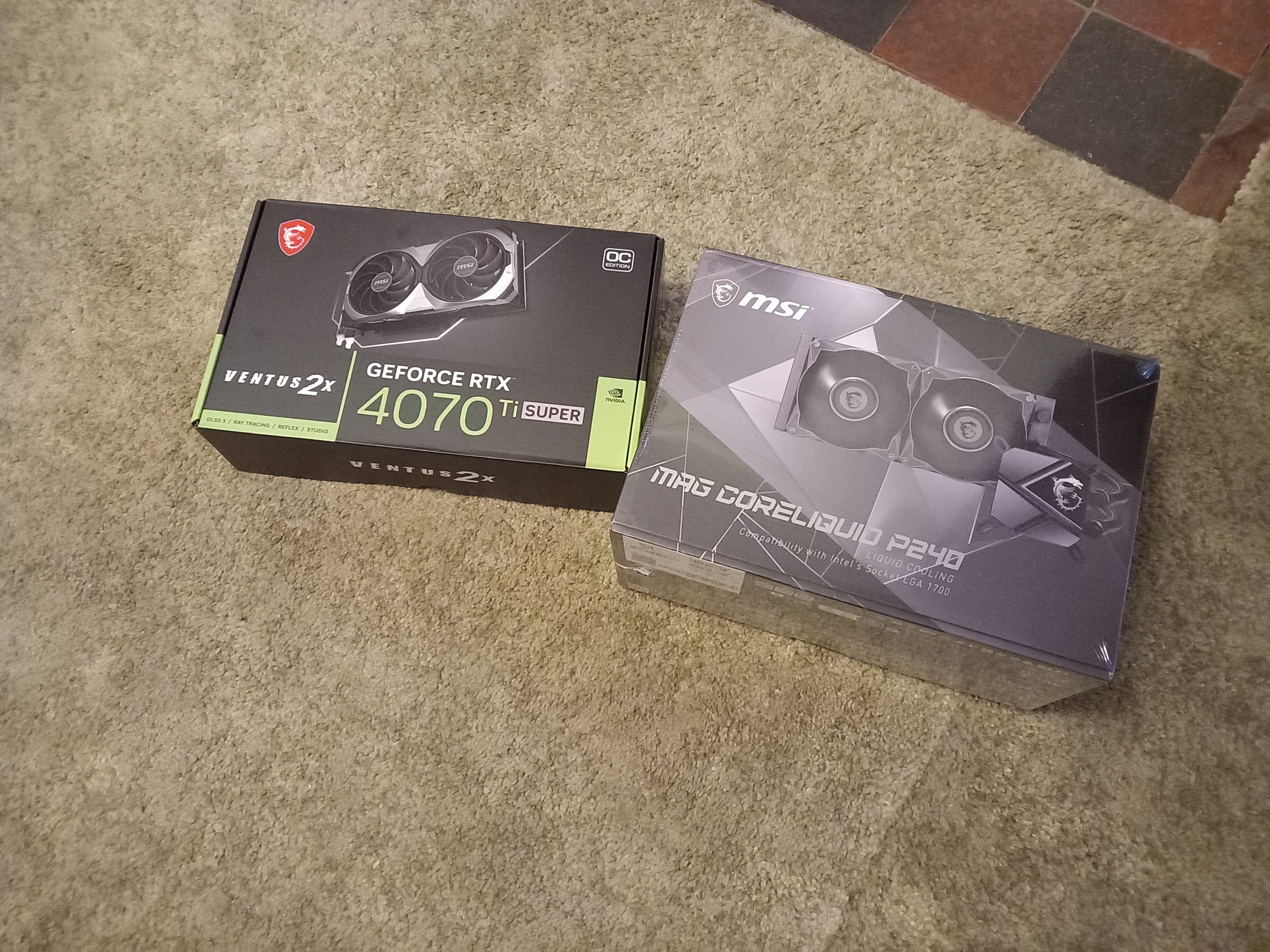
Well it's strange you should say that as my now good friend Stephen from DPD delivered another inviting looking box from Ebuyer this morning....

image.jpeg

gallery_440_79_39944.png
Posted July 26, 2024

I must admit I'm enjoying shopping for this but I've been pretty slack about it.  We've just returned from another long weekend away without children - which is a novelty in itself - however, I now have a few weeks of time on my hands so I'm ready to go....except I've got to buy a new case and actually look into the process of how to squeeze a new copy Windows11 into it all without a disc drive.

I settled on this card as a) I really can't bring myself to spend four figures on a graphics card and b) the 50xx series probably won't see the light of day until the end of the year and will no doubt conflict with a):salute:

gallery_440_79_39944.png
Posted July 27, 2024

@DD_Arthur Could you put the OS on an SSD. I have mine on one and does make boot up faster?

Now that schools out might we see you with us one night perhaps?

My Hanger 2026.png

Posted August 4, 2024
On 7/27/2024 at 2:11 AM, Friar said:

@DD_Arthur Could you put the OS on an SSD. I have mine on one and does make boot up faster?


Yes you can, and yes it will!

Posted August 17, 2024

The Hercules cockpit is HUGE in VR, so I see what you mean Arthur.

image.png

siggy.jpg

Posted August 25, 2024

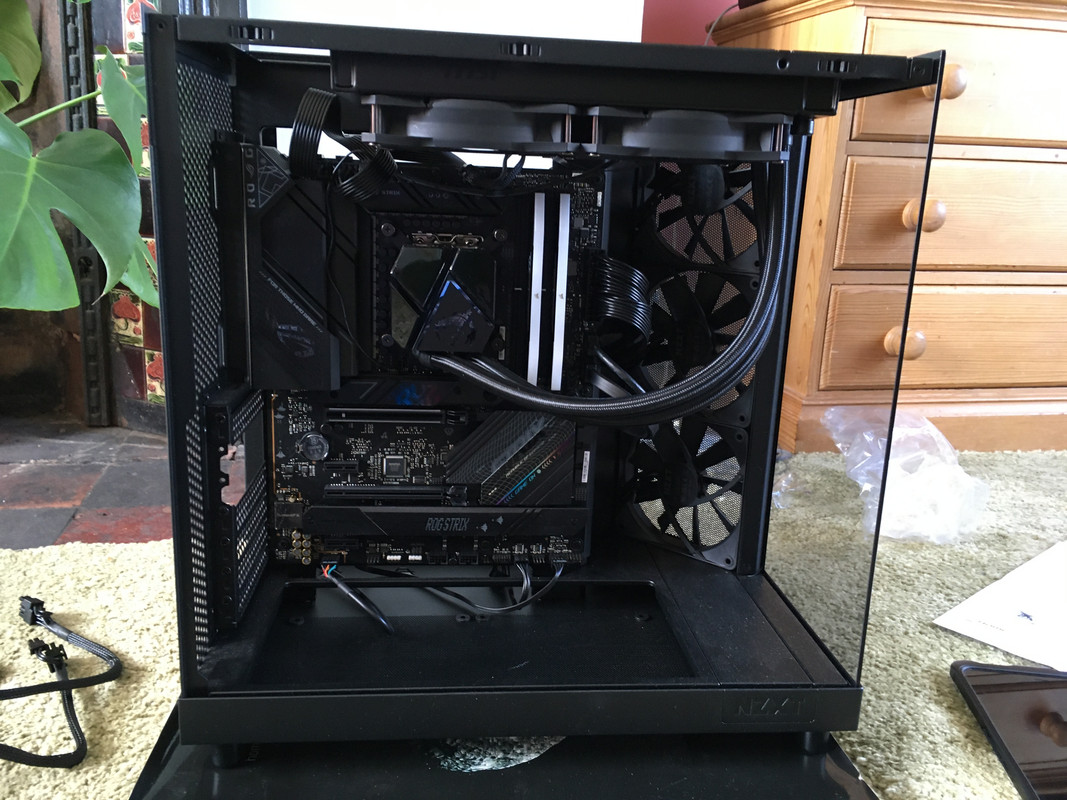
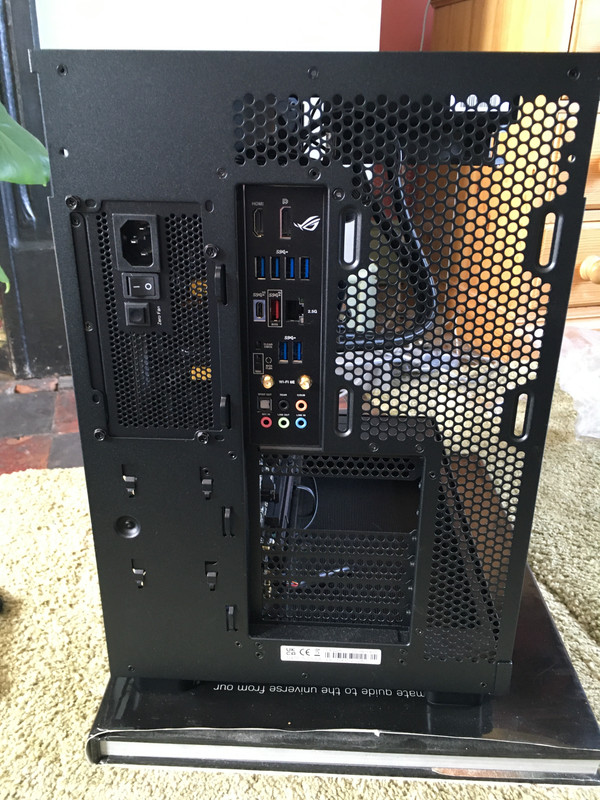
Have got this far;

IMG-3181.jpg

IMG-3182.jpg

IMG-3183.jpg

IMG-3184.jpg

The main problem has been the lack of documentation that comes with this stuff these days - with the honourable exception of the motherboard and the distraction of running over this beach with grandma and grandchildren:hot:

IMG-3180.jpg

Spent a couple of days pondering how I was going to extract one of the SSD's from 'old faithful' and stick it in 'ere before the obvious occured to me ;  just buy anuvver one:huh:  and I need to get more USB ports too. Have realised the ones on the front are going to be useless for fixed items like a joystick and TrackIr.... 

Like 1
gallery_440_79_39944.png
Posted September 5, 2024

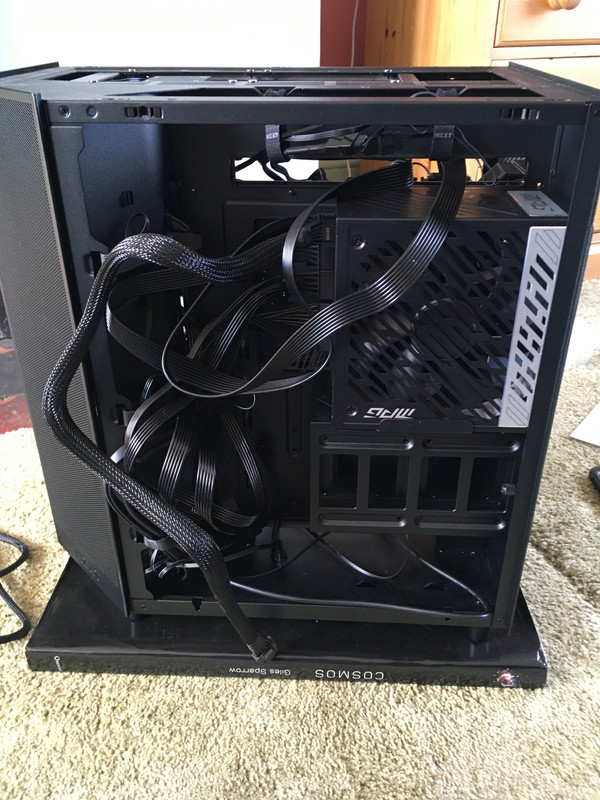
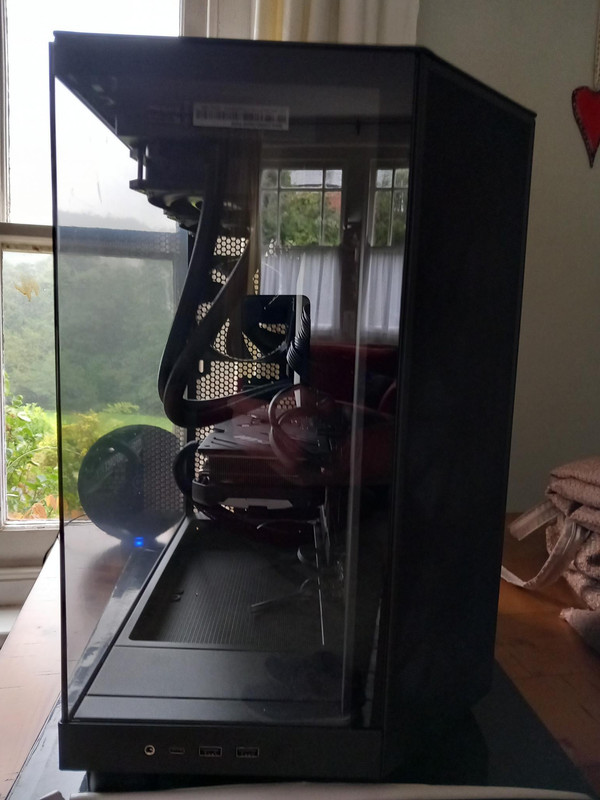
Okay, have finished chucking it all together and it's an understated thing of beauty but.......I downloaded Win 11 Home edition onto an external USB hard drive. I bought myself a legit (and expensive!) Win 11 Home product key. I plugged in the external hard drive, a key board, mouse, monitor and connected it to my router. Took a deep breath and pressed the button.

Hey! It fired up, the fans worked, the cooler pump is working as far as I can tell. Windows started loading thing and everything is fine until I get to that bit in the Windows loading screen where it says 'Connect to the internet' and nothing happens.  I can see from the lights indication on the ethernet port that it's working but nada, nothing connecting.

Any ideas greatly appreciated.  I can check the router and it's working and connected to 'old faithful' but when I connect my new pc to it, nothing is showing on the router page and Windows loading screen is still waiting for an internet connection....

Ignore the BT hub in the background. I'm not trying to plug into that.

1000009507.jpg

 1000009501.jpg

gallery_440_79_39944.png
Posted September 6, 2024

On the router you are using are there are "approved devices" lists? bit of wild stab (this new pc is not "allowed" to connect?)

You can trust the network cable you are using?

have you switched the pc off and on again :) (may be difficult in the middle of the install I guess)

My Hanger 2026.png

Posted September 6, 2024

Hello Colin, the router has a list of all the devices that have ever connected to it but I don’t think there’s a list of approved devices.

Network cable works fine with my other pc and yes, I’ve restarted the new one several times but no joy so far.

gallery_440_79_39944.png
Posted September 6, 2024 · edited Sep 6, 2024 by DD_Arthur

Quick update; I’ve managed to bypass the online registration stuff by finding a command prompt bypass.

 I’m now installing ‘Armoury Crate’ and a Lan driver - hopefully.

This is all completely new to me but I hearby promise that if I can get all this stuff working I will load DCS. 
Shouldn’t be a problem; I’ve got 3 TB of storage to play with…..🤪

gallery_440_79_39944.png

Sign in to reply.