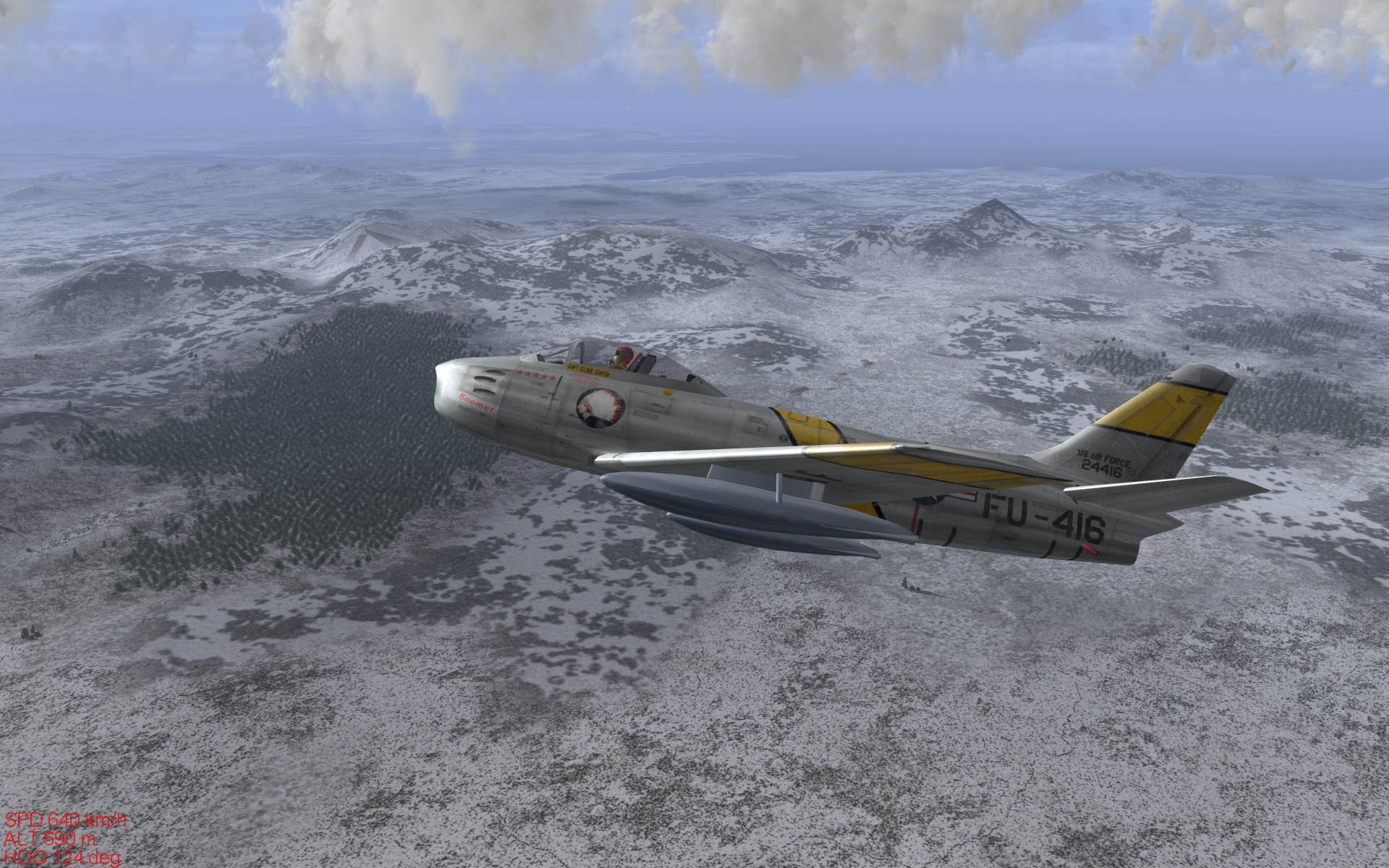
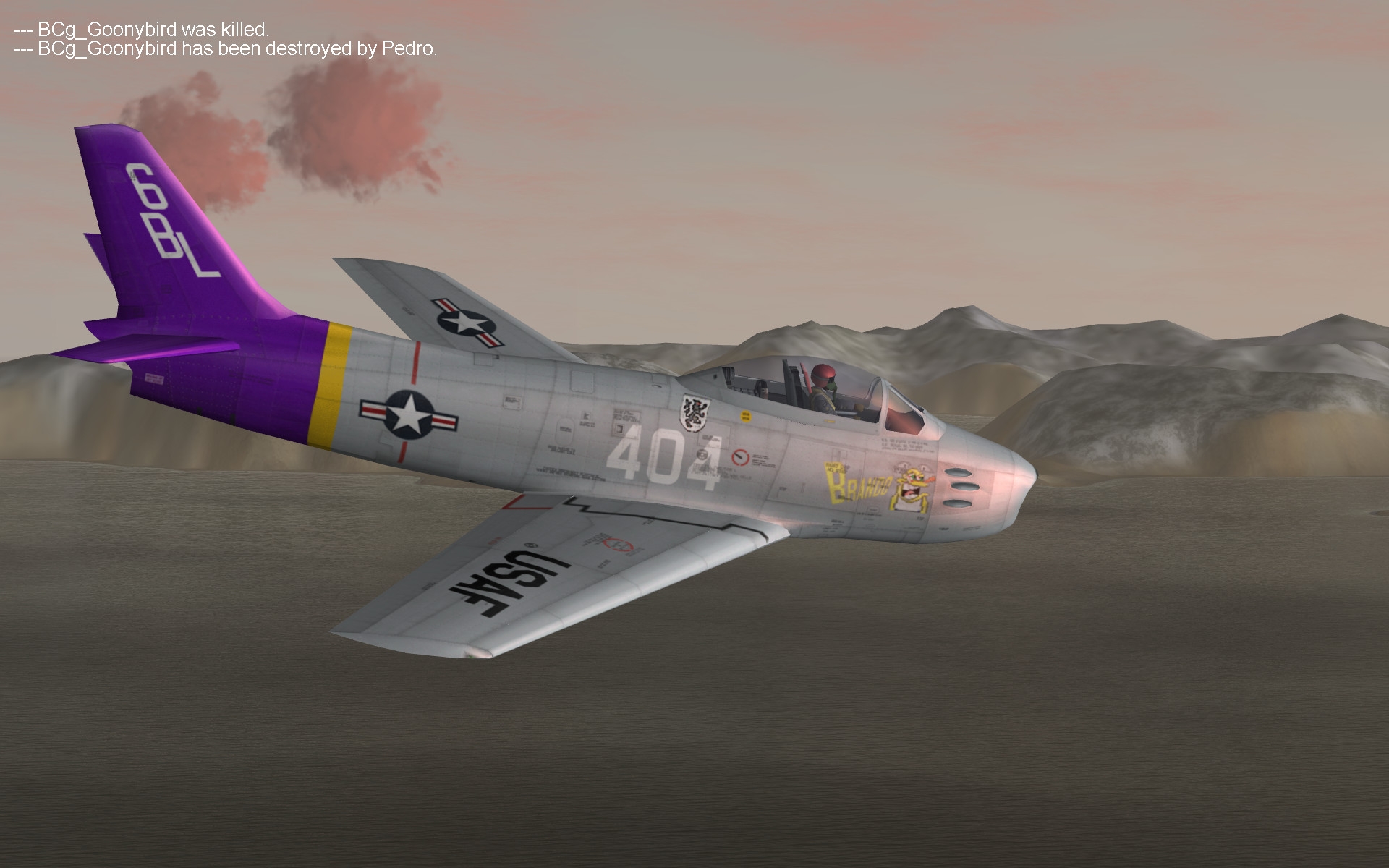
The fruity colour is fixed by changing the settings for Vertex Arrays, as below:
[Render_OpenGL]
TexQual=3
TexMipFilter=3
TexCompress=0
TexFlags.UseDither=0
TexFlags.UseAlpha=0
TexFlags.UseIndex=0
TexFlags.PolygonStipple=0
TexFlags.UseClampedSprites=0
TexFlags.DrawLandByTriangles=0
TexFlags.UseVertexArrays=0 <<<<<<<<<<<<<<<<<<<<<<<<<<<<<<<<<<<<<<<<<<<<<<<<<
TexFlags.DisableAPIExtensions=0
TexFlags.ARBMultitextureExt=1
TexFlags.TexEnvCombineExt=1
TexFlags.SecondaryColorExt=1
TexFlags.VertexArrayExt=0 <<<<<<<<<<<<<<<<<<<<<<<<<<<<<<<<<<<<<<<<<<<<<<<<<<<<
TexFlags.ClipHintExt=0
TexFlags.UsePaletteExt=0
TexFlags.TexAnisotropicExt=1
TexFlags.TexCompressARBExt=1
TexFlags.TexEnvCombine4NV=0
TexFlags.TexEnvCombineDot3=1
TexFlags.DepthClampNV=0
TexFlags.SeparateSpecular=1
TexFlags.TextureShaderNV=0
HardwareShaders=1
Shadows=2
Specular=2
SpecularLight=2
DiffuseLight=2
DynamicalLights=1
MeshDetail=2
VisibilityDistance=3
Sky=2
Forest=2
LandShading=3
LandDetails=2
LandGeom=3
TexLarge=1
TexLandQual=3
TexLandLarge=1
VideoSetupId=17
Water=2
Effects=1
ForceShaders1x=0
PolygonOffsetFactor=-0.0625
PolygonOffsetUnits=-1.0
These are my current conf.ini settings for OGL. I am using Catalyst 10.3 with the earlier atioglxxx.dll inserted into the games root folder. My card is a Radeon 4890. CPU etc details in my sig below.
Performance is very good in coop and MDS missions which I also host
brando
Yup, got rid of the fruit colors. Thanks man. I do spot some differences between your conf. and mine though.
[Render_OpenGL]
TexQual=3
TexMipFilter=3
TexCompress=0
TexFlags.UseDither=1 <----------------------------------
TexFlags.UseAlpha=0
TexFlags.UseIndex=0
TexFlags.PolygonStipple=1 <-----------------------------
TexFlags.UseClampedSprites=0
TexFlags.DrawLandByTriangles=1 <------------------------
TexFlags.UseVertexArrays=0
TexFlags.DisableAPIExtensions=0
TexFlags.ARBMultitextureExt=1
TexFlags.TexEnvCombineExt=1
TexFlags.SecondaryColorExt=1
TexFlags.VertexArrayExt=0
TexFlags.ClipHintExt=0
TexFlags.UsePaletteExt=0
TexFlags.TexAnisotropicExt=1
TexFlags.TexCompressARBExt=1
TexFlags.TexEnvCombine4NV=0
TexFlags.TexEnvCombineDot3=1
TexFlags.DepthClampNV=0
TexFlags.SeparateSpecular=1
TexFlags.TextureShaderNV=0
HardwareShaders=0 <-------------------------------------
Shadows=2
Specular=2
SpecularLight=2
DiffuseLight=2
DynamicalLights=1
MeshDetail=2
VisibilityDistance=3
Sky=2
Forest=2
LandShading=3
LandDetails=2
LandGeom=3
TexLarge=1
TexLandQual=3
TexLandLarge=1
VideoSetupId=17
Water=2
Effects=1
ForceShaders1x=0
PolygonOffsetFactor=-0.15 <------------------------------------
PolygonOffsetUnits=-3.0 <--------------------------------------
It's all good I guess. I can finally see why people always nag about how much better this game runs in OGL. It really does! Landscape flows much better and finally I can tweak details on a much larger scale. I run a Q9550@3.25gHz and 5870 graphics on this config and it works really great! Overclockign it some more tonight and see if it reduces some of the minor FPS loss I get over the bigger towns.
Thanks!