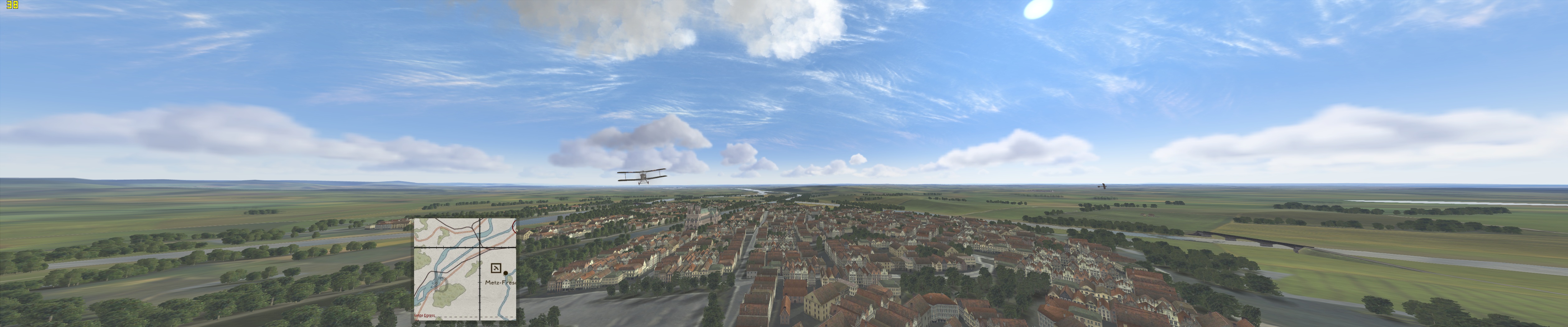
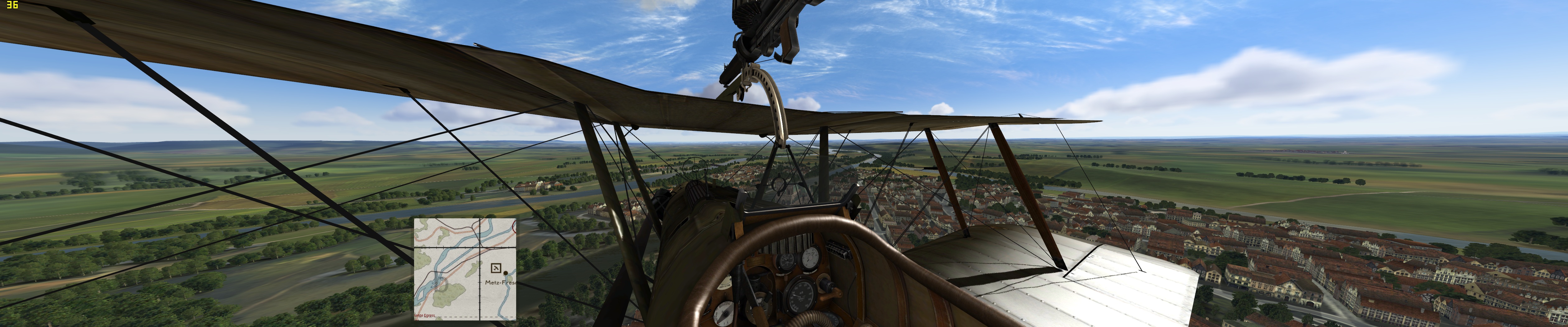
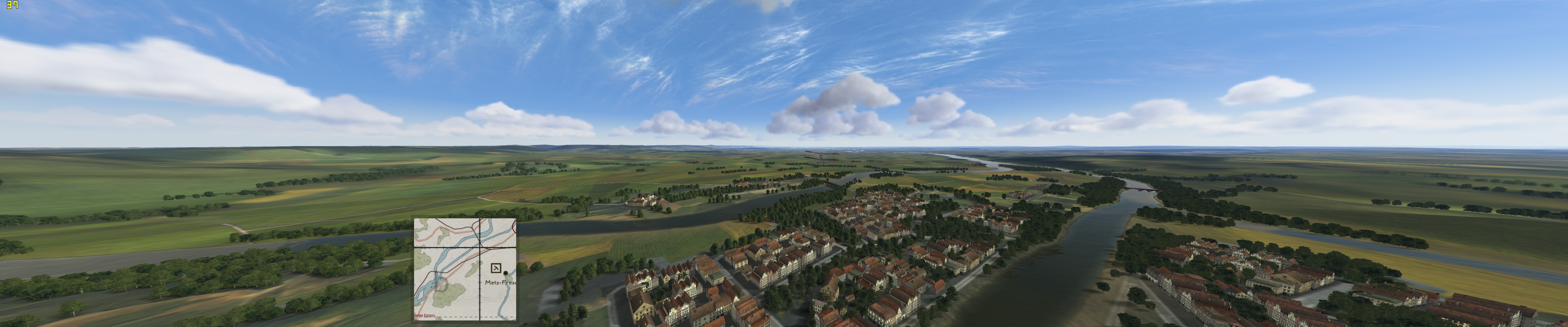
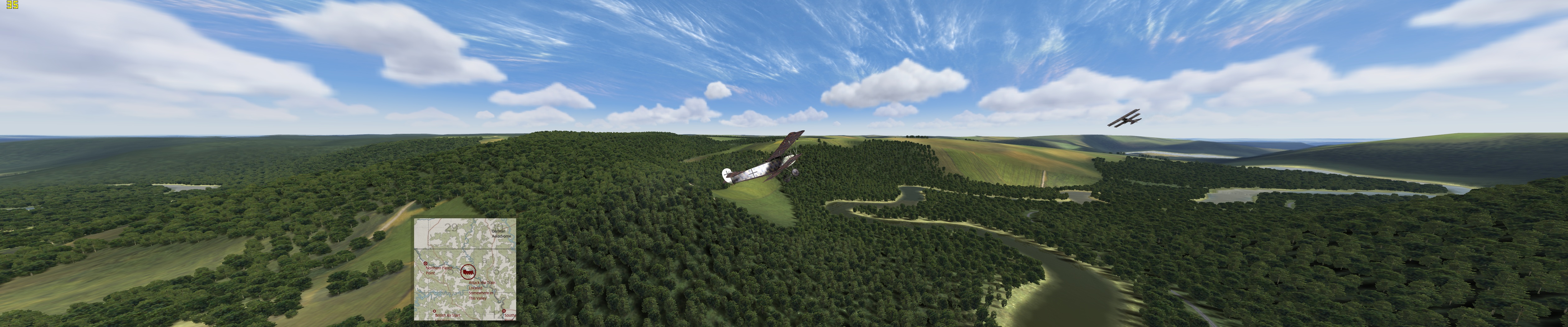
Rof Eyefinity Screenshots

By PropNut, Oct 21, 2010 in Rise of Flight-NOT BEEN USED SINCE 2020 - TO BE DELETED

Posted October 21, 2010 · edited Oct 21, 2010 by PropNut

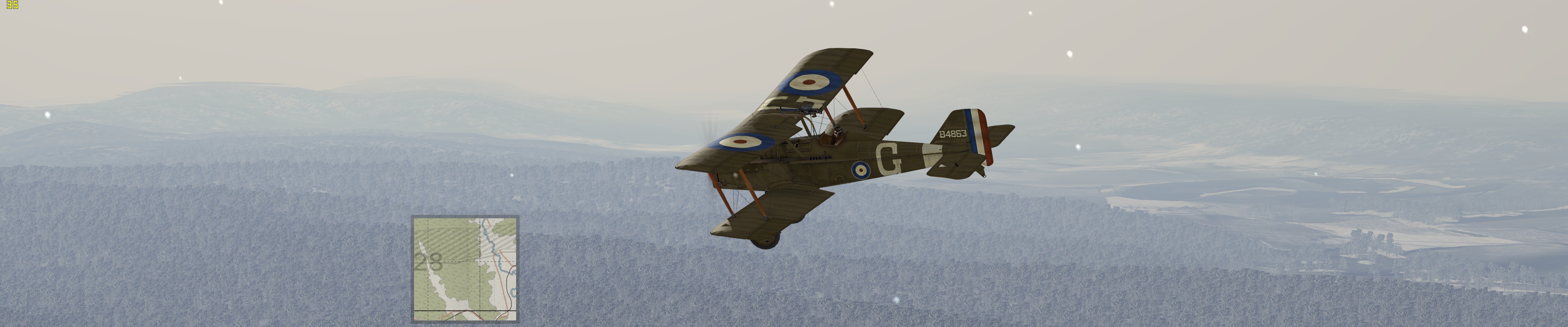
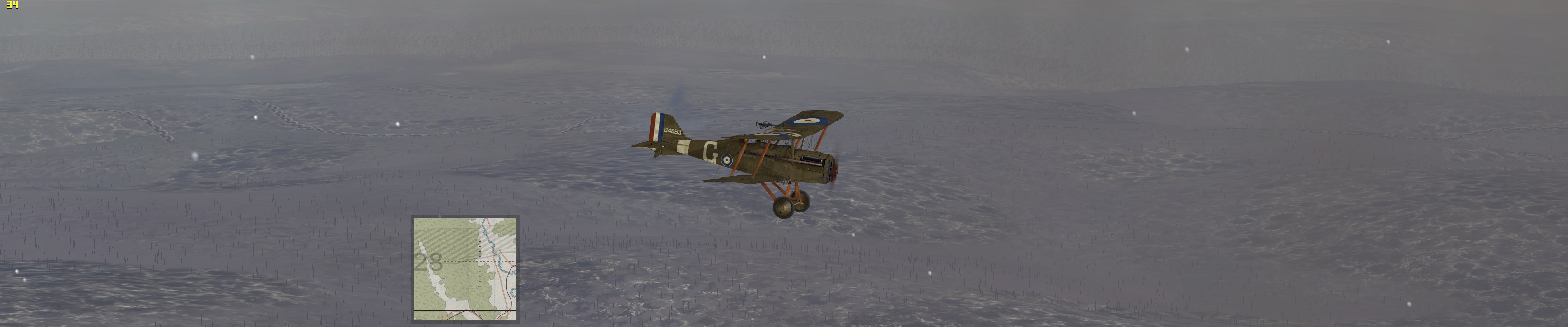
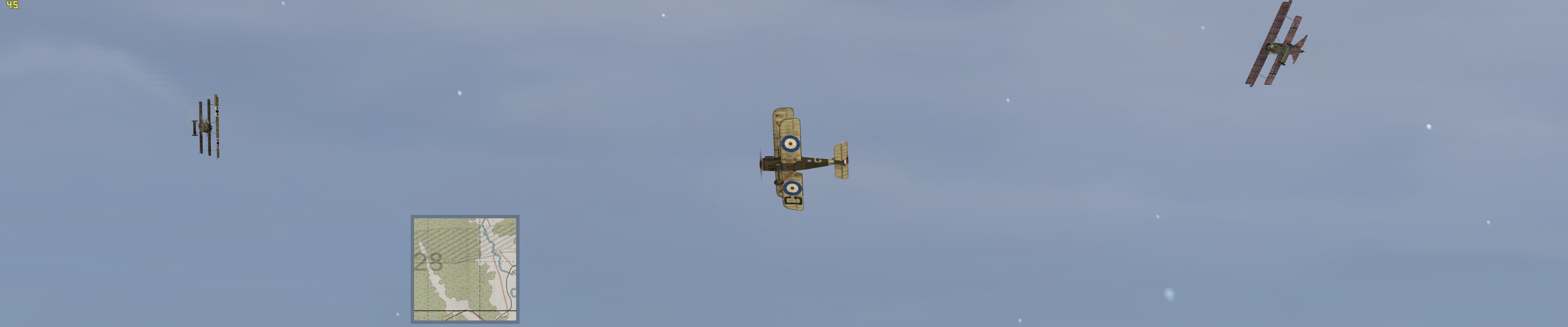
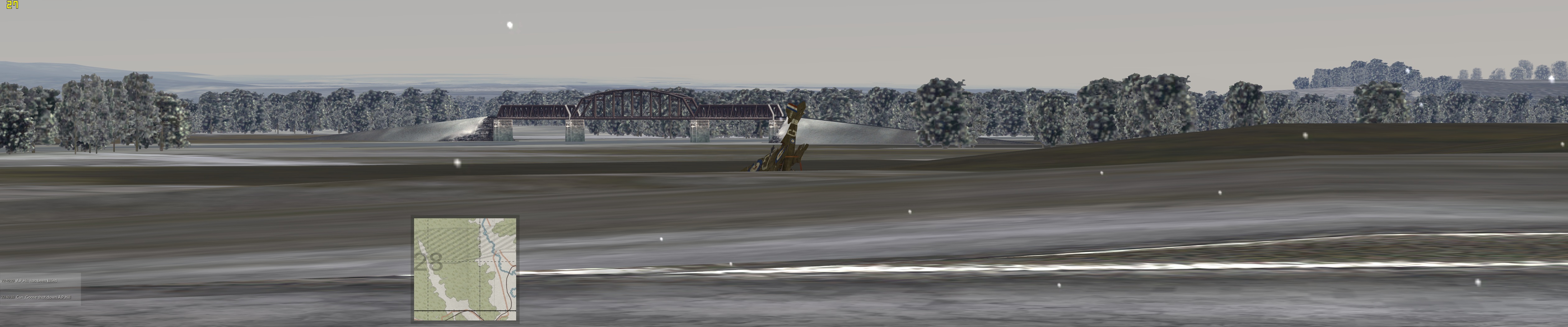
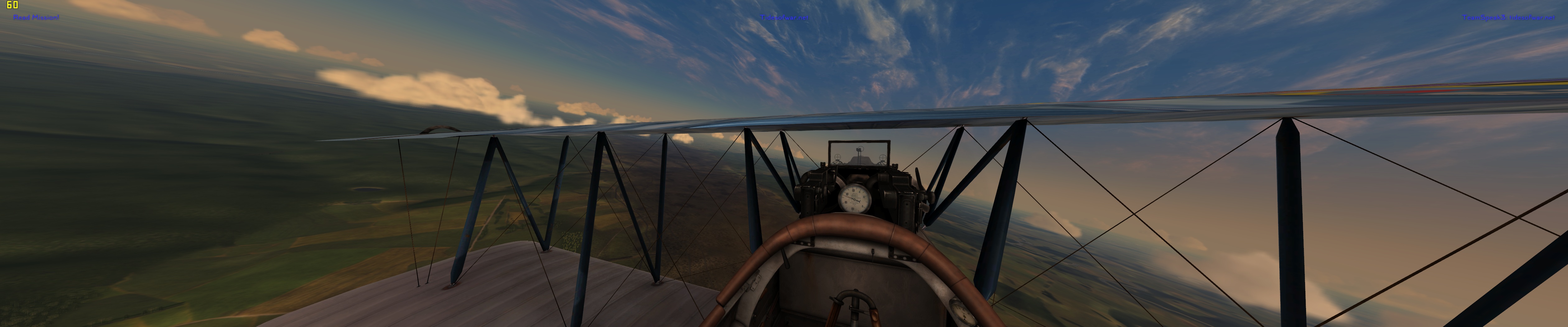
Here are some screenshots from tonights Danger Dogz RoF night.

The FoV is a little off, I have not had eyefinity set up for RoF in a while as I prefer to use the other two screen for other things while playing and I seldom use my desktop for flight sims. (That is what the simpit is for, yes?).

I tweaked them correctly before but I do not remember how at the moment, I will fix em though.

First a picture of what the three monitors look like in real life:

DSC03845.jpg

post-588-076480000 1287719539_thumb.jpg

post-588-052387600 1287719549_thumb.jpg

post-588-018830100 1287719561_thumb.jpg

post-588-062686000 1287719573_thumb.jpg

post-588-030209900 1287719585_thumb.jpg

post-588-068254900 1287719694_thumb.jpg

post-588-064951700 1287719704_thumb.jpg

post-588-024285200 1287719728_thumb.jpg

post-588-035405800 1287719757_thumb.jpg


People demand freedom of speech as a compensation for the freedom of thought which they never use. - Soren Aabye Kierkegaard


gallery_440_79_23940.png

Posted October 21, 2010

Here are some screenshots from tonights Danger Dogz RoF night.

The FoV is a little off, I have not had eyefinity set up for RoF in a while as I prefer to use the other two screen for other things while playing and I seldom use my desktop for flight sims. (That is what the simpit is for, yes?).

I tweaked them correctly before but I do not remember how at the moment, I will fix em though.

First a picture of what the three monitors look like in real life:
DSC03845.jpg

Thanks for posting these pictures Propnut ! They are beautiful ! What kind of graphic card do you have. Do you need 2 cards in a crossfire mode ? or just the one card ?

Thanks again.

MT

P47sig2.pngMTROF2.png

gallery_440_79_39944-1.png

Posted October 21, 2010 · edited Oct 21, 2010 by PropNut

Hi MT,

I use just one HD5850 (they are on sale at Newegg for 194.00 (with mail in rebate).

http://www.newegg.com/Product/Product.aspx?Item=N82E16814127500&cm_re=hd5850-_-14-127-500-_-Product

Note: This particular card needs to use an HDMI, DVI and Displayport connection. Most others have two DVI, two HDMI and one Display port. Any way you plug them in, you must use the Displayport plug-in for Eyefinity.This means you need an adapter if your monitor does not have native Displayport connectivity.

An adapter is only 20.00-30.00 on newegg (much better than when eyefinity came out and the adapters were 109.00 each.)

http://www.newegg.com/Product/Product.aspx?Item=N82E16814999032

I purchased the above adapter to see how well it would work (instead of my ultra expensive one that us early adopters had to buy, lol) and it works great.


People demand freedom of speech as a compensation for the freedom of thought which they never use. - Soren Aabye Kierkegaard


gallery_440_79_23940.png

Posted October 22, 2010

Great stuff, Prop. When you say that a 5850 is enough to run 3 monitors(22"?) I'm curious if a 5870 is enough to run 3x24" @ 1920x1200....... :crazysmile:

Three rules for any forced landing:

1. Don't stall.

2. Don't ever stall

3. Don't never ever stall.

Posted October 22, 2010

That is awesome Prop! One of the things I don't like about RoF is that with those really tight furballs I cannot see peripherally enough. But this would help a ton!

Posted October 22, 2010

Kimo, I would guess so...depending one what the resolution of your monitors are. I am assuming they are 1920x1200 or so? That would give you a resolution of 5760x1200 for a total pixel count of 6,912,000. Mine is rendering 5,292,00 pixels, so I am pushing 87% of what you would be running and doing it with a weaker GPU. I cannot see why you would have poorer performance than I do.

Snacko, Headtracking man, headtracking ;)


People demand freedom of speech as a compensation for the freedom of thought which they never use. - Soren Aabye Kierkegaard


gallery_440_79_23940.png

Posted October 22, 2010

Hey Propnut,

what about trackIR ? did you have to modify your profile now that you are using 3 monitors ? I would imagine so !

MT

P47sig2.pngMTROF2.png

gallery_440_79_39944-1.png

Posted October 22, 2010 · edited Oct 22, 2010 by Snacko

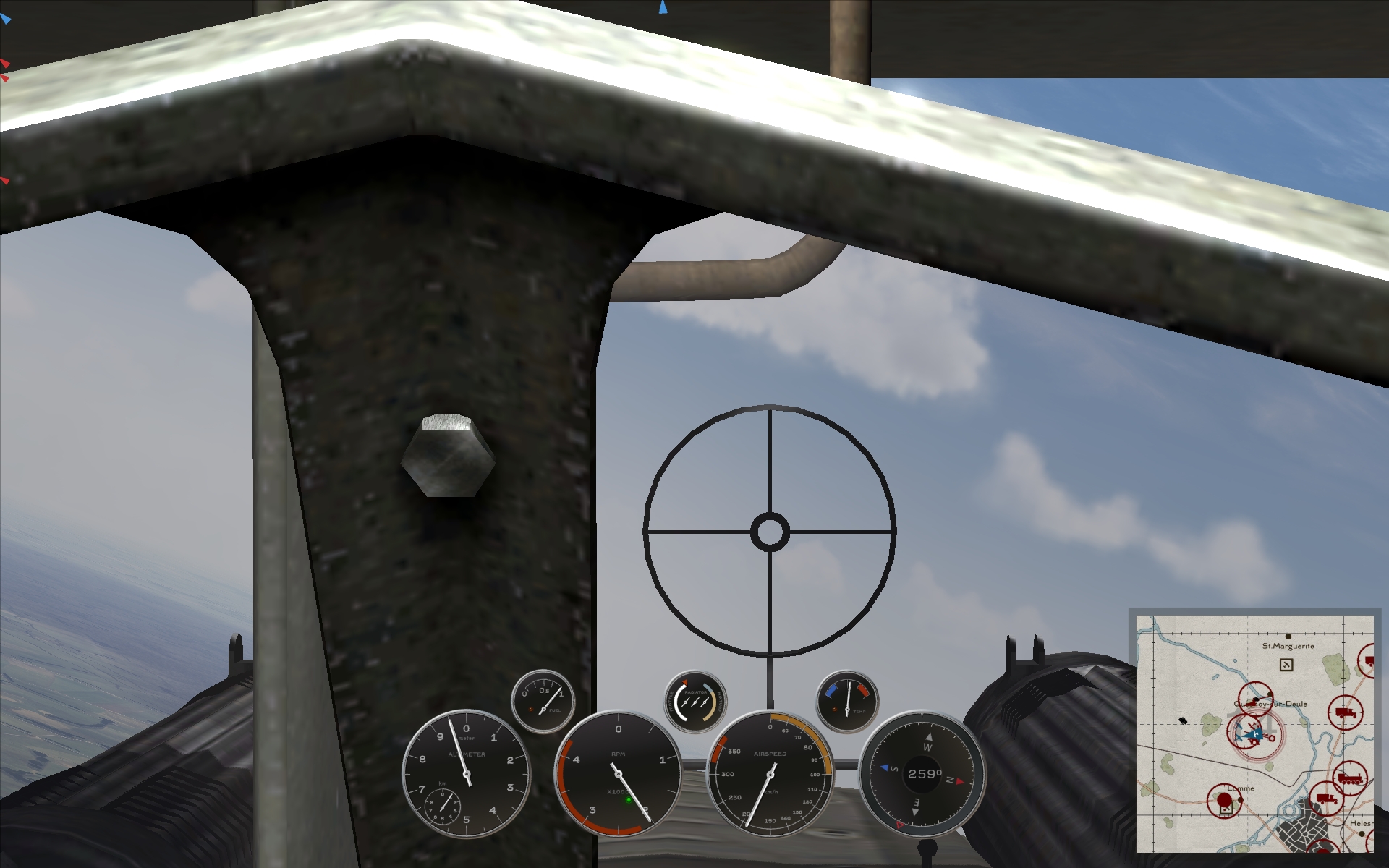
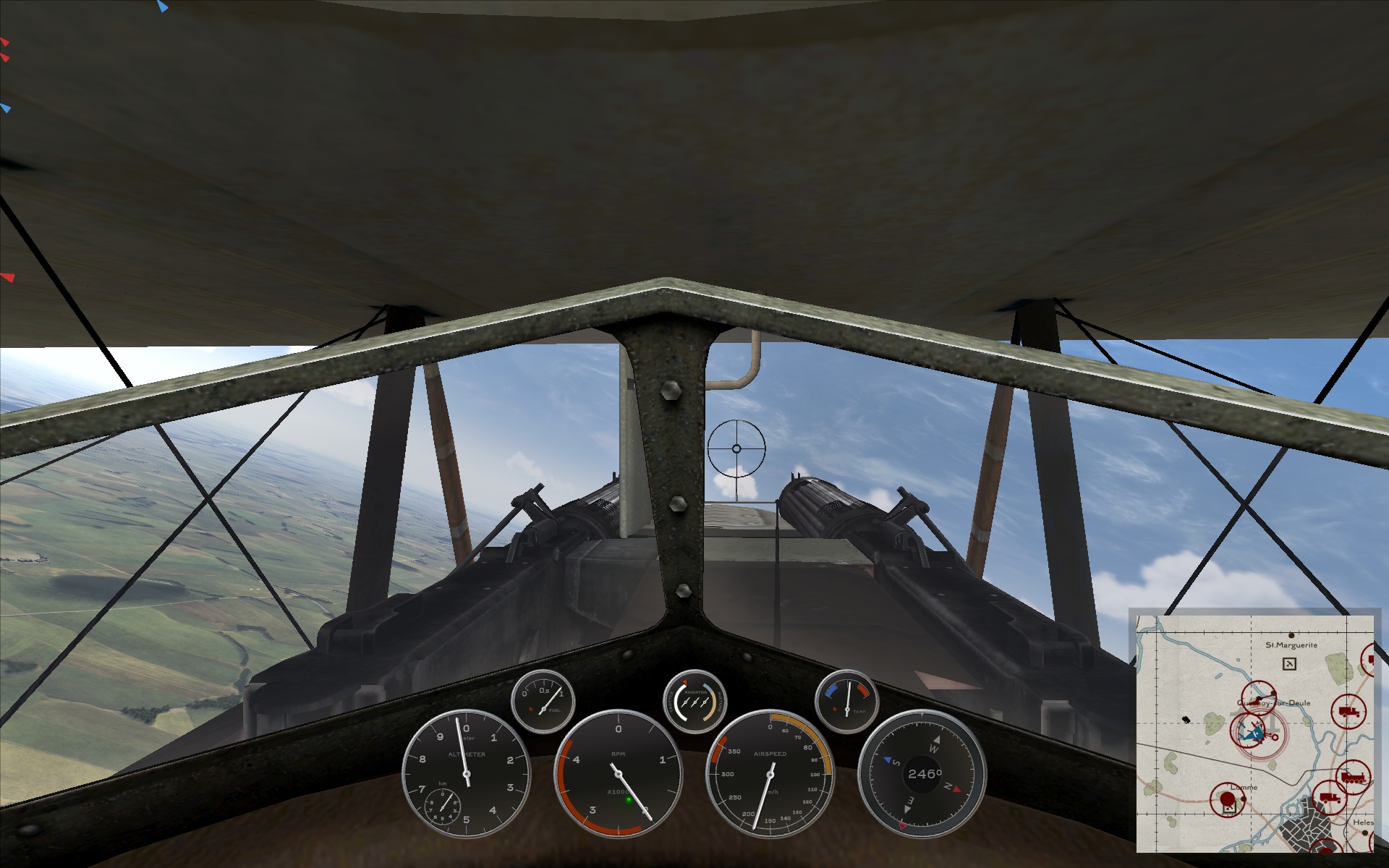
Here is the view that I get zoomed in and all the way out.

post-440-030120700 1287782117_thumb.jpg

post-440-062813600 1287782153_thumb.jpg

Posted October 22, 2010

Hey Snacko, There is a way of adjusting your default in cockpit view. You do just as if you were making a snp view or a gun sight view but holding the numpad 5 key. I did'nt like the spad before and it was because I did'nt have a good view (like you) and now after I fixed it look what its giving me:

rof2010-10-2217-39-53-81.jpg

rof2010-10-2217-39-23-85.jpg

rof2010-10-2217-39-33-64.jpg

rof2010-10-2217-39-19-04.jpg

If you don't remember how it is done, look at my post about setting a gun sight view.

MT

P47sig2.pngMTROF2.png

gallery_440_79_39944-1.png

Posted October 22, 2010

Thanks. Now that I see your screen shots I remember that I did have that view before at one time. Probably an update that changed it. I'll take a look at those settings you suggested. Thx.

Sign in to reply.